
AI Intrusion Detection
AI-assisted intrusion detection helps identify configured activity at a boundary or within a monitored area. A compatible camera, analytics application or integrated sensor can surface a possible crossing, presence or movement event for review. The purpose is to give an operator a useful prompt with location and context, rather than treating every moving pixel as a security incident.
Video unavailable. Follow the illustrated workflow below.
THE EVENT JOURNEY
Fence line → intrusion rule → security review
Watch the boundary
A person approaches or enters a configured perimeter zone.
Assess the event
Supported object, direction and schedule rules help filter movement for review.
Route the alert
Event context can reach a control room, app, email or SMS integration through the approved network.
Verify and respond
Security staff check whether the activity is authorised before following the site response procedure.
Illustrative sequence, not a detection-speed demonstration. Capabilities and notification channels depend on the selected equipment, platform and agreed response workflow.
Define the boundary and the operating hours
A perimeter fence, delivery gate, service entrance and internal controlled area each need a different rule. A virtual line may identify movement in a specified direction. An area rule may flag a supported object class entering a zone. An out-of-hours schedule can distinguish normal daytime work from activity that needs review after the site closes.
These settings must reflect how the business actually operates.
Authorised contractors, cleaners, late deliveries and maintenance teams can all create legitimate events. Agree how the monitoring team learns about planned access and who can amend a temporary schedule. An alert does not establish that someone is unauthorised or has criminal intent.
It identifies a configured condition that should be checked against access information and the visible scene.
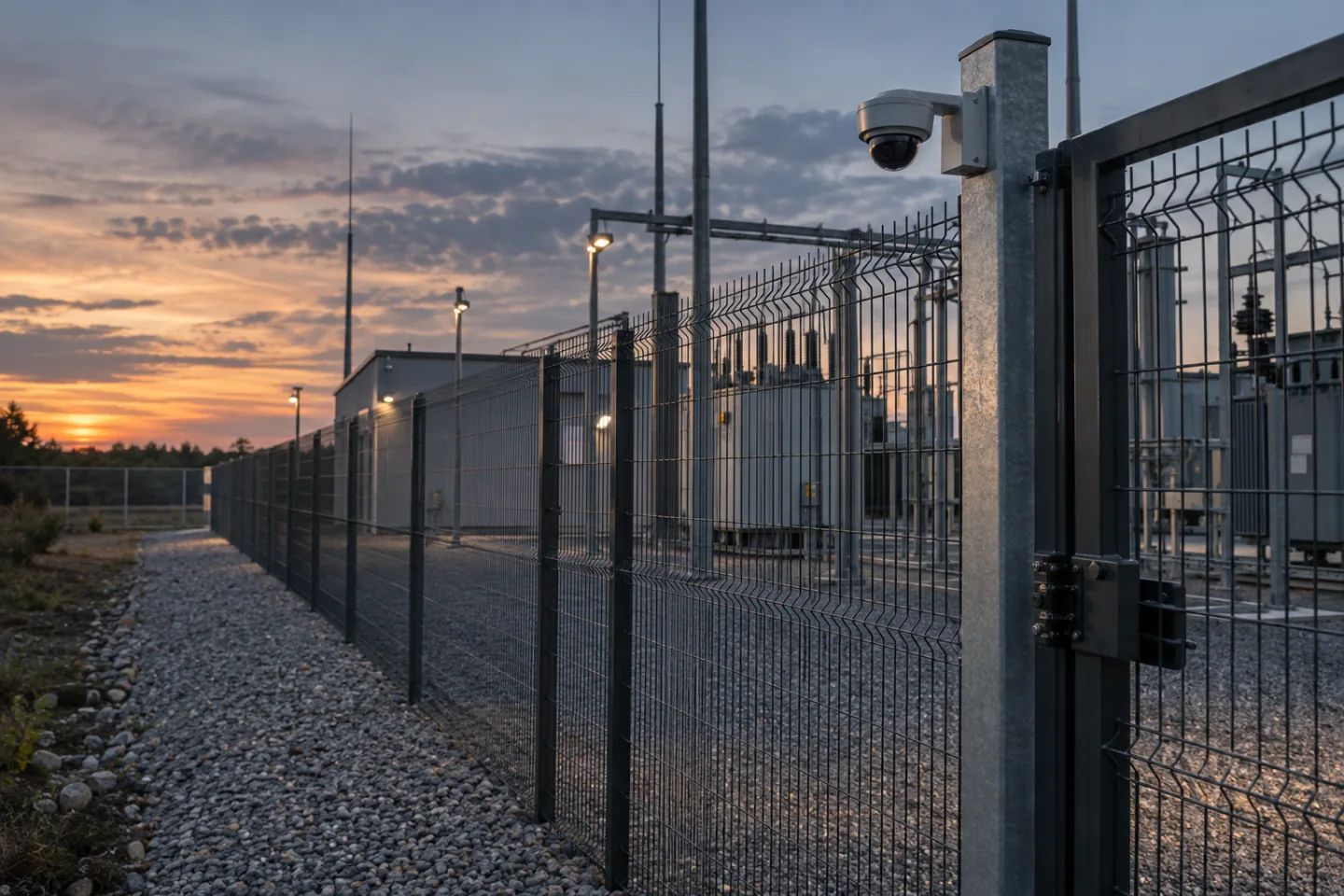
Use cameras and sensors together where useful
Supported visible-light cameras can provide visual context and object classification. Thermal cameras, radar or dedicated perimeter sensors may suit particular environments, subject to equipment capability and site assessment. An integration may use one device to initiate an event and another to help verify it.
Compatibility, licensing and interface behaviour need to be confirmed rather than inferred from the presence of a network connection.
Outdoor scenes introduce practical constraints. Vegetation, wildlife, weather, headlights, moving shadows and changes in contrast can affect analytics. The view must include enough of the monitored subject to support the selected rule. A camera placed mainly for a broad overview may not provide the detail or geometry needed at a distant fence.
The network design also needs appropriate power, bandwidth and environmental protection for field equipment.
Match the workflow to the site
A warehouse may monitor its yard perimeter after dispatch operations finish, while keeping a separate rule for authorised overnight vehicle movements. Retail premises may focus on rear service doors and shared delivery corridors. An office may use a controlled-area rule around plant access or a service entrance outside staffed hours.
Industrial and remote sites may combine a camera event with information from a gate, contact or perimeter sensor.
For vessels and technical facilities, an internal restricted-area event can be more relevant than a conventional land perimeter. The boundary, permitted personnel, access windows and response ownership must be agreed with the responsible team. The same camera capability should not be presented as suitable for every outdoor, marine or industrial condition.
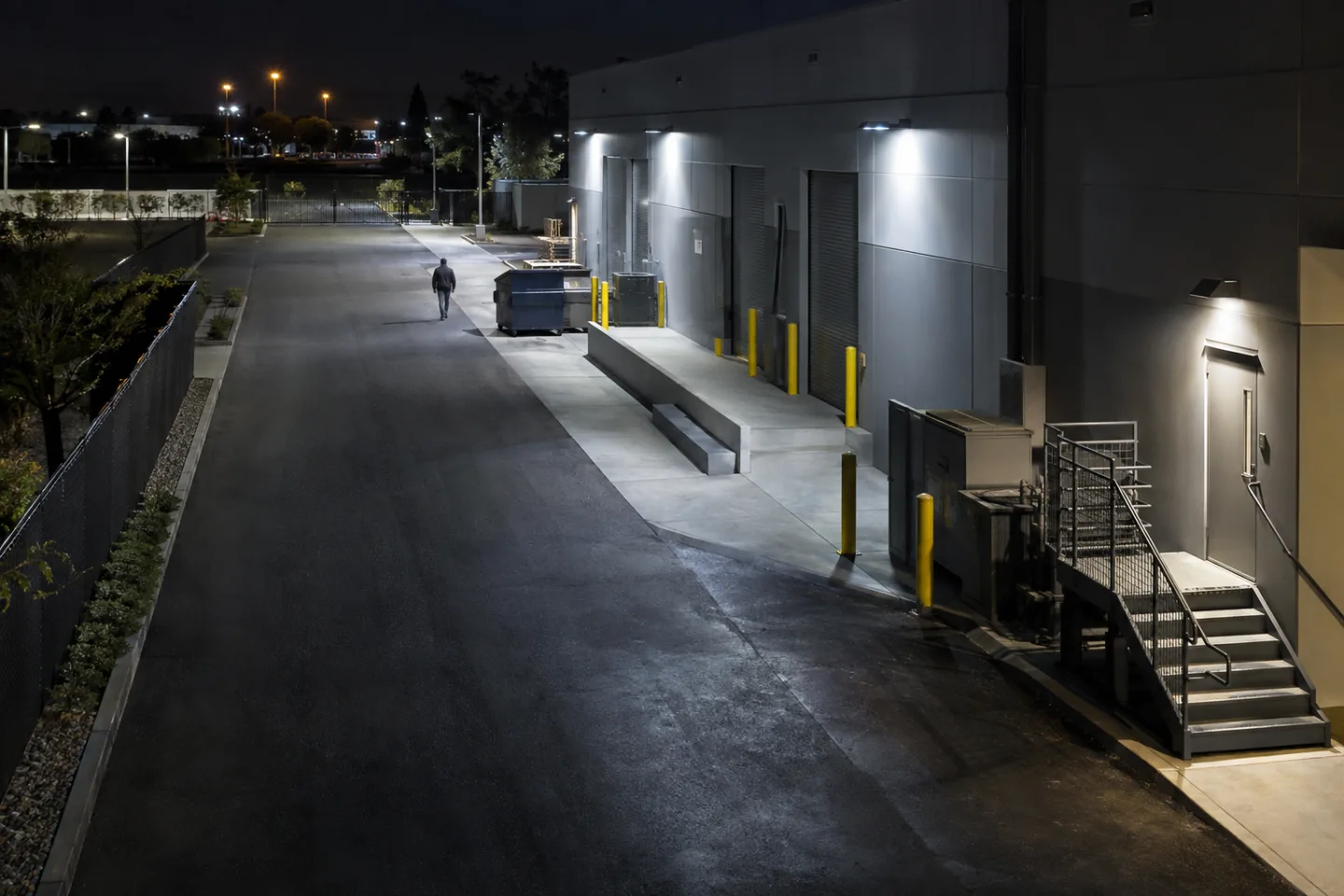
Route a possible intrusion to the right operator
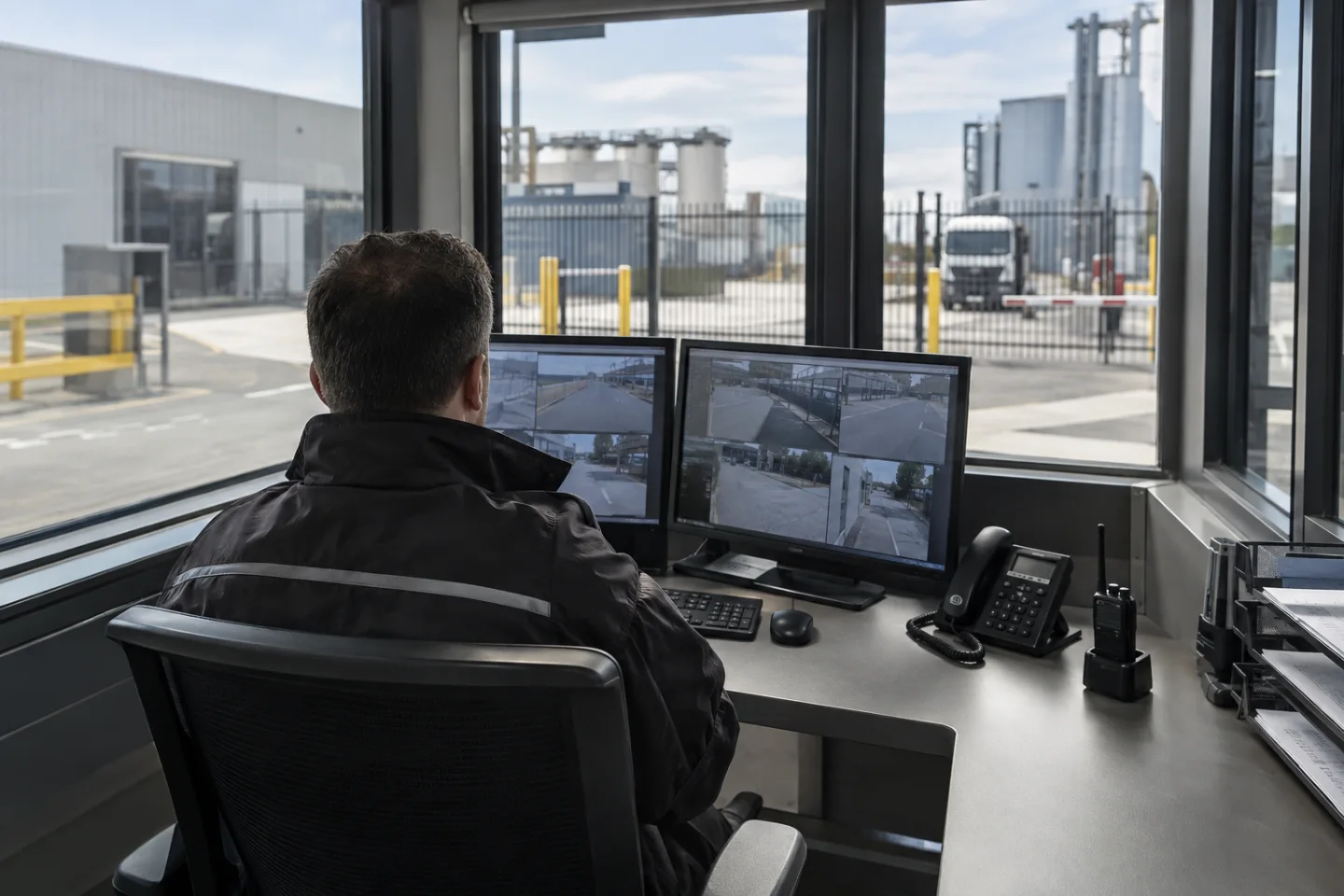
An event can be delivered to a VMS, monitoring platform or supported alarm workflow with a camera reference, timestamp, rule name and relevant image or clip. Email, SMS and app notifications may provide secondary awareness where supported by the chosen platform and delivery service.
A control room may receive a queued event with an acknowledgement and escalation procedure.
The operator should review the scene, check authorised access and follow the agreed response plan. An audio message, alarm output or security dispatch may be appropriate in a defined workflow, but those actions require deliberate configuration and responsible approval. Avoid designing a system that automatically treats every analytics event as a confirmed intrusion.
The route from detection to verification is as important as the initial camera rule.
Commission normal activity as well as test events
Testing should cover expected crossings and legitimate movements, including direction, speed, lighting and obstructions. Check the evidence available to an operator, notification delivery and the behaviour when a network link or device is unavailable. Record unwanted triggers so the team can adjust a supported rule without simply making it insensitive to the event of interest.
Keep administration access controlled and review permissions, retained video and audit records with the organisation. A 24/7 configured monitoring schedule depends on powered equipment, usable views, functioning communications and a defined receiving service. It is not a guarantee that every event will be detected or that a person is continuously watching.
IS Security can coordinate the cameras, cabling, network and integration scope around the site's monitored boundaries and operating procedures.
From a possible event to a useful response.
Fence line → intrusion rule → security review. Open each stage to explore its role. This is an illustrative workflow; it does not analyse live footage or send notifications.
01 / OBSERVEPerimeter network camera
The monitored condition is: person crosses a configured boundary. Select the device, field of view and installation position for this specific task. Record obstructions, lighting, power and maintenance requirements before relying on the event stream.
02 / INTERPRETObject classification + zone rule
Apply arming schedule and persistence filter. The selected platform must support the intended event and expose a usable interface. Test representative events and unwanted triggers; an analytics output is a candidate for review, not proof of what happened.
03 / CONNECTLAN → firewall → secure platform
Carry authorised event data through the local switch or sensor gateway and an approved network path. Size bandwidth for any accompanying clip. Protect accounts and interfaces, supervise connection loss and agree retry behaviour where the platform supports it.
04 / RESPONDSecurity / control room
Deliver the location, event type and time to the agreed recipient. A person verifies the available context, follows the site response procedure and records the outcome. Delivery, acknowledgement and resolution are different states and should be reviewed separately.
Where supported by the selected camera, sensor, VMS or analytics platform. Safety-related analytics provide supplementary operational awareness and do not replace dedicated certified fire or life-safety systems where required. The final design must define the equipment, event interfaces and responsible response team.
Reach the people who can act.
Available outputs depend on the selected platform, licences and agreed integrations. Open a channel for practical delivery considerations.
Send event context and a secure review link to an authorised mailbox where supported. Agree recipients and inbox monitoring; acceptance by a mail server does not confirm that a person has read or acted on the message.
Text / SMS
Use a supported gateway or monitoring integration for concise location and priority messages. Confirm service availability, costs and delivery reporting. Sensitive footage should stay within the authorised platform rather than an unrestricted text message.
Mobile apps
A supported application can present event details and acknowledgement controls to authorised users. Test notification permissions, connectivity and out-of-hours coverage. A silenced or offline handset needs a planned alternative recipient or escalation route.
Alarm outputs
A compatible interface may trigger an approved operational sounder, relay or indicator. Define supervision, reset behaviour and responsibility. Do not connect analytics directly to hazardous equipment or alter certified safety functions without the appropriate engineered design.
Control room / monitoring platform
Route supported events into the operator workflow with a consistent site identifier and priority. Give reviewers enough context to distinguish an actionable event from an unwanted trigger, with access restricted to their responsibilities.
Escalation & event review
Define who receives an unacknowledged event, how long the initial team has to respond and how closure is recorded. Review failed deliveries, recurring unwanted alerts and staffing gaps alongside the detection rules.
Plan the complete monitoring chain.
Start with the event, the operating environment and the person responsible for responding. Share existing equipment details, site plans and integration requirements with the technical team.
