01
Equipment installation
Install agreed IT and network equipment within onboard cabinets and technical spaces.


Installation, connection and replacement of IT and network equipment within commercial vessel environments.
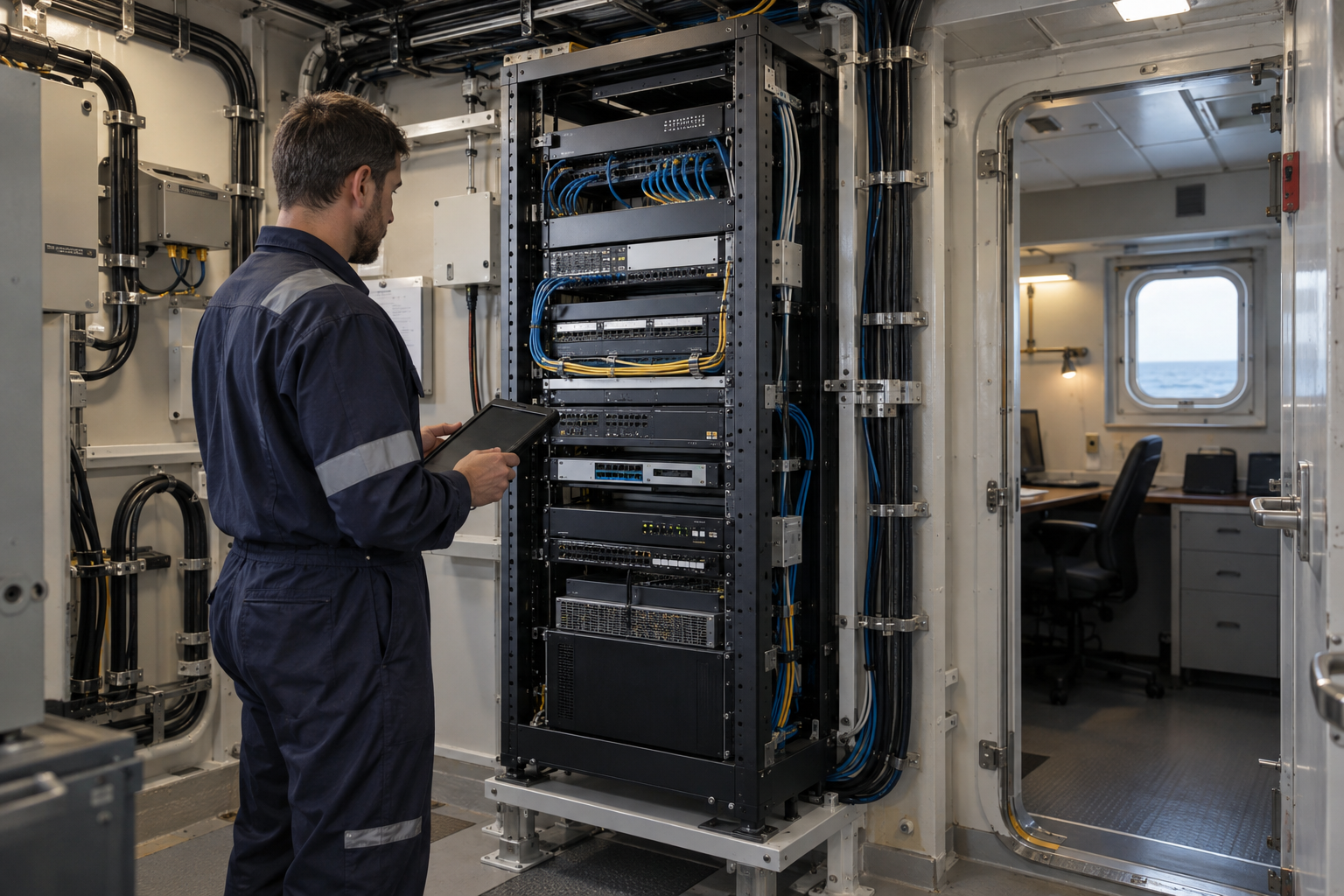
IS Security carries out the physical installation and connection work that brings onboard IT equipment into service. We coordinate equipment locations, cabling and network interfaces with your technical team, whether the task is a targeted replacement or part of a wider vessel technology upgrade.
Physical infrastructure, connected equipment and a clearly agreed installation scope.
Install agreed IT and network equipment within onboard cabinets and technical spaces.
Organise equipment positions and patching around available space, connection routes and maintenance access.
Connect equipment to the vessel’s copper and fibre infrastructure and agreed network interfaces.
Remove and replace equipment within an agreed scope, with attention to affected connections and changeover requirements.
Work with your technical contacts to identify dependencies between new equipment and existing systems.
Identify installed equipment and connections, and complete the agreed checks with the responsible technical team.
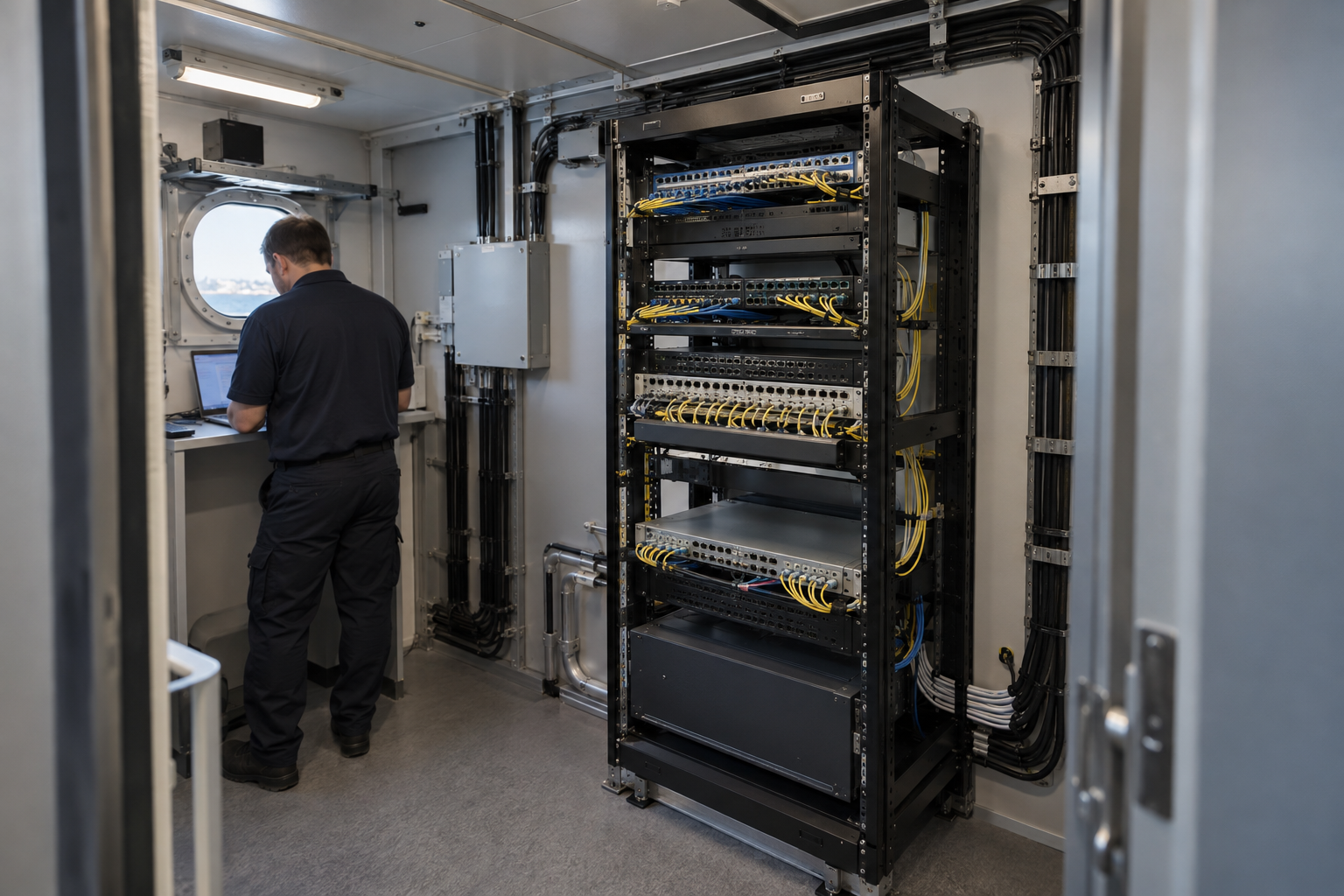
Vessel location, cable access, interfaces and attendance windows shape the agreed installation. The diagram illustrates system relationships, not a completed vessel project.
Coordinate shipboard business IT hardware and supported integration. Explore the decisions that shape the installation, interfaces and handover.
An onboard IT replacement needs more than an available mounting position. Identify the application owner, supported hardware, power requirements and intended network connection. Confirm who supplies licences, accounts and any software configuration before the port window. If a vendor must participate in commissioning, agree that attendance or remote access in advance. The installation scope should distinguish physical equipment work from application support and data migration. This gives the vessel team a realistic view of what can be completed during the visit and what depends on another party.
Business IT, crew services and specialist operational equipment may share a location without sharing the same change authority. List the interfaces that are approved and the systems that remain outside the work. Do not connect replacement equipment to a convenient network port without confirming its intended use. Where configuration is retained, establish that it is appropriate for the new equipment and current requirements. Agree how credentials and sensitive records will be transferred securely. The project handover should make support responsibilities clearer rather than introducing an undocumented dependency on an installer.
Acceptance should follow the task the installed equipment is meant to perform: reaching an approved application, communicating with a supported peripheral or being accessible to an authorised administrator. Power and link lights are useful observations but are not a complete system test. Record physical locations, connection references and outstanding vendor actions. For fleet work, use consistent documentation fields while preserving vessel-specific details. Provide equipment information, known symptoms and the available work window with the enquiry so the scope can identify investigation, installation and commissioning as separate activities where necessary.
Confirm hardware, software and supplier responsibilities.
Approve network and power connections within vessel boundaries.
Witness the intended application task and record remaining actions.
Use these checkpoints to discuss the scope. The final test method, responsibilities and acceptance evidence depend on the selected system and agreed work.
An onboard IT installation should identify replacement units, mounting arrangements, power requirements and interface connections. Review cabinet space and access around the equipment. Confirm which accessories and patch leads travel with the team and which are supplied aboard. Survey photographs should show rear connections and surrounding space as well as the rack front. Missing mounting hardware can delay an otherwise straightforward replacement.
Identify affected systems and the person authorised to approve interruptions. Crew may control physical access while shore IT holds configuration information. Arrange availability for both during the change window. Record original connections before removal and agree conditions for restoring previous equipment. Assign application migration or specialist work to its responsible supplier. A clear installation boundary prevents a short hardware visit becoming an undefined wider systems change.
Document equipment locations, identifiers and changed connections. Demonstrate agreed functions with the responsible contact, including representative onboard devices where appropriate. Note missing licences, unavailable provider services or configuration items preventing acceptance. Transfer administration information through the approved secure process. The final record should distinguish installed equipment, retained infrastructure and the work still required before the service is fully handed over to the operator.
Explore installation requirements, interfaces and the information needed before work begins.
Maritime IT installation can involve workstation equipment, network hardware and supported interfaces with onboard camera or access systems. Inventory the hardware, applications, connection requirements and system owners before planning replacement. Identify which configuration tasks remain with the customer or specialist vendor.
Cabinet installation, data cabling and fibre connections should be coordinated with the equipment change. Secure administration and supported remote access are considered alongside physical connectivity. Interfaces to operational vessel systems require explicit agreement with the responsible technical authority.
Provide equipment models, application requirements, network diagrams and a list of the systems affected by a change. Agree what can be prepared before attendance, which settings need approval and how the previous arrangement can be restored if acceptance checks fail.
Handover should include equipment identification, connection records, agreed configuration information and support responsibilities. Repairs or upgrades can be staged around vessel attendance. For international ports or several vessels, confirm access, logistics and the common equipment specification before scheduling.
Starlink installation and integration can be included in a wider vessel IT change, alongside routers, LAN connections, equipment racks and Wi-Fi. Define how the satellite connection will enter the existing network, which users need access and which management connections need protection.
Supported VLANs, firewall policies and controlled remote-support connectivity help separate business IT, crew access, CCTV and other agreed device groups. Plan equipment preparation and configuration responsibility before attendance, then check the intended connections during commissioning. Record the handover for both the vessel team and any central fleet IT contact.
Customer-supplied equipment can be discussed during scoping. We need model information, installation requirements and clarity on configuration and acceptance responsibilities.
Yes. Equipment installation can be coordinated with cabinets, copper cabling, fibre links and CCTV infrastructure in one planned scope.
Commercial sites. International programmes. Onboard systems.
Installations across all of the US, Europe, the Caribbean, the UK and South Africa, with deployment support in Canada and Panama.
Regional resources · Fly teams · International project support
Explore regions & deployment hubs → DEPLOYMENT NETWORK / ILLUSTRATIVE CONNECTIONS