01
Equipment deployment
Install agreed IT equipment and make the required network connections.


Commercial IT infrastructure, equipment installation and systems integration, from the network cabinet to the applications and devices it supports.
IS Security installs and integrates IT infrastructure for commercial premises, multi-site programmes and vessels. Structured cabling and fibre, network cabinets, racks, switches, routers and PoE infrastructure form the foundation. We coordinate these with Wi-Fi, connectivity, firewalls and supported security-system interfaces so the physical installation and the working network are planned together.
Physical infrastructure, connected equipment and a clearly agreed installation scope.
Install agreed IT equipment and make the required network connections.
Coordinate switching, routing and physical cabling with the equipment being deployed.
Arrange racks, patching and hardware around the available space and maintenance access.
Identify how network, CCTV and access systems connect within the agreed integration scope.
Discuss fault investigation and remote support where suitable access and arrangements are available.
Install replacement equipment and coordinate the affected connections and handover.
Plan the cable routes, equipment interfaces and acceptance requirements together, with clear responsibilities at handover.
Coordinate business IT installation with networks and connected systems. Explore the decisions that shape the installation, interfaces and handover.
IT installation often sits between several suppliers. The equipment vendor may define supported settings, an IT provider may control the network and a facilities team may own the room or access window. Record these responsibilities before hardware arrives. Confirm who supplies accounts, licences, addressing and application configuration. IS Security can coordinate the agreed physical installation and connected infrastructure, but the scope should not imply responsibility for every software service merely because equipment shares a cabinet. A clear interface list helps each team prepare what commissioning will actually require.
Describe the business activity that cannot stop, then agree how the affected equipment can be isolated and restored. Replacement may involve patching, power, data migration or vendor action; identify which of those tasks are included. Confirm that the proposed hardware is supported by the application owner before mounting it. Keep a record of existing connections and agree what can be reverted if acceptance checks fail. For a phased change, identify temporary arrangements and their removal date. Avoid making an unfinished migration depend on undocumented cabling or borrowed network ports.
Acceptance should include the intended interaction between the installed equipment and the systems around it. A device can power up without being available to its users or authorised support team. Agree representative checks, the person who will witness them and the evidence needed at handover. Record equipment locations, connection identifiers and outstanding vendor tasks. Do not place passwords or sensitive configurations in public-facing project photographs. With a useful scope and handover record, the client can distinguish an installation issue from an application or account issue and direct support to the right owner.
Assign hardware, network, account and application owners before attendance.
Agree interruption, migration dependencies and a workable return path.
Check the intended user workflow and document remaining supplier actions.
Use these checkpoints to discuss the scope. The final test method, responsibilities and acceptance evidence depend on the selected system and agreed work.
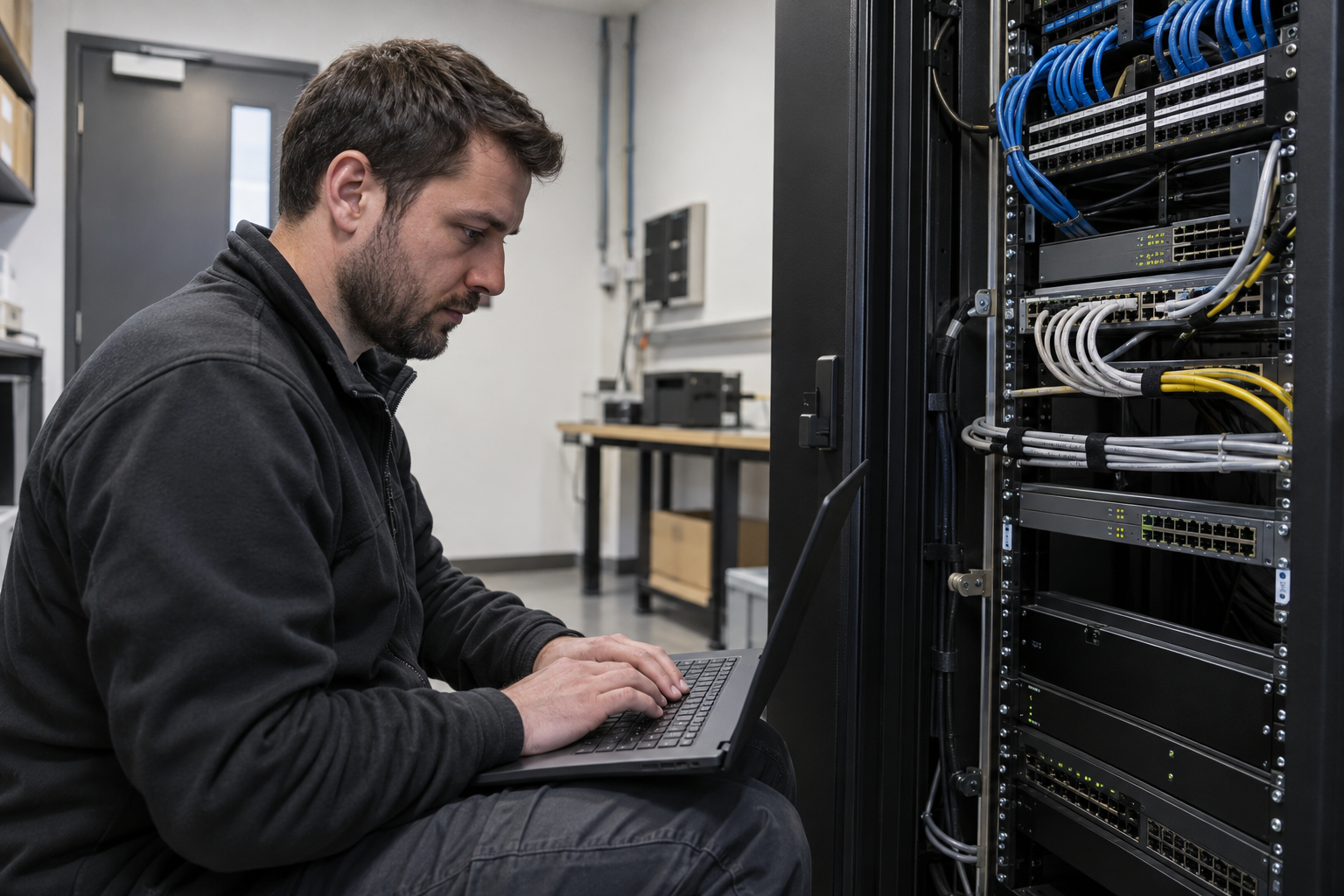
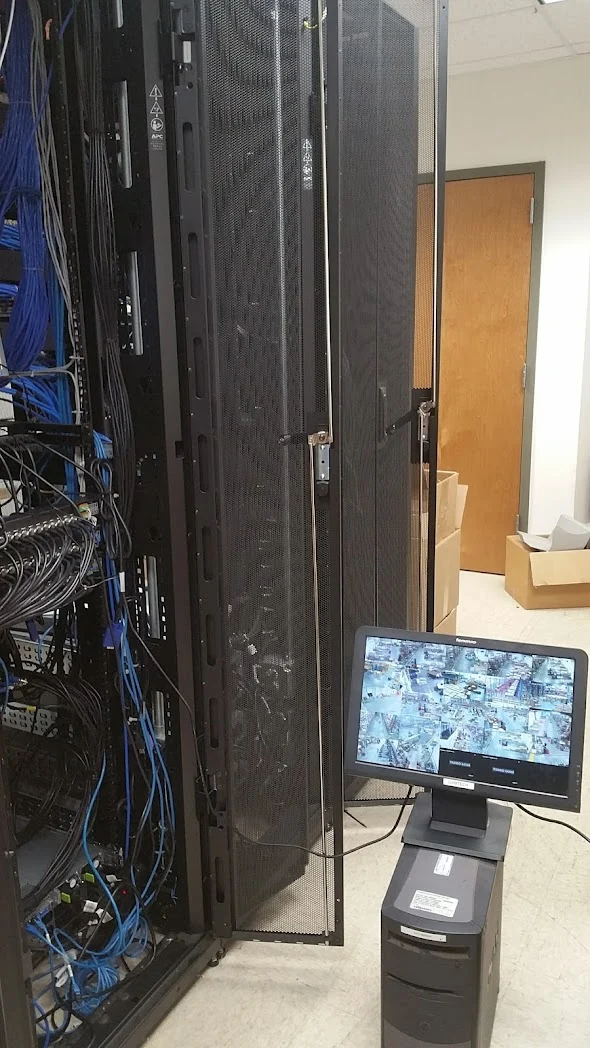
Commercial IT infrastructure installation can include racks, switches, routing equipment, wireless access points and the physical connections supporting servers or business devices. Establish which items the customer supplies and who owns configuration decisions. A facilities contact may arrange cabinet access while a separate IT team controls addresses, credentials and application testing. Name both before attendance. Keep equipment installation distinct from any wider managed support service, licensing or application migration that has not been included in the brief.
A useful readiness review checks the equipment list against mounting hardware, patch leads, power connections and the approved configuration information. Record replacement units and identify devices that will remain live. Retail installations may depend on a short trading closure, while office moves can involve several departments arriving on the same morning. Agree which services must work first and which can follow. A practical rollback decision should be made before the existing equipment is disconnected.
Link indicators alone do not show that a workstation, camera or access point can reach its intended service. Include representative endpoint checks with the customer IT team and document any application dependencies outside the installation scope. Record equipment locations, connected ports and the agreed configuration handover method. Credentials should pass through an approved secure channel rather than appear in general site photographs. Where several sites share the same design, retain a common equipment schedule with a clear record of local exceptions.
Explore installation requirements, interfaces and the information needed before work begins.
Commercial IT integration needs more than connecting devices to a switch. Identify addressing, ports, authentication, time settings and the supported interfaces between IT equipment, CCTV, access control and management software. Agree responsibility for application configuration with the customer and any existing provider.
IS Security can coordinate physical cabling, cabinet installation and active networking with supported configuration work. Firewalls, segmentation and secure remote access are included in a defined scope so equipment can communicate without giving every device unrestricted network access.
Provide an equipment inventory, connection diagram, application requirements and the desired changeover date. Identify retained equipment, dependencies and any vendor involvement needed. Existing systems can be repaired or upgraded in phases when their interfaces remain suitable.
Acceptance should check the agreed workflows, device connections and administrative access. Handover records equipment, supported configurations and the boundaries of ongoing support. Multi-site deployments can use a common integration checklist, while international and vessel attendance arrangements are assessed against location and access.
A retailer may need counter connections, office IT, Wi-Fi and intelligent CCTV. A warehouse may need distributed cabinets, backbone fibre, wireless access and operational camera coverage. A commercial property group may need a repeatable installation across buildings. In each case, start with an equipment and connectivity plan that identifies the systems, the network paths and the team responsible for each interface.
IS Security can build and secure the infrastructure supporting those devices: install the cable routes and racks, deploy switching and routing, integrate supported Starlink or other remote connectivity, and implement agreed firewall and segmentation controls. Existing IT teams and vendors remain part of the planning so application dependencies and acceptance checks are clear.
For a rollout, define a common equipment list, cabinet arrangement, configuration brief and handover format. Land-based teams, European technical resources and mobile fly teams can then be coordinated around the site programme. Regional scheduling and repeatable specifications help keep delivery commercially competitive while allowing for local installation differences.
Bring the location list, desired completion sequence, current IT inventory and known access constraints to the first discussion. We agree how each site will be surveyed, installed, commissioned and documented, with centralised reporting for the customer’s programme team.
Yes. We can coordinate the relevant cabling, network equipment and connected security systems within an agreed scope.
Tell us the site location, the required work, existing equipment and any access or timing constraints. Plans and equipment information can be discussed with the technical team.
Commercial sites. International programmes. Onboard systems.
Installations across all of the US, Europe, the Caribbean, the UK and South Africa, with deployment support in Canada and Panama.
Regional resources · Fly teams · International project support
Explore regions & deployment hubs → DEPLOYMENT NETWORK / ILLUSTRATIVE CONNECTIONS