
Loitering & Dwell-Time Detection
Loitering detection generally means a configured time-in-area or dwell rule that surfaces activity for review. A compatible analytics platform may identify a supported object remaining in a defined zone beyond a chosen duration. The event can help an operator notice after-hours presence or prolonged activity near an important location, but it does not establish that the person is suspicious or doing anything wrong.
Video unavailable. Follow the illustrated workflow below.
THE EVENT JOURNEY
Presence → dwell timer → contextual review
Observe presence
A person remains within a configured area. Waiting can be entirely legitimate.
Apply dwell and schedule
Supported time-in-area rules consider the selected boundary and operating period.
Surface an event
A monitoring or mobile workflow receives the location, time and available context.
Review before acting
An operator checks the circumstances. Duration alone does not establish suspicious intent.
Illustrative sequence, not a detection-speed demonstration. Capabilities and notification channels depend on the selected equipment, platform and agreed response workflow.
Define why time in the area matters
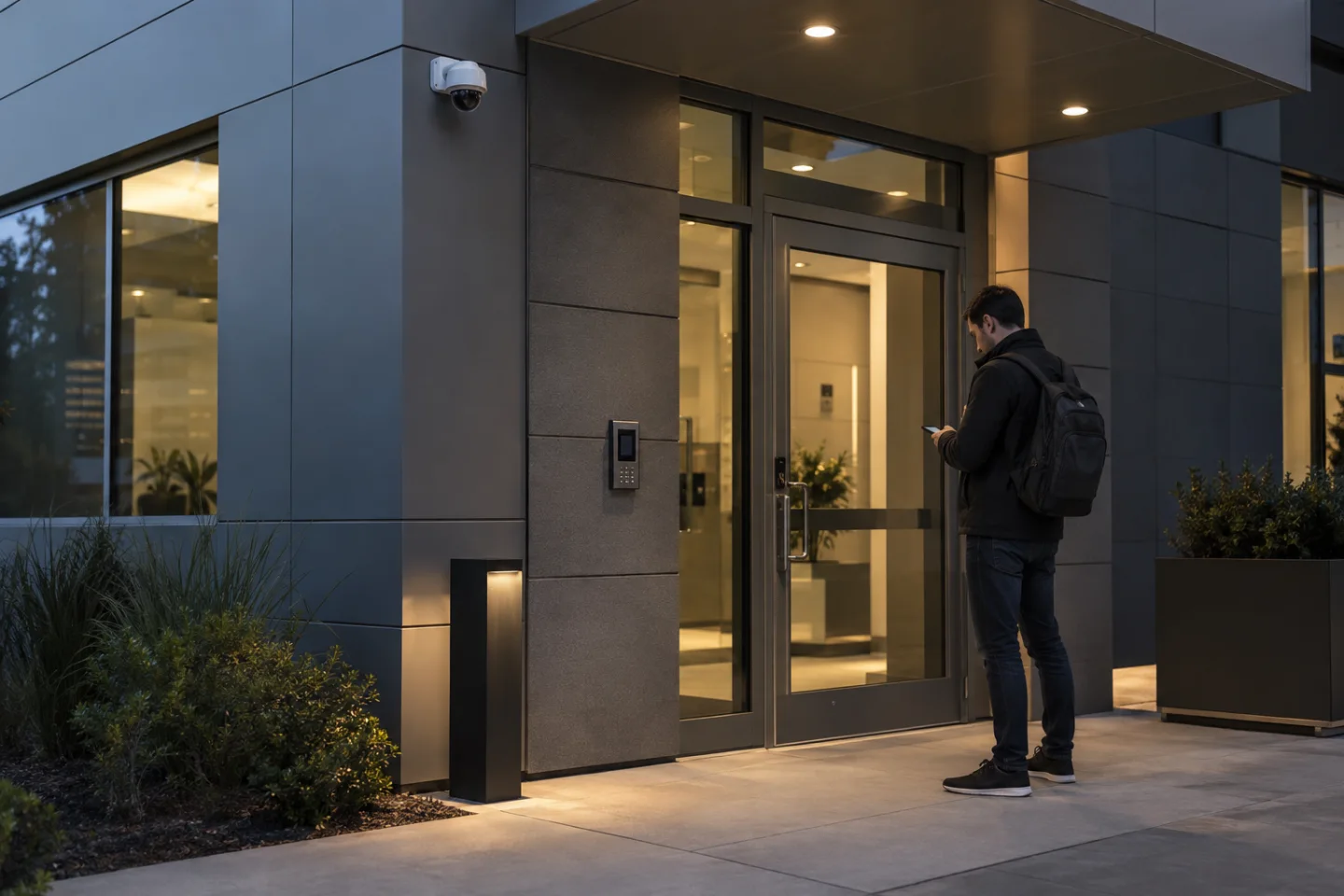
A delivery entrance, service corridor, perimeter zone and public reception area have different patterns of legitimate waiting. The project should begin with a clear operational purpose and a suitable monitored boundary. A person waiting for assistance, a driver checking paperwork or a contractor awaiting access may all remain in a location for a valid reason.
Thresholds should reflect those activities rather than apply one arbitrary duration across the site.
Operating schedules matter as well. An event outside staffed hours may need a different review route from the same activity during a busy working day. Agree how planned work, authorised access and temporary arrangements are communicated to the receiving team.
The configured rule should support a question for review, not create an automatic accusation or a claim about someone's intent.
Check how the platform measures presence
Time-in-area behaviour varies between analytics applications. Confirm how the selected platform starts, continues and resets a dwell condition, and which object types it supports. Brief occlusion, movement out of the area or changes in tracking may affect the result. A camera view that is frequently obstructed may not support the intended use even if it provides a reasonable general overview.
Lighting, contrast, distance and perspective influence the visible information. Define excluded areas such as normal waiting points or neighbouring activity that is outside the project's purpose. A generic motion detector is not the same as a supported person-based dwell rule.
The camera, processing capability, licence and integration should be selected for the agreed function and tested in the actual setting.
Apply the rule to practical locations
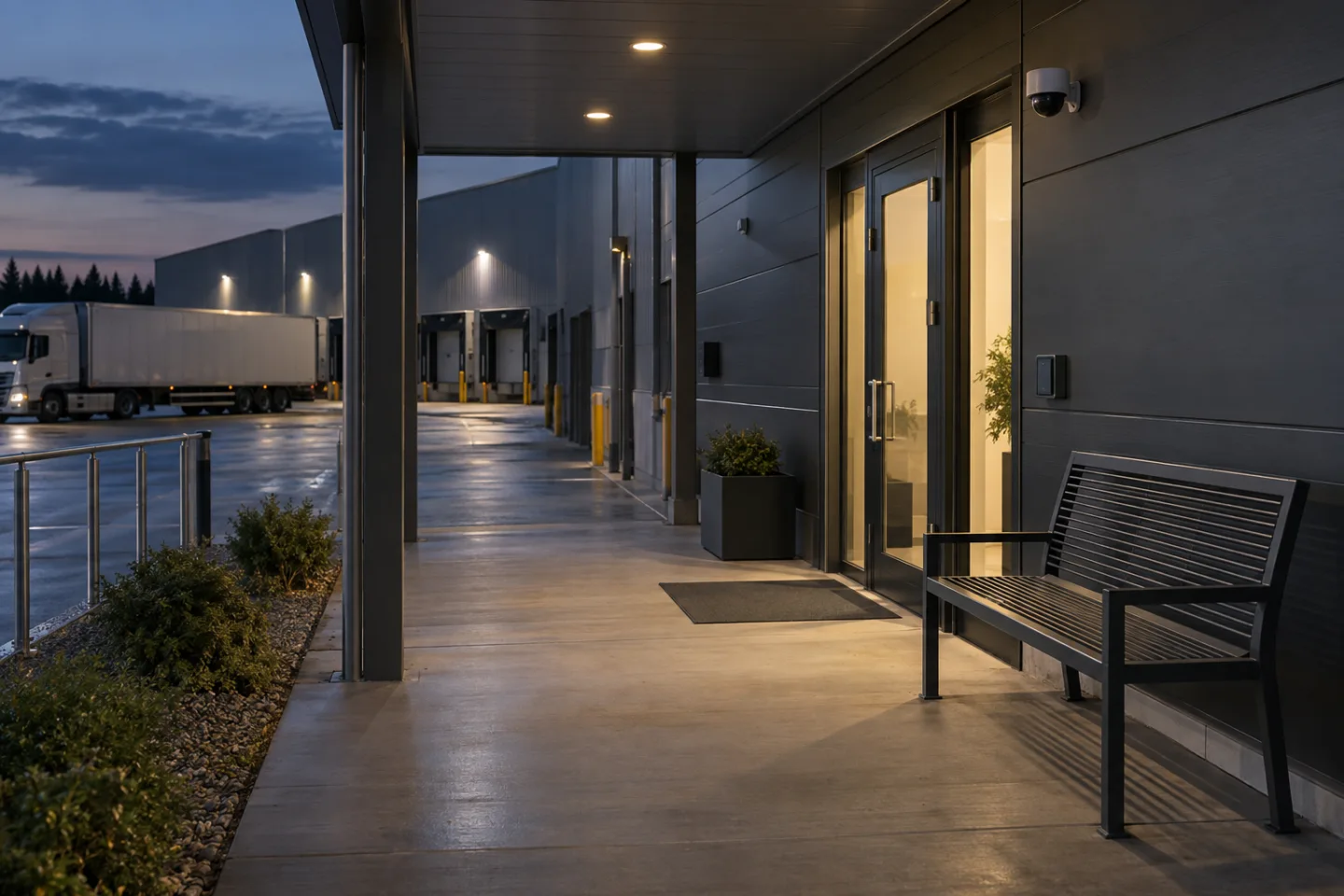
Commercial buildings may want supplementary awareness around service entrances or technical access routes outside normal hours. Retail teams may review prolonged activity around a closed delivery area. Warehouses and industrial facilities may use a defined zone near a perimeter or controlled entrance, while remote sites may route selected events to an authorised off-site operator.
The response should match the location. In a public-facing space, a person may need assistance rather than security intervention. In a controlled area, the operator may need to check an access booking or contact the site supervisor. The same visual event can have different explanations, so the receiving workflow should preserve context and avoid presenting dwell time alone as evidence of a security incident.
Make the alert useful without making it noisy
A supported event may include the site, zone, rule, time and relevant image or clip. The VMS or monitoring platform can route it to an operator queue and, where integrated, to email, SMS or an app notification. Repeated events need grouping, cooldown or reset behaviour appropriate to the application.
Agree when a continuing condition should escalate and when another notification adds no useful information.
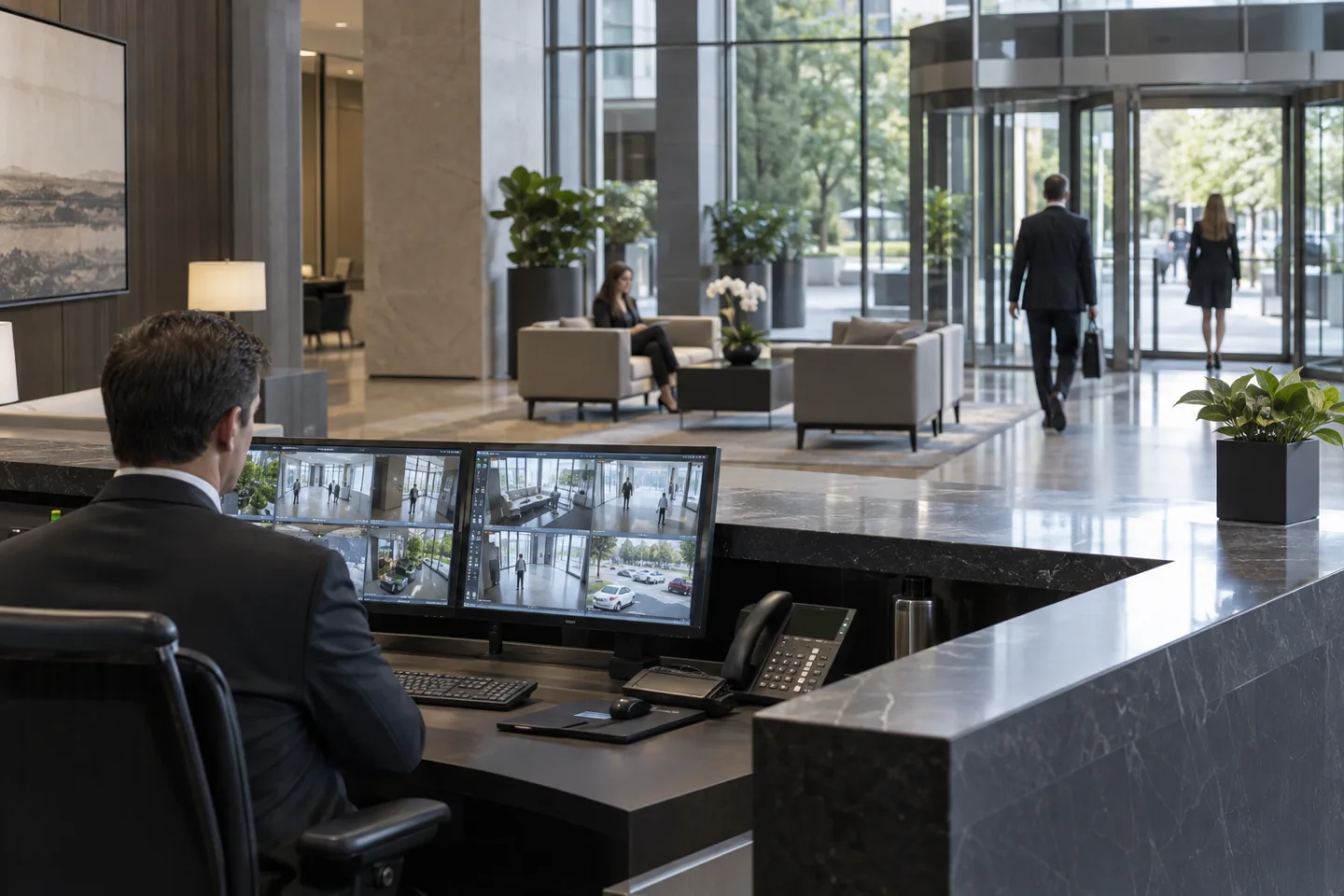
A local alarm or audio output should only be used through an agreed interface and procedure. An automatic announcement can affect legitimate visitors and staff, so its purpose and wording deserve separate consideration. In many installations, the first action is human review: check the scene, establish whether the activity is expected and decide whether assistance, contact or another response is appropriate.
Review the rule as the environment changes
Testing should include ordinary waiting, movement through the zone, temporary obstruction and a representative dwell event. Verify the timing, event description, destination and acknowledgement process. Check how a disconnected camera or unavailable communications path is shown to the operator. Continuous analytics depends on equipment and connectivity remaining available; it is not a promise that every relevant activity will be detected.
Keep retention and access proportionate to the purpose, and review unwanted notifications with the responsible team. A changed entrance layout, new waiting area or revised delivery schedule may require a different rule. IS Security can coordinate the supporting camera, cabling, network and integration work around a defined use case, while keeping the distinction between observed duration, operator interpretation and any subsequent action clear.
From a possible event to a useful response.
Presence → dwell timer → contextual review. Open each stage to explore its role. This is an illustrative workflow; it does not analyse live footage or send notifications.
01 / OBSERVEEntrance / perimeter camera
The monitored condition is: person remains in a defined area. Select the device, field of view and installation position for this specific task. Record obstructions, lighting, power and maintenance requirements before relying on the event stream.
02 / INTERPRETTime-in-area analytics
Apply dwell threshold and relevant schedule. The selected platform must support the intended event and expose a usable interface. Test representative events and unwanted triggers; an analytics output is a candidate for review, not proof of what happened.
03 / CONNECTLAN → firewall → secure platform
Carry authorised event data through the local switch or sensor gateway and an approved network path. Size bandwidth for any accompanying clip. Protect accounts and interfaces, supervise connection loss and agree retry behaviour where the platform supports it.
04 / RESPONDSecurity / site operator
Deliver the location, event type and time to the agreed recipient. A person verifies the available context, follows the site response procedure and records the outcome. Delivery, acknowledgement and resolution are different states and should be reviewed separately.
Where supported by the selected camera, sensor, VMS or analytics platform. Safety-related analytics provide supplementary operational awareness and do not replace dedicated certified fire or life-safety systems where required. The final design must define the equipment, event interfaces and responsible response team.
Reach the people who can act.
Available outputs depend on the selected platform, licences and agreed integrations. Open a channel for practical delivery considerations.
Send event context and a secure review link to an authorised mailbox where supported. Agree recipients and inbox monitoring; acceptance by a mail server does not confirm that a person has read or acted on the message.
Text / SMS
Use a supported gateway or monitoring integration for concise location and priority messages. Confirm service availability, costs and delivery reporting. Sensitive footage should stay within the authorised platform rather than an unrestricted text message.
Mobile apps
A supported application can present event details and acknowledgement controls to authorised users. Test notification permissions, connectivity and out-of-hours coverage. A silenced or offline handset needs a planned alternative recipient or escalation route.
Alarm outputs
A compatible interface may trigger an approved operational sounder, relay or indicator. Define supervision, reset behaviour and responsibility. Do not connect analytics directly to hazardous equipment or alter certified safety functions without the appropriate engineered design.
Control room / monitoring platform
Route supported events into the operator workflow with a consistent site identifier and priority. Give reviewers enough context to distinguish an actionable event from an unwanted trigger, with access restricted to their responsibilities.
Escalation & event review
Define who receives an unacknowledged event, how long the initial team has to respond and how closure is recorded. Review failed deliveries, recurring unwanted alerts and staffing gaps alongside the detection rules.
Plan the complete monitoring chain.
Start with the event, the operating environment and the person responsible for responding. Share existing equipment details, site plans and integration requirements with the technical team.
