A brand name is the beginning of the specification
Equipment selection should connect the customer’s preferred manufacturer to a defined installation requirement. A switch, camera, reader or satellite terminal must fit its location, power arrangement and the systems around it. Share an approved equipment list where one exists, including model references and accessories. If the selection is still open, start with the intended outcome and existing infrastructure. This page explains the information needed to coordinate equipment with installation; it does not claim manufacturer partnership, accreditation or compatibility beyond what has been verified for a particular project.
Identify the equipment already installed
For an upgrade, record current model references, mounting arrangements and the connections at both ends of the affected link. Photographs can help, but include accessible identification information and rear connections rather than only a cabinet front. Establish which units will remain and which are being replaced. Similar appearance does not prove that products share interfaces or configuration requirements. Where records are incomplete, allow investigation before treating a proposed replacement as a direct swap. This reduces uncertainty in materials, attendance and the planned service interruption.
Coordinate switches with their connected devices
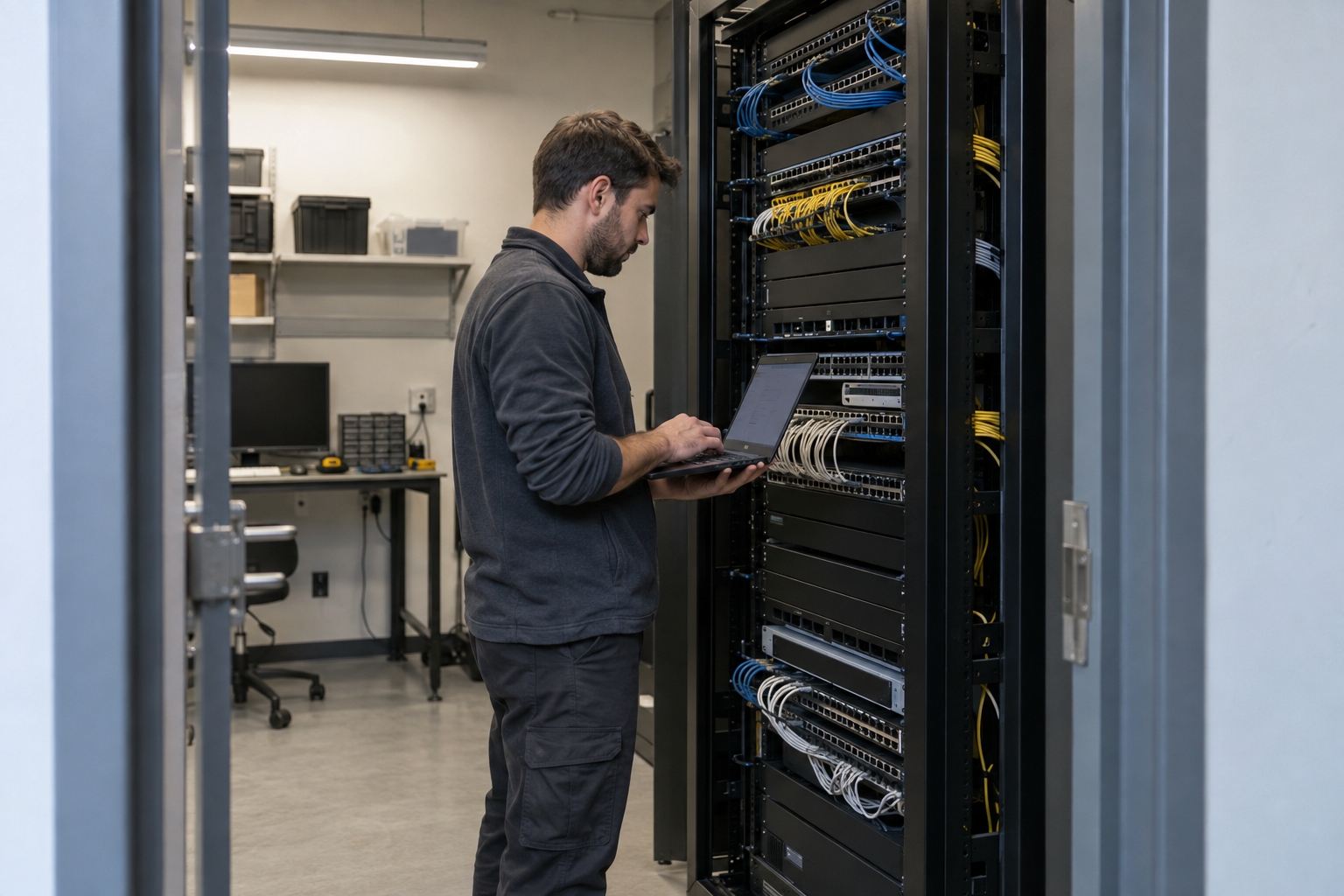
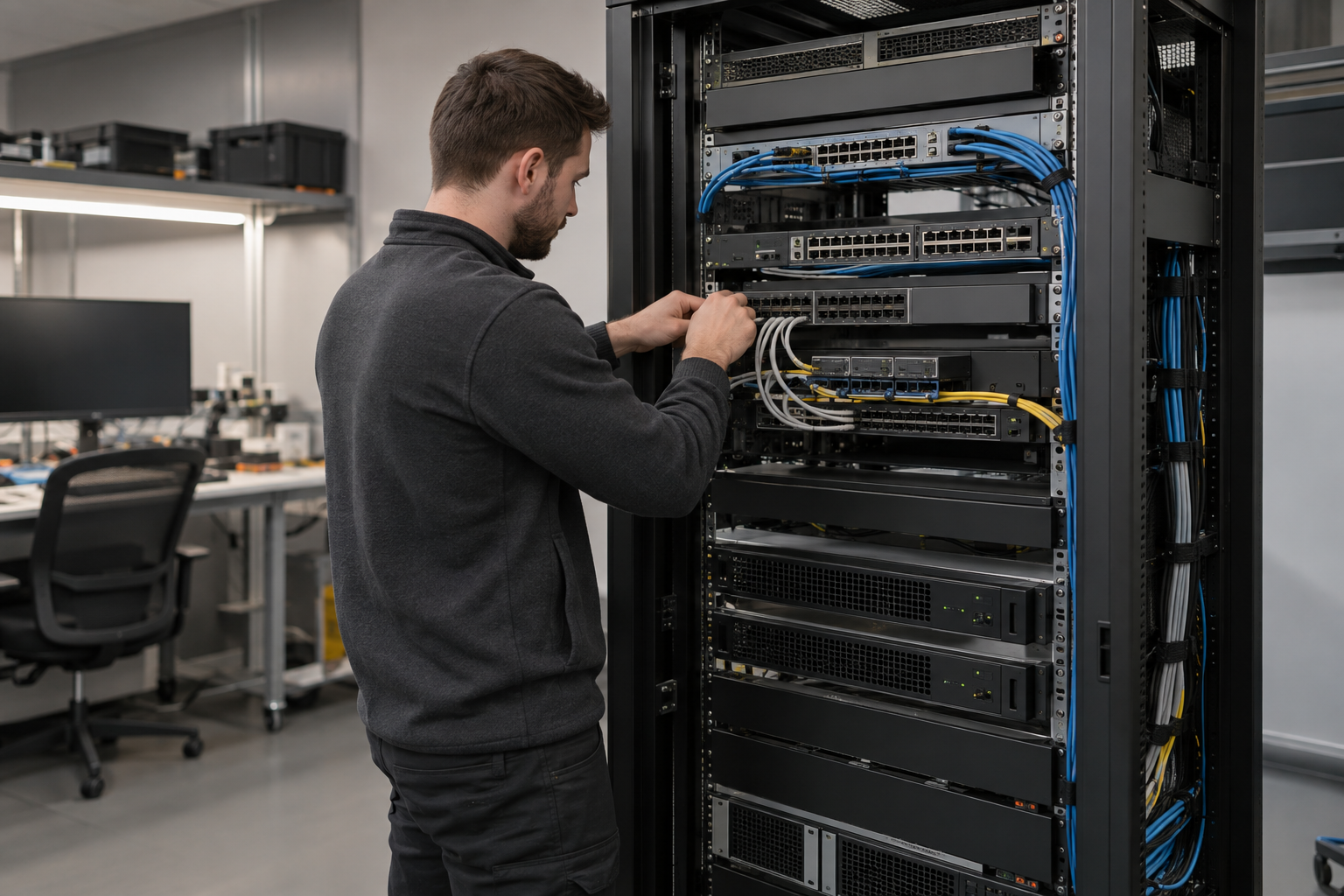
A network equipment schedule should describe the endpoints, uplinks and power requirements associated with each switch. Cameras and access points may rely on PoE, so the selected switch and device requirements need to be checked together using their documentation. Include optical modules and patching where fibre connects cabinets. Name the customer or provider responsible for network configuration. The installation team needs that information early enough to prepare mounting, power and cabling, while the configuration owner confirms how each port will be used.
Keep the optical link compatible end to end
Fibre equipment selection involves the installed fibre, terminations, patch leads and active interfaces. Record what is already present and what the new connection must support. Do not select an optical module from connector appearance alone. The proposed interface needs confirmation against the actual equipment and link specification. Include distribution shelves and maintenance space in the physical plan. When investigating a fault, distinguish an optical infrastructure problem from incompatible or incorrectly specified active equipment before deciding which component should be replaced.
Check cameras against the recording platform
A commercial video installation should identify the camera models, recorder or video management system and any required functionality. Basic viewing, event search and analytics may have different compatibility requirements. Confirm the intended use with the selected platform and current product documentation. The scene also matters: a product suitable for an entrance overview may not meet a different viewing requirement elsewhere. The customer’s camera schedule should therefore connect each model to a location, purpose and acceptance check instead of listing a brand and total quantity alone.
Treat access equipment as a coordinated door system
Card readers, controllers and door hardware need to work within the approved opening specification. Identify existing credentials, administration software and any required migration arrangements. Confirm responsibility for door works and specialist interfaces separately from reader mounting and cable installation. A preferred reader brand does not determine every component or resolve the condition of an existing door. Before ordering, agree the complete installation boundary and the customer contact who will accept everyday access operation and manage credentials after handover.
Plan firewall replacement around retained services
A firewall specification should include the provider handoff, local interfaces and business services depending on the device. Confirm configuration ownership and any licensing or subscription requirements with the customer. Replacing the hardware may require coordinated checks by several application owners. Record the current connection arrangement and agree a restoration decision before interruption. Physical mounting and patching are only part of the changeover. The final equipment choice should support the approved configuration and operating requirements, with uncertain dependencies resolved before the attendance window.
Use current guidance for satellite equipment
Starlink hardware, mounting accessories and service arrangements must be checked for the intended site or vessel use. Obtain the actual equipment details instead of relying on a generic product name. Review the manufacturer’s current installation information for positioning, cabling and mounting, and confirm provider service suitability separately. Identify how the terminal will connect to the customer network. Local switching, wireless coverage and firewall configuration need their own requirements; they should not be assumed to be supplied or solved by the terminal kit.
Verify accessories and ownership before attendance
A delivery can contain the main appliance while omitting brackets, power components, suitable patch leads or other installation accessories. Reconcile the equipment schedule with the proposed mounting and connection plan. Identify customer-supplied items and the person receiving them on site. Confirm whether accounts, licences or configuration information must be available for commissioning. If an item is missing, record the effect on the planned work before the team travels. This is particularly useful for remote sites, vessel attendance and tightly scheduled store openings.
Make substitutions a documented decision
A replacement model or accessory should be reviewed against the approved requirement before it is installed. Record the reason for the substitution and who has accepted its interfaces, mounting and functional implications. A different unit may affect configuration, space or testing even if the purchase description looks similar. In multi-site programmes, keep the standard equipment schedule and site-specific exceptions aligned. Central reviewers should be able to identify which version is installed at each location and whether a later support or expansion task needs different components.
Keep equipment records useful after handover
The final schedule should identify installed units, locations, connections and any retained equipment relevant to the work. Record configuration ownership and the agreed method of transferring sensitive administration information. Keep public photographs separate from credentials or confidential settings. Associate acceptance results and outstanding dependencies with the relevant equipment. For a later repair or expansion, this record lets the customer explain the installed baseline without starting again from product guesses. Send the existing equipment list and project requirement through the contact page to begin a scoped installation discussion.