01
IP camera installation
Network cameras positioned around agreed coverage requirements and installation conditions.


IP cameras, recording infrastructure and networked video systems for commercial premises.
IS Security plans and installs CCTV around the areas you need to observe and the way your premises operate. Camera locations, cabling, switches and recording equipment are considered together, including the practical requirements for viewing and maintaining the system.
Physical infrastructure, connected equipment and a clearly agreed installation scope.
Network cameras positioned around agreed coverage requirements and installation conditions.
Recording equipment and network connections selected around the required camera system.
Copper, fibre and compatible PoE infrastructure connecting cameras to the network.
Systems for retail, warehouses, offices and other commercial buildings.
Discuss secure remote access where suitable network connectivity and access controls are available.
Replace cameras and recorders, extend systems and investigate cabling or connection faults.
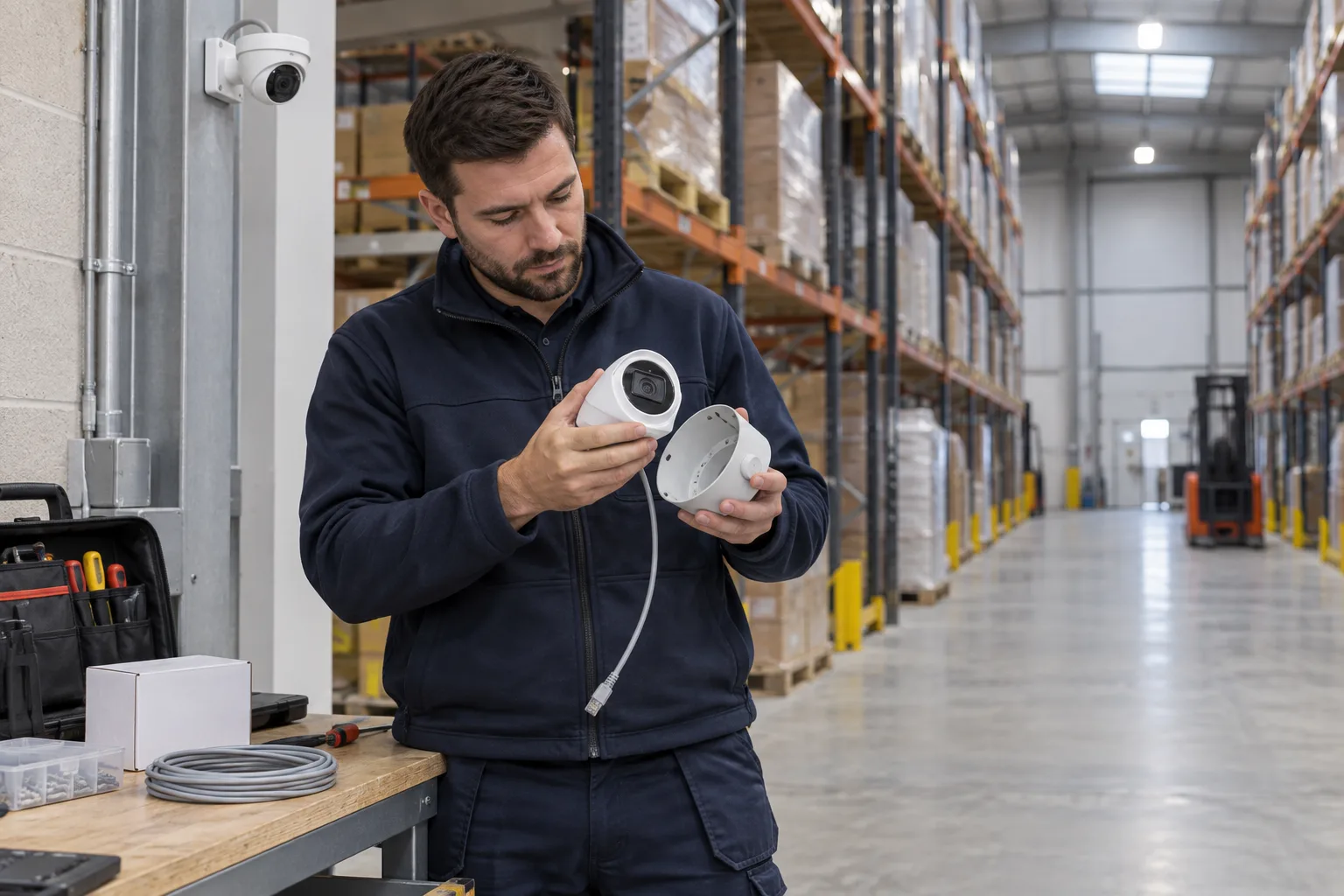
Camera position, PoE, recording and authorised access work together.
Choose a commercial IP camera, recording and viewing installation. Explore the decisions that shape the installation, interfaces and handover.
A camera intended to observe a loading lane has a different job from one covering an entrance or a distant perimeter. Explain what the operator needs to see and under which lighting conditions. Consider obstructions, changing stock layouts, reflective surfaces and the activity expected in the scene. More cameras do not automatically produce a more useful system. Agree the position and intended task for each view, then select compatible equipment and network connections. Where analytics are proposed, assess their requirements separately from the basic ability to display live video.
The installation scope should explain where video is recorded, who can review it and how the network supports those connections. Retention, image settings and recording modes affect storage requirements. PoE capability and switch connections must match the chosen cameras. Clarify whether existing recorders, licences or remote-access arrangements can be retained. An attractive camera image on a local monitor does not prove that authorised users can retrieve an event later. Build that end-to-end workflow into commissioning, with the appropriate client policy decisions made before configuration.
When replacing cameras, identify the areas that will temporarily lose coverage and agree the order of work with the site team. Existing cable routes may be reusable, but their condition and compatibility need review. Keep a record of device identities and physical locations as equipment changes. If a scene cannot support the requested view, explain the constraint and alternatives before the installation position is finalised. Handover should include agreed camera references, viewing permissions, recording checks and any remaining blind spots or site conditions requiring attention.
Useful acceptance checks can include day and relevant low-light views, playback of a recorded event and access through the approved operator route. Agree which checks are applicable to the chosen system rather than promising the same result for every camera. Provide site plans or marked photographs with the areas of concern when making an enquiry. Tell us whether the priority is a new installation, additional coverage, unreliable recording or an upgrade to compatible analytics. That information makes the next discussion more focused than an initial camera quantity alone.
Define the observation task and assess lighting and obstructions.
Agree storage, network paths and authorised viewing requirements.
Check representative live, playback and access workflows.
Use these checkpoints to discuss the scope. The final test method, responsibilities and acceptance evidence depend on the selected system and agreed work.
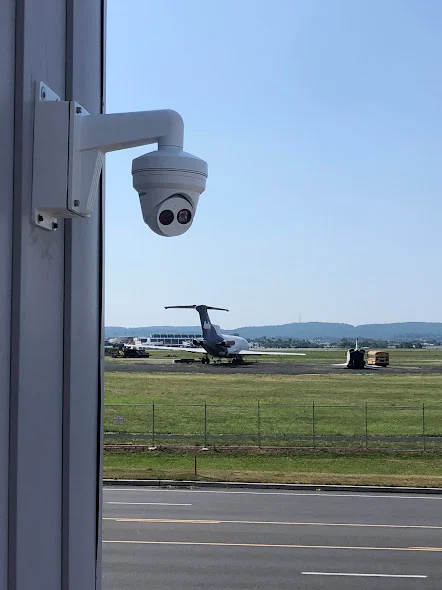
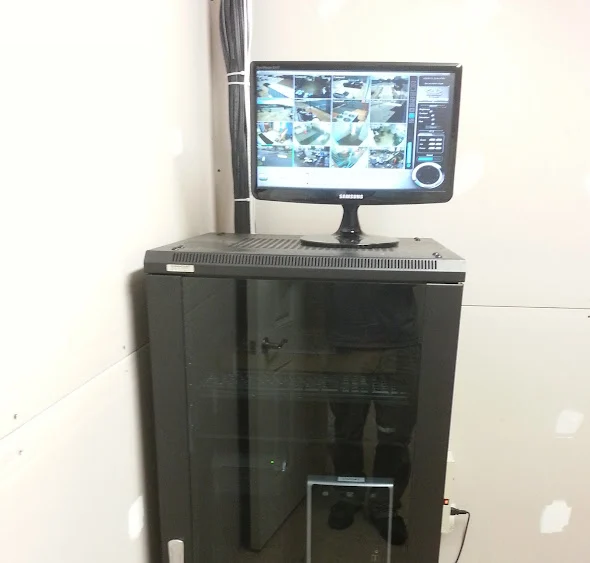
Commercial CCTV installation starts with the scenes the customer needs to review. An entrance overview, a loading-bay view and a camera watching a transaction area serve different purposes. Mark the intended subject, mounting position and surrounding lighting before selecting equipment. Review obstacles such as shelving, open doors and seasonal displays. A camera that provides a broad overview may not deliver the detail needed for another task, so agree the expected view with the person who will use the recordings.
Include the cable route, switch port, power arrangement and recording destination for each camera. Identify who provides network settings, user accounts and any remote access approval. Existing cameras may be retained where their condition and compatibility support the new scope. The customer should decide how recordings are used and who can access them; installation planning should translate those decisions into a workable system. Discuss storage requirements with the selected platform and agreed recording settings.
Acceptance should include retrieving a recording from representative cameras, checking the intended scene and confirming that an authorised user can export an example where supported. Note areas that could not be checked under their normal operating conditions. A warehouse camera tested during an empty daylight visit may need a later review with normal traffic or different lighting. Leave camera identifiers, locations and equipment records that make future repairs and additions easier to scope.
Explore installation requirements, interfaces and the information needed before work begins.
Commercial CCTV installation should start with the areas to be observed, operating hours and the detail needed for review. Discuss entrances, loading bays, retail floors and office access points separately. The camera position and recording arrangement need to support the agreed viewing purpose.
Plan data cabling, PoE switches, fibre links where required and recorder capacity alongside cameras. Secure viewing permissions and network separation should be part of the installation brief. Intelligent CCTV analytics are an additional system-selection decision: supported detection and search features depend on the cameras, recorder/VMS and software.
For repairs or expansion, provide camera and recorder models, affected views, storage requirements and any connectivity faults. We can assess retained equipment, new camera connections and phased replacement. For a new project, send site plans and priority viewing areas.
Agree acceptance checks for viewing, recording, playback and authorised access, then record camera positions and maintenance responsibilities. Multi-site rollouts benefit from a shared recording and naming brief, with scene checks at each location. International deployment requirements are reviewed individually.
Yes. We can coordinate the relevant cabling, network equipment and connected security systems within an agreed scope.
Tell us the site location, the required work, existing equipment and any access or timing constraints. Plans and equipment information can be discussed with the technical team.
Commercial sites. International programmes. Onboard systems.
Installations across all of the US, Europe, the Caribbean, the UK and South Africa, with deployment support in Canada and Panama.
Regional resources · Fly teams · International project support
Explore regions & deployment hubs → DEPLOYMENT NETWORK / ILLUSTRATIVE CONNECTIONS