01
Firewall deployment
Install and configure firewall equipment within an agreed requirements and responsibility scope.


Firewall deployment and practical controls around commercial connectivity and connected systems.
IS Security deploys firewall equipment and scopes practical network-security configuration with your technical contacts. The focus is on how devices connect, which access is required and how network changes affect existing systems.
Physical infrastructure, connected equipment and a clearly agreed installation scope.
Install and configure firewall equipment within an agreed requirements and responsibility scope.
Plan separation between appropriate device groups and connected systems.
Agree permitted connections around the operational needs of the network.
Scope controlled remote connectivity where it is appropriate for the system.
Consider CCTV and access-control connectivity alongside the wider network.
Document agreed configuration and coordinate updates or equipment replacement.
Plan the cable routes, equipment interfaces and acceptance requirements together, with clear responsibilities at handover.
Scope a business firewall installation or policy improvement. Explore the decisions that shape the installation, interfaces and handover.
Begin with a list of systems and the connections they require, not a blanket request to open access. A business application, camera recorder and maintenance VPN have different users and destinations. Agree which traffic the firewall should permit, who can administer the equipment and how remote connections will be authorised. Existing rules may have accumulated without a clear owner. Review their purpose before carrying them into a replacement. The scope should identify policy decisions that belong to the client as well as the technical work needed to implement them.
Replacing an appliance can affect addressing, routing, DNS dependencies and remote support paths. Confirm the internet handoff, internal network boundaries and any services that rely on the current configuration. Capacity discussions should consider the selected security features and expected traffic, not just a headline interface speed. Where guest Wi-Fi, CCTV and business IT share physical infrastructure, describe the intended separation and the permitted exceptions. A firewall cannot compensate for every endpoint or identity weakness, so configuration should fit the client’s broader security responsibilities.
Before the maintenance window, agree representative permitted and blocked connections to test. Retain an authorised backup or configuration record and define the conditions for rollback. Testing should include access from the relevant zones rather than only checking that the internet is reachable from one laptop. Record policy changes, management access arrangements and any deferred decisions. Remote support should use the agreed protected route instead of casually exposing device interfaces. At handover, establish who will review logs, maintain updates and approve future changes; installation alone does not establish an ongoing managed-security service.
Send the appliance model if known, the number and purpose of network zones, the existing internet connections and the reason for the proposed change. Describe any site-to-site links, remote users or connected security systems whose access must continue. Do not include live passwords in an enquiry form. If the current policy is undocumented, ask for an investigation stage before committing to a replacement design. We can then discuss the equipment installation, configuration coordination and acceptance work that fits the actual environment.
Identify required connections, owners and administrative access.
Map existing interfaces and prepare an agreed rollback arrangement.
Test allowed and blocked paths, then assign maintenance responsibility.
Use these checkpoints to discuss the scope. The final test method, responsibilities and acceptance evidence depend on the selected system and agreed work.
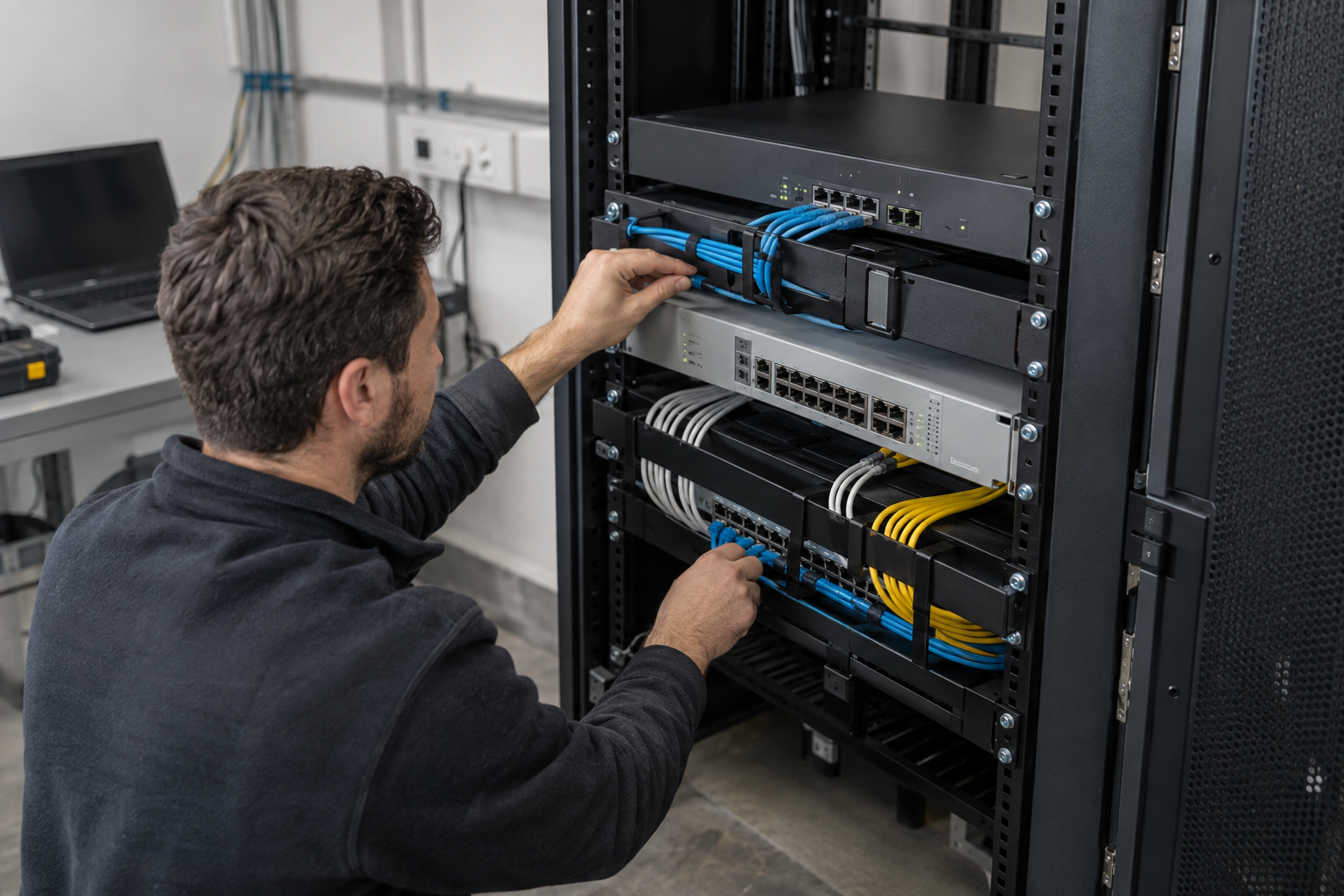
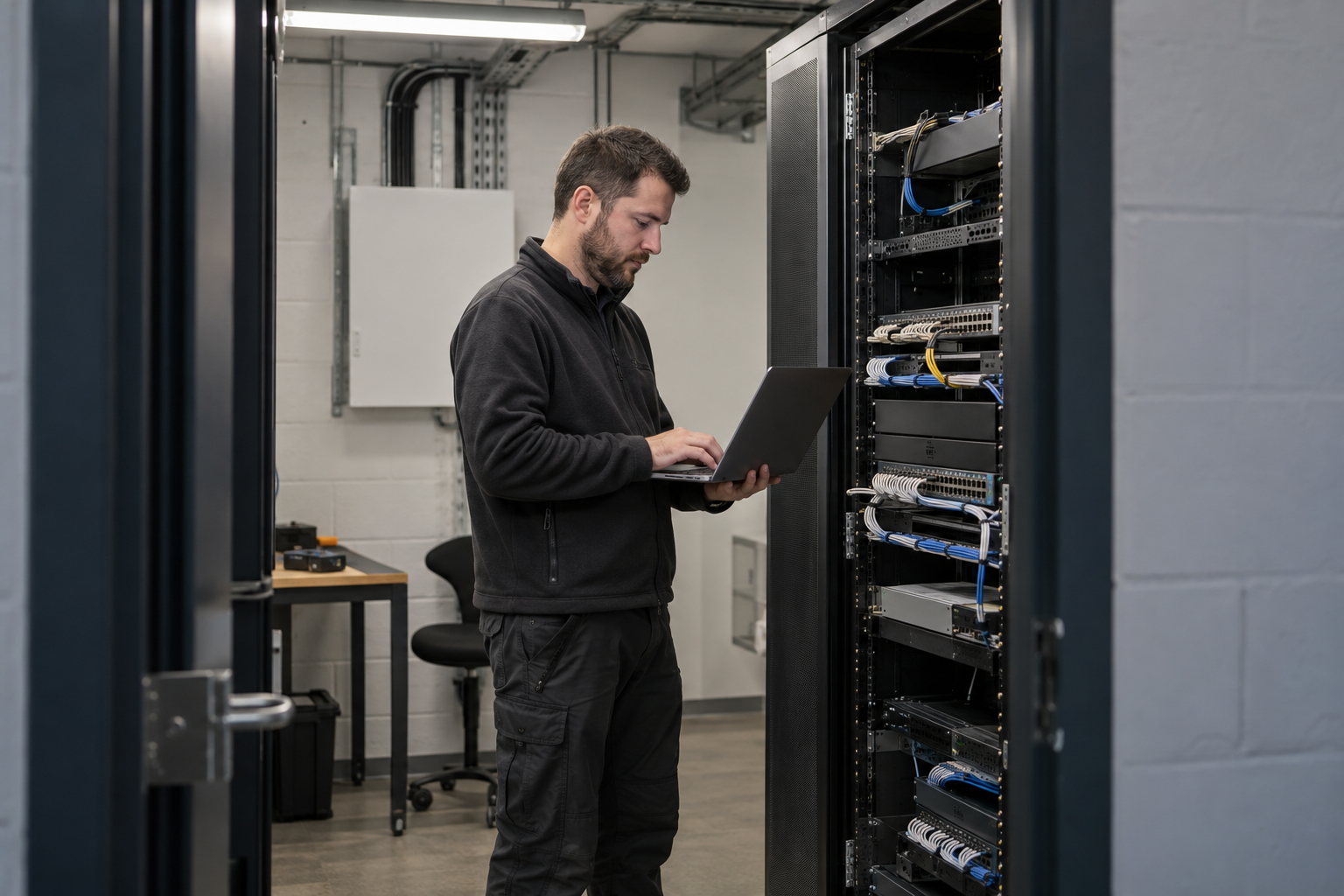
List the provider connection, local network interfaces and any additional circuits attached to the current firewall. Identify business applications, site links and remote access arrangements that depend on it. Record who controls the existing configuration and who will approve the replacement policy. A firewall installation may also need suitable rack space, power, patching and access to the provider equipment. Resolve those practical requirements before booking a short change window.
For an equipment replacement, establish a clear point at which the team will continue troubleshooting or restore the previous arrangement. Keep the original connection schedule available and identify the person authorised to make that decision. Coordinate application checks with the customer or their IT provider. Retail tills, office remote users and camera access may require different test contacts; one successful browsing test does not cover every dependency.
Record the installed appliance, interface mapping and the approved owner of configuration backups and credentials. Note customer-managed licensing, subscription or provider requirements that remain separate from the physical installation. If additional connectivity is included, document the intended use of each circuit and the acceptance checks agreed for it. Later network changes should be assessed against this record so a new device or connection does not silently bypass the intended firewall boundary.
Explore installation requirements, interfaces and the information needed before work begins.
Commercial firewall installation begins with the internet links, internal networks and required applications. Identify WAN connections, existing routing, VLANs, remote users and any site-to-site VPN needs. Confirm compatible equipment, licensing and capacity against the agreed project requirements.
Firewall configuration should record permitted source and destination networks, the application purpose and the owner of each exception. CCTV network security may permit cameras to reach recording services while restricting unrelated access. VLAN network segmentation needs the appropriate switching and routing configuration as well as the firewall rules.
Secure remote access should identify the users and systems permitted to connect. Configure supported VPN and authentication options, with MFA integration where supported. Agree how access is revoked and who owns ongoing account administration.
Before cutover, record the existing configuration and agree an outage and recovery approach. Test required business traffic, restricted paths and authorised remote connections. Handover includes configuration records, policy ownership and update responsibilities. A broader business network security implementation can also cover device hardening and connected-system separation through our Cyber Security service.
Yes. We can coordinate the relevant cabling, network equipment and connected security systems within an agreed scope.
Tell us the site location, the required work, existing equipment and any access or timing constraints. Plans and equipment information can be discussed with the technical team.
Commercial sites. International programmes. Onboard systems.
Installations across all of the US, Europe, the Caribbean, the UK and South Africa, with deployment support in Canada and Panama.
Regional resources · Fly teams · International project support
Explore regions & deployment hubs → DEPLOYMENT NETWORK / ILLUSTRATIVE CONNECTIONS