01
Door controllers
Install control equipment and connections for the agreed access points.


Commercial door access, electronic locking and connected access systems.
IS Security installs access-control equipment for commercial environments, coordinating door controllers, compatible locking hardware and the supporting cabling. We scope the installation around the doors, users and operational requirements of your premises.
Physical infrastructure, connected equipment and a clearly agreed installation scope.
Install control equipment and connections for the agreed access points.
Coordinate compatible locking hardware with the door and access-system requirements.
Systems for offices, retail back-of-house areas and commercial premises.
Cabling and network infrastructure for compatible connected access equipment.
Discuss defined interfaces with CCTV, alarms and the wider site network.
Investigate equipment issues, replace components and extend the system to additional doors.
Bring reader, controller, network and management requirements into one plan.
Plan door access hardware and controlled entry for commercial premises. Explore the decisions that shape the installation, interfaces and handover.
The right access-control arrangement depends on the door, frame, traffic pattern and intended use. A reader is only the visible part of a wider system that may include a controller, locking hardware, door-position feedback and power. Confirm the existing hardware and any restrictions before choosing replacements. A staff entrance, shared reception door and restricted equipment room can need different operating arrangements. The scope should identify what is being retained, who approves the door hardware and which interfaces need coordination with the building team.
Decide who may enter, during which periods and who can change those permissions. Also discuss what the door should do during power loss, a fault or another relevant building-system event. These decisions require the responsible building and safety teams; they should not be inferred from a convenient controller setting. IS Security can scope the installation and agreed interfaces, with required approvals and specialist responsibilities identified. Describe the intended operating sequence in plain language so facilities staff, security users and installers share the same expectation.
A networked controller may need communication with management software and approved administrative users. Confirm those destinations with the IT team before installation. Separate physical cabling from account management and permission administration in the responsibility schedule. If a remote supplier supports the system, agree the authorised access method rather than assuming an exposed web interface is acceptable. Record controller locations and connection references. A controlled network path and clear ownership make maintenance easier while limiting accidental changes to permissions or other connected business systems.
Acceptance should check the agreed authorised and unauthorised entry scenarios, door status and relevant fault conditions. A reader lighting up is not the same as verifying a complete access sequence. Confirm that the event record and management interface behave as expected for the selected system. Test procedures involving safety interfaces must be coordinated with the responsible personnel. Handover should identify each controlled door, its equipment and the agreed administrative process. Any outstanding hardware or building dependency should be visible before the installation is described as complete.
For an enquiry, list the doors, locations and approximate user groups, together with photographs that can be shared. Explain whether the work is a new system, additional controlled doors, a replacement reader or an integration issue. Tell us who manages the existing system and whether uninterrupted access is required during the change. This helps establish the survey and supplier information needed before a scope is agreed. Existing permissions and credentials should be handled through the approved project process, rather than included in a general website message.
Confirm hardware, normal operation and responsible approvals.
Agree credentials, controller communication and permission ownership.
Test the complete authorised, denied and relevant fault sequences.
Use these checkpoints to discuss the scope. The final test method, responsibilities and acceptance evidence depend on the selected system and agreed work.
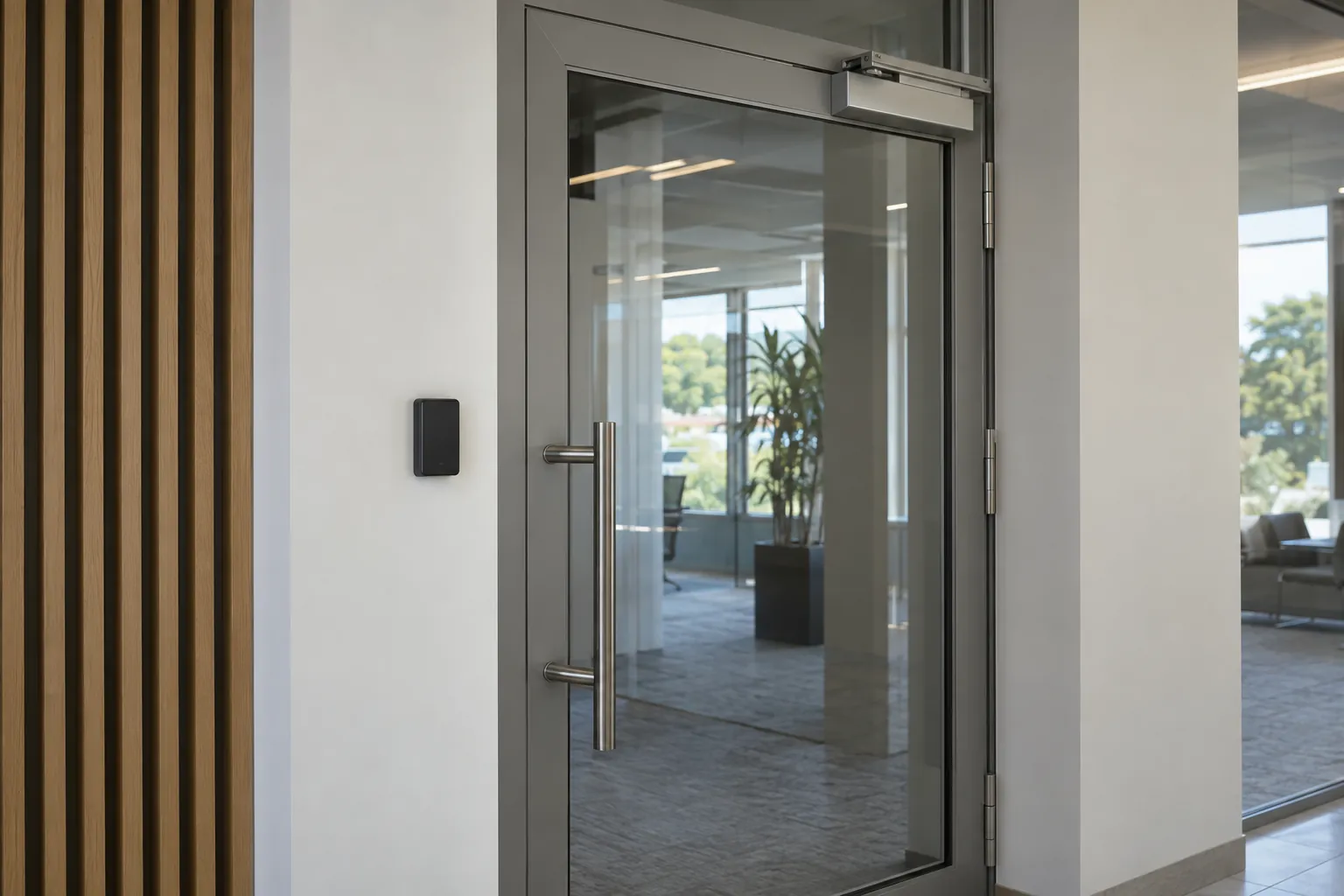
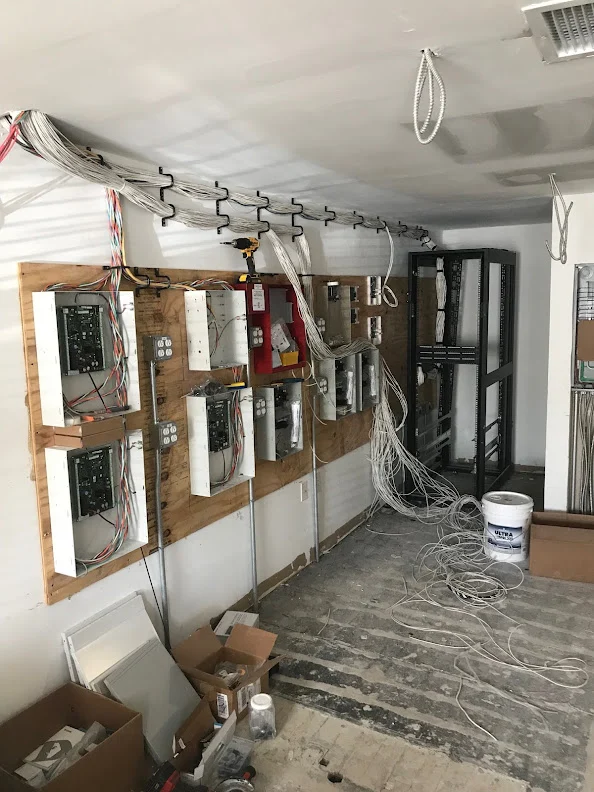
Access control installation brings together the reader, door hardware, controller, cabling and the way people use an opening. Record the door construction, existing locking arrangement and available routes to the controller. Check whether the project includes a new door or changes to an existing entrance. Responsibilities for door works and any required specialist review should be agreed with the building team before ordering equipment. An attractive reader alone does not resolve a door that closes poorly or lacks a suitable cable route.
Ask the customer to identify user groups, operating hours and the person who will issue or revoke credentials. A shared office entrance differs from a warehouse staff door or a stockroom within a retail unit. Include visitor and contractor arrangements where required. Changes to existing credentials or administration software need an agreed migration sequence so authorised users are not unexpectedly locked out during a changeover.
Commission each opening with the responsible site representative and the approved door specification. Verify authorised access, the agreed release behaviour and any monitored door events included in the scope. Record outstanding hardware adjustments separately from controller configuration. Handover should identify each reader and controller, the administration owner and the arrangements for future additions. Any life-safety interfaces require the appropriate responsible specialists and an agreed test process; they should not be inferred from a basic reader installation.
Explore installation requirements, interfaces and the information needed before work begins.
Provide a door schedule, photographs of existing hardware and the intended user groups. Confirm who is responsible for the door, power and any related building systems. Reader and controller selection needs to match the agreed installation conditions and supported platform.
Networked controllers should have defined connectivity and administrative access. Coordinate the cabling with appropriate network separation and supported interfaces to other systems. Existing equipment may be retained or replaced after compatibility review. Acceptance should demonstrate the agreed user access and controller behaviour, with equipment labels, configuration responsibility and remaining actions recorded for handover.
Yes. We can coordinate the relevant cabling, network equipment and connected security systems within an agreed scope.
Tell us the site location, the required work, existing equipment and any access or timing constraints. Plans and equipment information can be discussed with the technical team.
Commercial sites. International programmes. Onboard systems.
Installations across all of the US, Europe, the Caribbean, the UK and South Africa, with deployment support in Canada and Panama.
Regional resources · Fly teams · International project support
Explore regions & deployment hubs → DEPLOYMENT NETWORK / ILLUSTRATIVE CONNECTIONS