
People Counting Systems
People counting turns activity at an entrance or within a defined space into information that a business can review. A suitable camera or counting sensor estimates how many people cross a configured line, in which direction, or remain within a monitored area.
The useful result is a consistent operational measure tied to a location and time period, rather than a collection of video that someone must watch continuously.
Video unavailable. Follow the illustrated workflow below.
THE EVENT JOURNEY
Entrance → crossing lines → footfall report
Track crossings
People pass through a defined entrance or counting area.
Apply the rule
Supported directional analytics estimate entries, exits or occupancy; view quality affects the result.
Publish awareness
Counts reach reporting tools. A configured threshold can produce a supported operational notification.
Plan the response
Retail or building teams review trends and decide whether staffing or access arrangements need attention.
Illustrative sequence, not a detection-speed demonstration. Capabilities and notification channels depend on the selected equipment, platform and agreed response workflow.
Count the right movement
A retail entrance may need separate entry and exit totals. An office may want to understand which reception periods are busiest. A building operator may need an estimate of how a shared area is used throughout the day. These are related questions, but they do not all use the same counting method.
The project starts by agreeing whether the requirement is directional footfall, people visible in an area, or an occupancy estimate assembled from multiple entrances.
A person crossing a line is an event, not necessarily a unique visitor. Someone who leaves and returns may be counted again. Staff movements, delivery personnel and people waiting in a doorway can affect the interpretation. Reports should explain those boundaries so a daily footfall total is not presented as a verified customer total or a measure of individual identity.
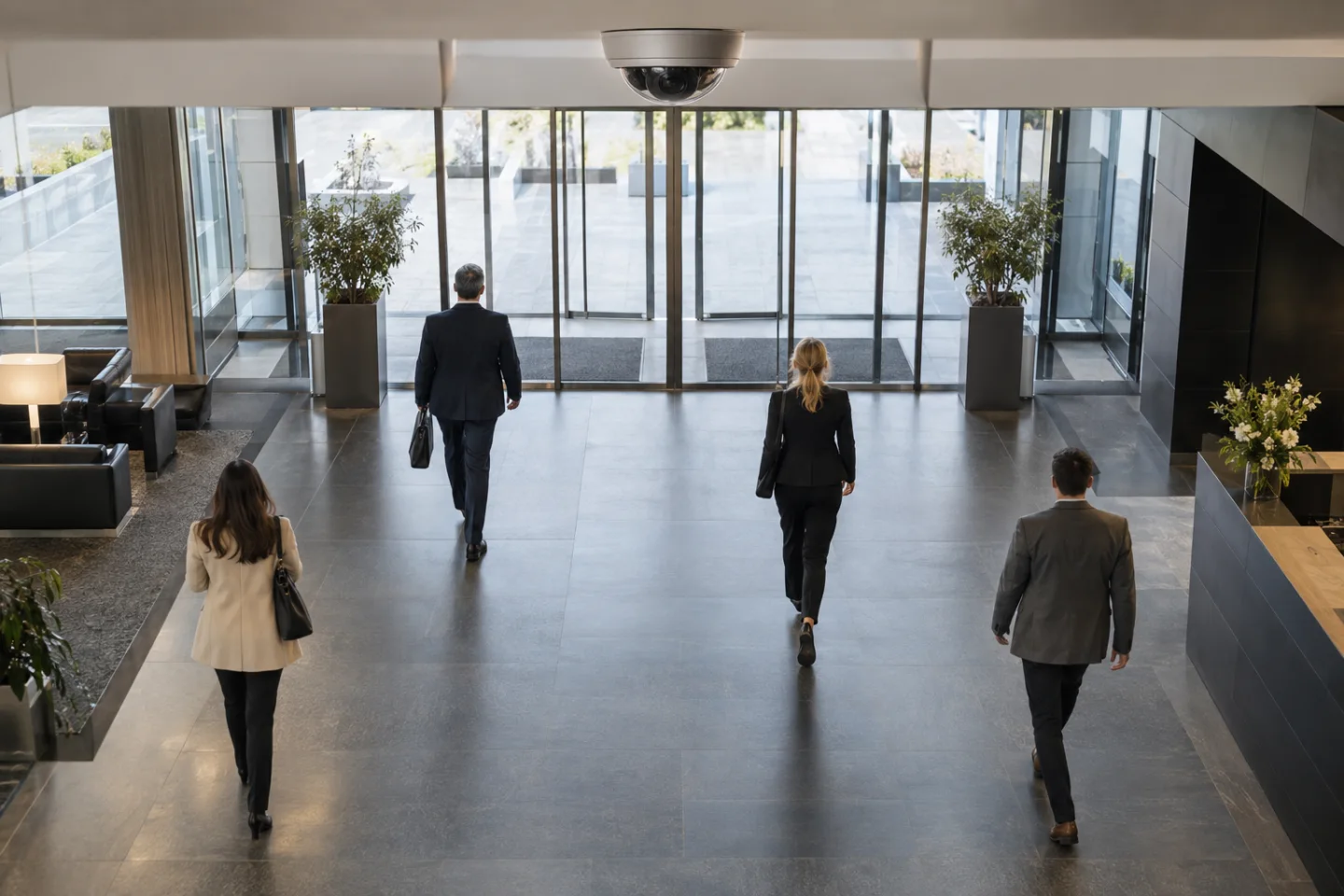
Select a useful camera position
Overhead counting cameras, supported network cameras with edge analytics, specialist sensors and VMS-based applications offer different approaches. A suitable view needs enough separation between people and a clear understanding of the entrance geometry. Door movement, reflections, closely grouped visitors, backlighting and obstructions can all influence results.
An existing security camera may provide a useful view, but it should not be assumed suitable solely because it can see the doorway.
For a building with several access points, the design must account for each relevant route. An entry-minus-exit estimate can drift if an unmonitored door is used or an event is missed. A directly observed area count answers a different question.
The selected platform's reset behaviour, time zones and aggregation rules should be agreed before the numbers are used in operational reports.
Put counting data to work
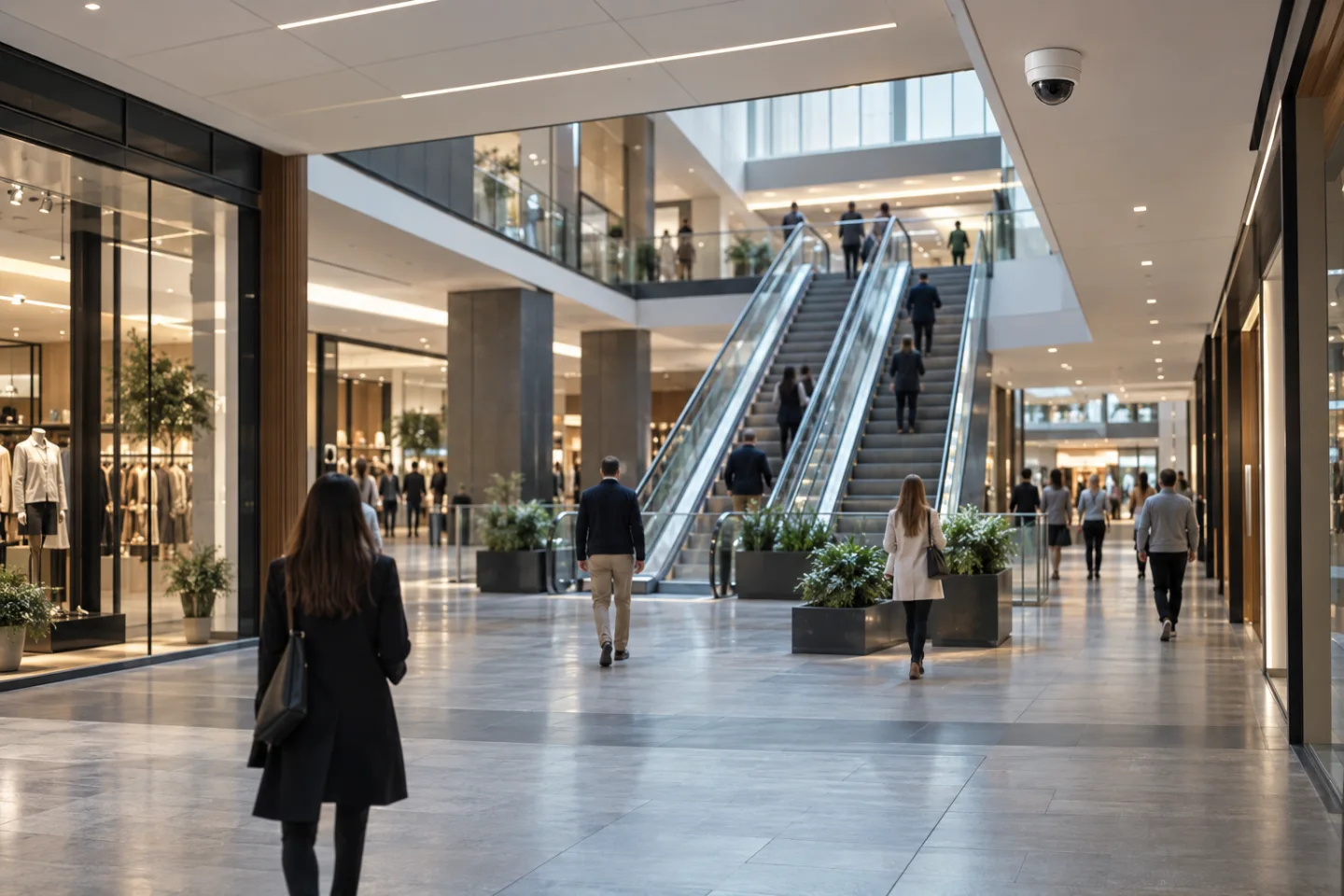
In retail, hourly entrance trends can help managers compare staffing periods and understand changes in store usage. At office receptions, arrival patterns can inform front-desk cover and visitor circulation. In commercial buildings or event spaces, counting can support facilities planning, cleaning schedules and capacity awareness.
These are decision-support applications; they do not establish a certified emergency headcount or replace required occupancy and evacuation arrangements.
Queue analysis may combine counting with dwell-time or area rules. It is useful to distinguish a busy entrance from a slow service point: high footfall does not automatically mean customers are waiting too long. Where the platform supports the necessary measurements, a separate queue or occupancy rule can provide a more relevant operational trigger.
The site team should decide which condition justifies an immediate notification and which belongs in a periodic report.
Deliver an event with context
A count threshold can generate an event containing the location, rule, time and relevant aggregate value. A supported integration may present it in a dashboard, email a supervisor, send a mobile notification or pass it to a monitoring workflow. SMS usually requires an appropriate platform or messaging service rather than being an inherent feature of every camera.
Repeated threshold crossings need sensible suppression and reset rules to avoid unnecessary alerts.
An operator should be able to tell whether the message means a daily total has been reached, a current area estimate is high, or a queue condition has persisted. Those differences influence the response. A store may open another service point; a facilities team may review circulation or cleaning demand.
Any automatic alarm output or access-related action needs a separately agreed interface and operating procedure.
Check the measurement before relying on it
Commissioning should compare observed movements with recorded counts under representative conditions, including groups, opposite-direction traffic and quieter periods. Record the monitored boundary, expected use, exclusions and known limitations. Changes to a doorway, camera angle, display stand or queue layout can invalidate the assumptions, so the counting configuration should be reviewed when the environment changes.
Counting data can often be useful without identifying people. Agree whether video clips are necessary for checking results, who can access them, how long they are retained and which aggregate reports are shared. A multi-site programme also needs consistent labels and reporting periods; otherwise apparently comparable charts may describe different types of activity.
IS Security can scope the camera, network and integration work around the specific business question and the selected platform's supported capabilities.

From a possible event to a useful response.
Entrance → crossing lines → footfall report. Open each stage to explore its role. This is an illustrative workflow; it does not analyse live footage or send notifications.
01 / OBSERVEOverhead counting camera
The monitored condition is: separate entry and exit crossings. Select the device, field of view and installation position for this specific task. Record obstructions, lighting, power and maintenance requirements before relying on the event stream.
02 / INTERPRETDirectional counting analytics
Apply count reconciliation and reporting interval. The selected platform must support the intended event and expose a usable interface. Test representative events and unwanted triggers; an analytics output is a candidate for review, not proof of what happened.
03 / CONNECTLAN → firewall → secure platform
Carry authorised event data through the local switch or sensor gateway and an approved network path. Size bandwidth for any accompanying clip. Protect accounts and interfaces, supervise connection loss and agree retry behaviour where the platform supports it.
04 / RESPONDRetail / building operations
Deliver the location, event type and time to the agreed recipient. A person verifies the available context, follows the site response procedure and records the outcome. Delivery, acknowledgement and resolution are different states and should be reviewed separately.
Where supported by the selected camera, sensor, VMS or analytics platform. Safety-related analytics provide supplementary operational awareness and do not replace dedicated certified fire or life-safety systems where required. The final design must define the equipment, event interfaces and responsible response team.
Reach the people who can act.
Available outputs depend on the selected platform, licences and agreed integrations. Open a channel for practical delivery considerations.
Send event context and a secure review link to an authorised mailbox where supported. Agree recipients and inbox monitoring; acceptance by a mail server does not confirm that a person has read or acted on the message.
Text / SMS
Use a supported gateway or monitoring integration for concise location and priority messages. Confirm service availability, costs and delivery reporting. Sensitive footage should stay within the authorised platform rather than an unrestricted text message.
Mobile apps
A supported application can present event details and acknowledgement controls to authorised users. Test notification permissions, connectivity and out-of-hours coverage. A silenced or offline handset needs a planned alternative recipient or escalation route.
Alarm outputs
A compatible interface may trigger an approved operational sounder, relay or indicator. Define supervision, reset behaviour and responsibility. Do not connect analytics directly to hazardous equipment or alter certified safety functions without the appropriate engineered design.
Control room / monitoring platform
Route supported events into the operator workflow with a consistent site identifier and priority. Give reviewers enough context to distinguish an actionable event from an unwanted trigger, with access restricted to their responsibilities.
Escalation & event review
Define who receives an unacknowledged event, how long the initial team has to respond and how closure is recorded. Review failed deliveries, recurring unwanted alerts and staffing gaps alongside the detection rules.
Plan the complete monitoring chain.
Start with the event, the operating environment and the person responsible for responding. Share existing equipment details, site plans and integration requirements with the technical team.
