01
Copper data cabling
Cat5e, Cat6 and Cat6A installations selected around the application, existing infrastructure and project specification. From individual data outlets to coordinated floor and building installations.


Copper and fibre infrastructure for commercial buildings, retail estates and maritime vessels. Planned routes. Organised cabinets. Connections you can maintain.
A network starts long before a switch is powered on. Cable routes, cabinet locations and the placement of data outlets shape how reliably a building can operate and how easily it can change. IS Security installs structured cabling for new premises, refurbishments and existing operational sites.
Physical infrastructure, connected equipment and a clearly agreed installation scope.
Cat5e, Cat6 and Cat6A installations selected around the application, existing infrastructure and project specification. From individual data outlets to coordinated floor and building installations.
Fibre connections between network cabinets and equipment locations. We bring backbone cabling and local copper connections together within one installation scope.
Equipment racks, network cabinets, patch panels and organised patching. Layouts allow access to connections and provide room for agreed equipment requirements.
Cable routing and containment planned around the building, access constraints and connected equipment. Routes are coordinated with other work before installation.
Termination, testing and clear identification of installed links. Agree the required test records and handover information as part of the project scope.
Fault finding, cable replacement, additional outlets and moves/adds/changes. Extend an existing installation or upgrade the infrastructure in manageable stages.
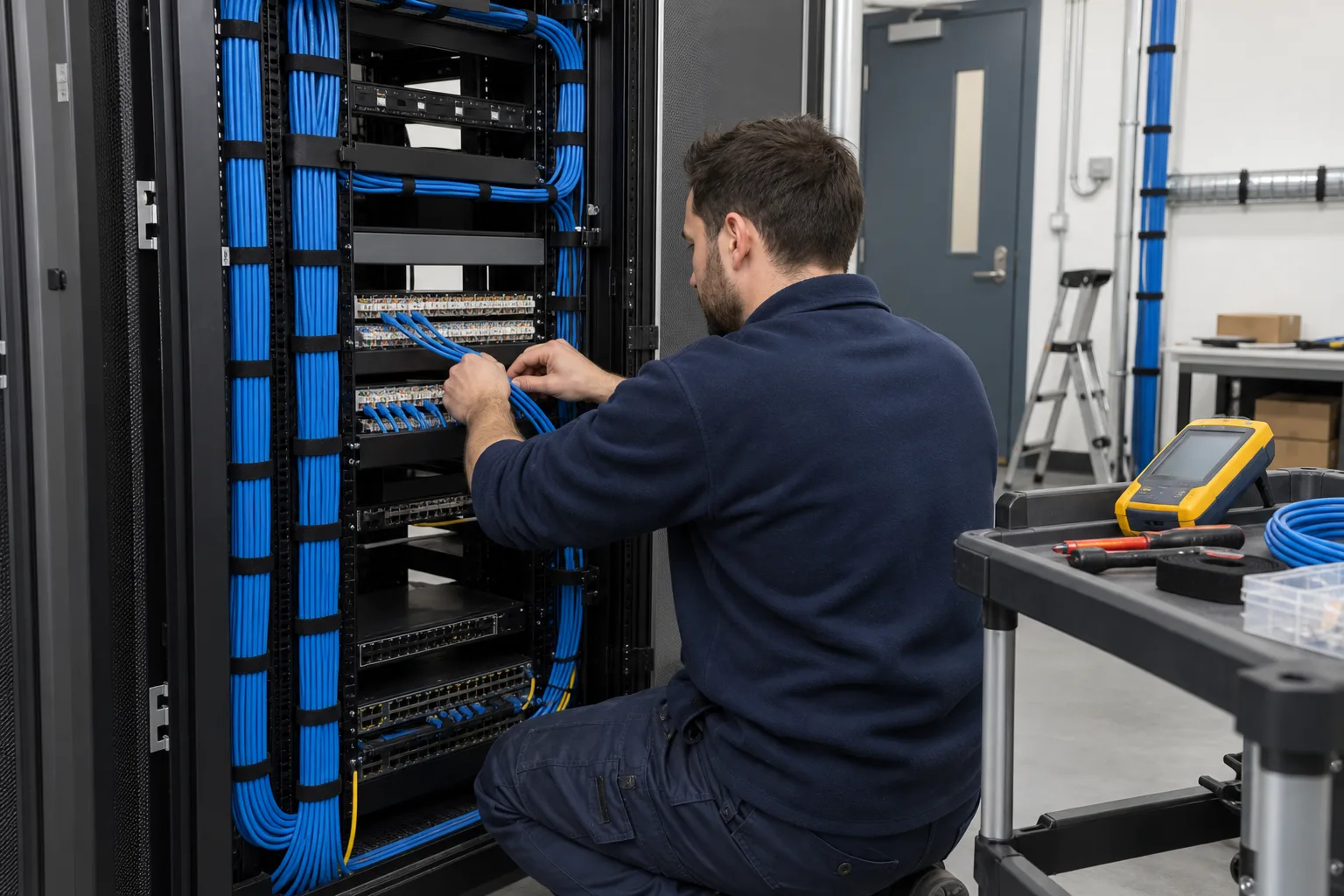
Cable routing, terminations, patching and agreed acceptance checks form one installation scope.
Compare commercial cabling options and plan an installation. Explore the decisions that shape the installation, interfaces and handover.
Start with what each connection must support: a workstation, wireless access point, camera or other networked device. Existing Cat5e may still have a useful role, while new Cat6 or Cat6A installations should follow the required application, route and agreed specification. A category printed on cable does not establish the performance of the completed link. Connectors, patching, installation condition and testing also matter. Record the intended outlet locations before selecting the cabinet position; an attractive floor plan can conceal an impractical physical route.
Ask how desks, counters, racking and security devices may move during the next fit-out. Accessible containment and a clear outlet schedule can make later additions easier without assuming every spare route needs cable immediately. Separate the permanent cabling scope from active network configuration so each contractor knows what is being delivered. When installing in occupied premises, agree which areas can be isolated, how users will be informed and which connections must return to service before the next shift. Keep redundant and active links distinguishable throughout the work.
Agree the required test method and records before installation starts. Outlet identifiers should correspond to patch-panel positions and the agreed floor or zone plan. Request a list of exceptions, inaccessible routes and retained links whose condition could not be established. A link that passes a continuity check has not necessarily completed the specified performance certification. The handover should make that distinction clear. Bring cabling results together with switch-port allocation when the wider project includes network equipment, so faults can be traced from a device back to its physical connection.
Confirm outlet locations, containment access and cabinet reach before cable is ordered.
Match components to the agreed link specification and retain useful identification.
Record the specified results against each outlet, with exceptions and retained infrastructure identified.
Use these checkpoints to discuss the scope. The final test method, responsibilities and acceptance evidence depend on the selected system and agreed work.
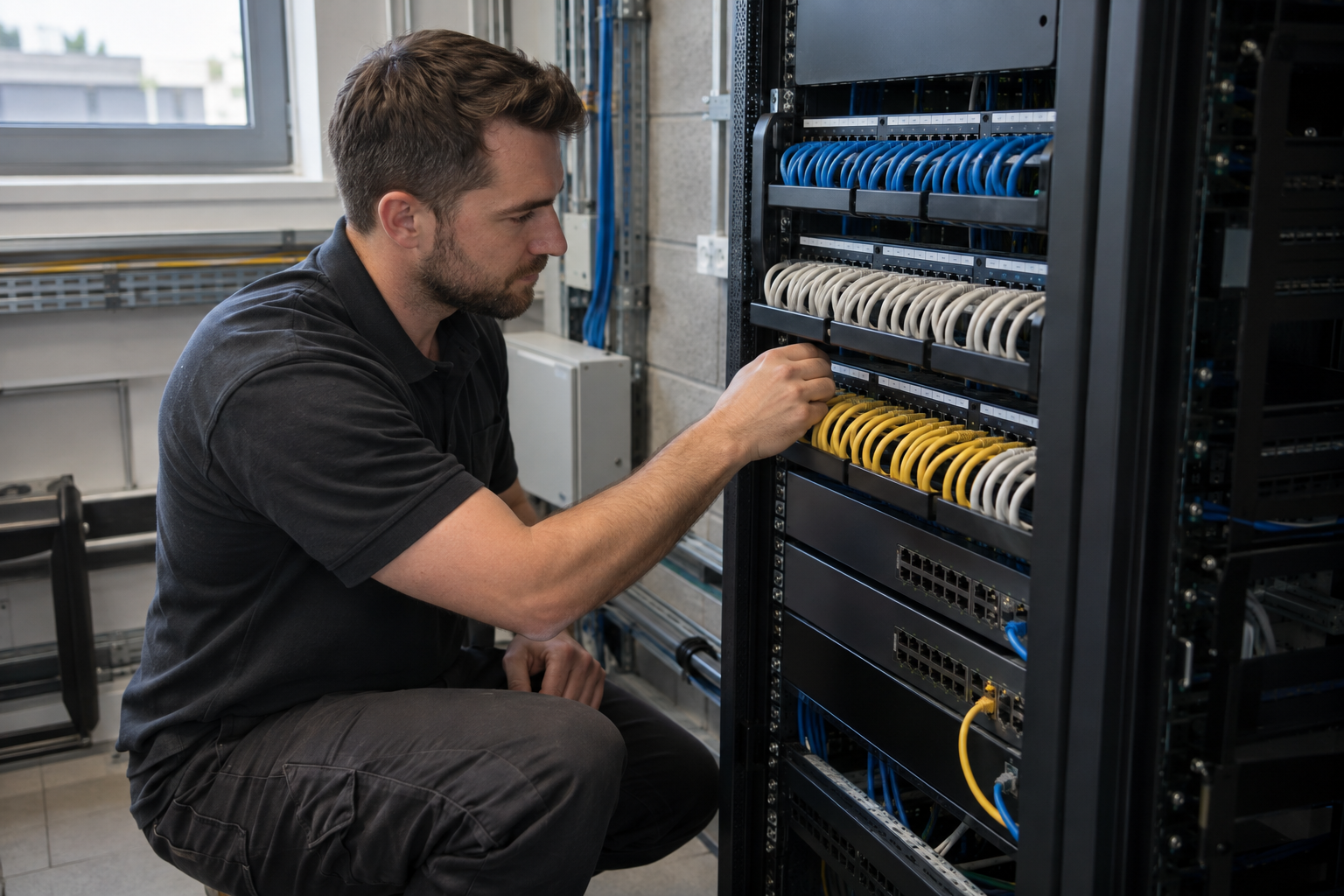
Cat5e, Cat6 and Cat6A describe cabling categories, but the installed connection includes more than a reel of cable. Match the cable, outlets, patch panels and test requirement to the agreed specification. Review existing Cat5e links before assuming replacement is necessary, and distinguish an additional Cat6 outlet from a wider Cat6A upgrade. Cable construction and installation conditions also affect the choice. Record what will be retained so the customer can see where an older installation ends and the new work begins.
Mark desks, access points, cameras, printers and other network endpoints on a current drawing. A count of staff is not an outlet plan: ceiling devices, shared work areas and equipment cupboards need their own connections. For each area, establish the cabinet destination and an accessible containment route. In an occupied office, divide installation by room or floor; in a warehouse, coordinate overhead work with aisle availability. The schedule should also identify spare outlets and any locations that cannot be reached during the first visit.
Agree a naming scheme that links each faceplate to its patch panel position and test record. Use the same identifiers in the outlet schedule, cabinet information and any snag list. During handover, walk through a representative connection with the customer so their team can trace a device without guessing. Extensions, repairs and later moves then start from a reliable record. Where the work spans several buildings, keep site and building identifiers distinct from individual outlet numbers.
Explore installation requirements, interfaces and the information needed before work begins.
Cat5e (Category 5e), Cat6 (Category 6) and Cat6A are options within a structured cabling design. Selection depends on the required network application, installed components, route and budget. Existing Category 5e links may be assessed for continued use; a change to Cat6 or Cat6A should consider outlets, patch panels and patch leads together, rather than replacing only the cable.
Copper Ethernet cabling connects data outlets and PoE equipment to network switches. Fibre optics provide backbone links where the design calls for connections between cabinets or buildings. We review cable containment, routing and cabinet access so the physical installation can be maintained.
For a quote, share drawings, outlet quantities, network cabinet locations and the equipment to be connected. Identify any existing test records and access restrictions. We agree a labelling scheme, patch-panel schedule and acceptance tests before installation; where certification is specified, the required link test scope and reporting format form part of the quotation.
Fault finding, repairs, replacement and moves, adds and changes can often be scoped separately from a full rewire. A staged network cabling upgrade should identify retained links and record new work clearly. For multi-site or international work, provide the locations and proposed sequence so deployment can be assessed.
Yes. We assess the existing routes, cabinets and connections, then scope additions or replacement work around the equipment you need to connect.
The choice depends on the application, link requirements, installation conditions and budget. We can discuss Cat5e, Cat6 and Cat6A alongside fibre requirements during scoping.
Testing and documentation are agreed for each project. Tell us if your specification requires particular link tests, certification reports or a defined labelling scheme.
Commercial sites. International programmes. Onboard systems.
Installations across all of the US, Europe, the Caribbean, the UK and South Africa, with deployment support in Canada and Panama.
Regional resources · Fly teams · International project support
Explore regions & deployment hubs → DEPLOYMENT NETWORK / ILLUSTRATIVE CONNECTIONS