Retail analytics
People counting, occupancy and movement patterns to support store operations.


Practical video analytics and event detection using compatible commercial camera systems.
Camera → video analytics → secure network → operator review
A supported source surfaces a possible event. The network carries useful context to the people responsible for review and action.
These scenes are generated illustrations. They do not analyse footage, operate safety systems or send notifications.
Video unavailable. Follow the illustrated workflow below.
Camera → video analytics → secure network → operator review
A suitable camera observes the commercial environment and the agreed area of interest.
Edge, recorder or VMS analytics evaluates a configured event; not every camera supports every rule.
The network carries an event and available footage to an authorised operator or supported notification channel.
People check the observation, follow the site procedure and retain a useful event record.
Illustrative sequence, not a detection-speed demonstration. Capabilities and notification channels depend on the selected equipment, platform and agreed response workflow.
INTELLIGENT VIDEO / EVENT LOGIC · ILLUSTRATIVE VIEW · Perimeter zone · People counting · Vehicle detection · 01 Detect · 02 Classify · 03 Alert & review · Illustrative analytics concepts. Features depend on compatible equipment and platform.
Traditional CCTV primarily records video for live viewing and later review. Intelligent CCTV can also identify predefined events and surface them to operators. IS Security scopes AI CCTV installation around what your team needs to detect, how an alert will be handled and which cameras, recorder or video management system (VMS) can support it. The aim is faster event identification and investigation, with useful operational visibility.
Match detection rules to a defined operational requirement, then agree who reviews the event.
People counting, occupancy and movement patterns to support store operations.
Vehicle detection, restricted areas and operational event review.
Defined boundaries, event classification and alerts for operator review.
Find relevant events in compatible recordings, with clear review and response ownership.
Analytics assist the operator. Feature availability and acceptance checks depend on the selected cameras, recorder/VMS and platform.
Physical infrastructure, connected equipment and a clearly agreed installation scope.
Specify person and vehicle detection, object classification, intrusion zones, virtual tripwire or line crossing, perimeter events and loitering rules where supported.
People counting, occupancy measurement, customer-flow analysis, queue monitoring, heatmaps and dwell-time analysis are options for compatible retail and commercial systems.
Assess vehicle classification, entry and exit events, restricted-area alerts, loading-bay monitoring and ANPR/licence plate recognition where supported and appropriate.
Supported event search, object filters and event-linked recordings can help operators find relevant footage across a larger camera system.
Configure supported real-time alerts and camera tampering notifications for agreed recipients, schedules and review procedures.
Confirm camera, recorder/VMS, analytics platform, firmware, licences and project requirements. Check rules in the actual scene before accepting them.
Understand business video analytics and scope compatible event workflows. Explore the decisions that shape the installation, interfaces and handover.
An analytics enquiry is strongest when it describes the operational question. A retailer may want to understand movement through an entrance; a warehouse may need review of activity in a restricted lane; a vessel operator may want relevant deck events available to an authorised reviewer. These are different tasks. Define the scene, event rule and intended action before selecting cameras or licences. Supported functions depend on the actual platform, installation and conditions. A demonstration should test the agreed scenario and limitations rather than imply that one camera can understand every event.
An event classification is an input to a decision. Agree who receives it, what context they can see and what happens if the first recipient is unavailable. Review unwanted and missed events during commissioning under representative conditions. Keep event access and retention aligned with the client’s policies. Where a separate environmental or safety sensor is required, describe it as a separate source rather than a visual capability of an ordinary camera. The illustrated examples below show possible workflows to assess; they are not live analytics outputs or claims about a completed IS Security installation.
Define the scene, supported event and business question.
Test representative conditions and provide reviewable context.
Assign a human reviewer and a documented escalation process.
Use these checkpoints to discuss the scope. The final test method, responsibilities and acceptance evidence depend on the selected system and agreed work.
Explore camera analytics and connected-sensor workflows. Each capability requires suitable equipment, configuration and an agreed review process.
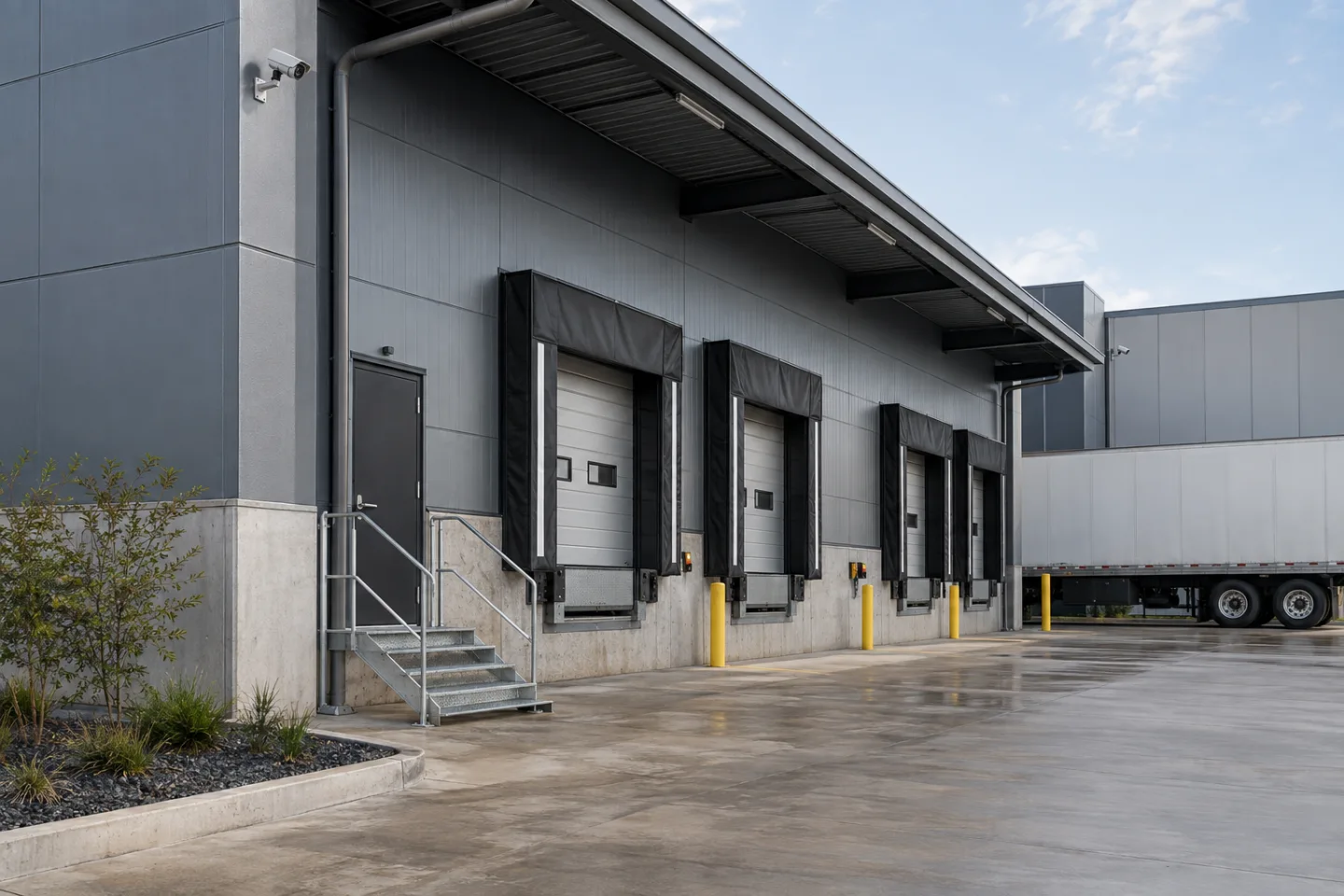
A compatible camera analytic can flag a person or vehicle entering a defined area or crossing a configured boundary. Position, lighting and obstructions influence the useful scene. Set the rule around a reviewable operational event, then test representative activity and unwanted triggers. The alert should lead to a person who can assess the recording and decide what action is appropriate.
Required basis: Camera + supported analytic.
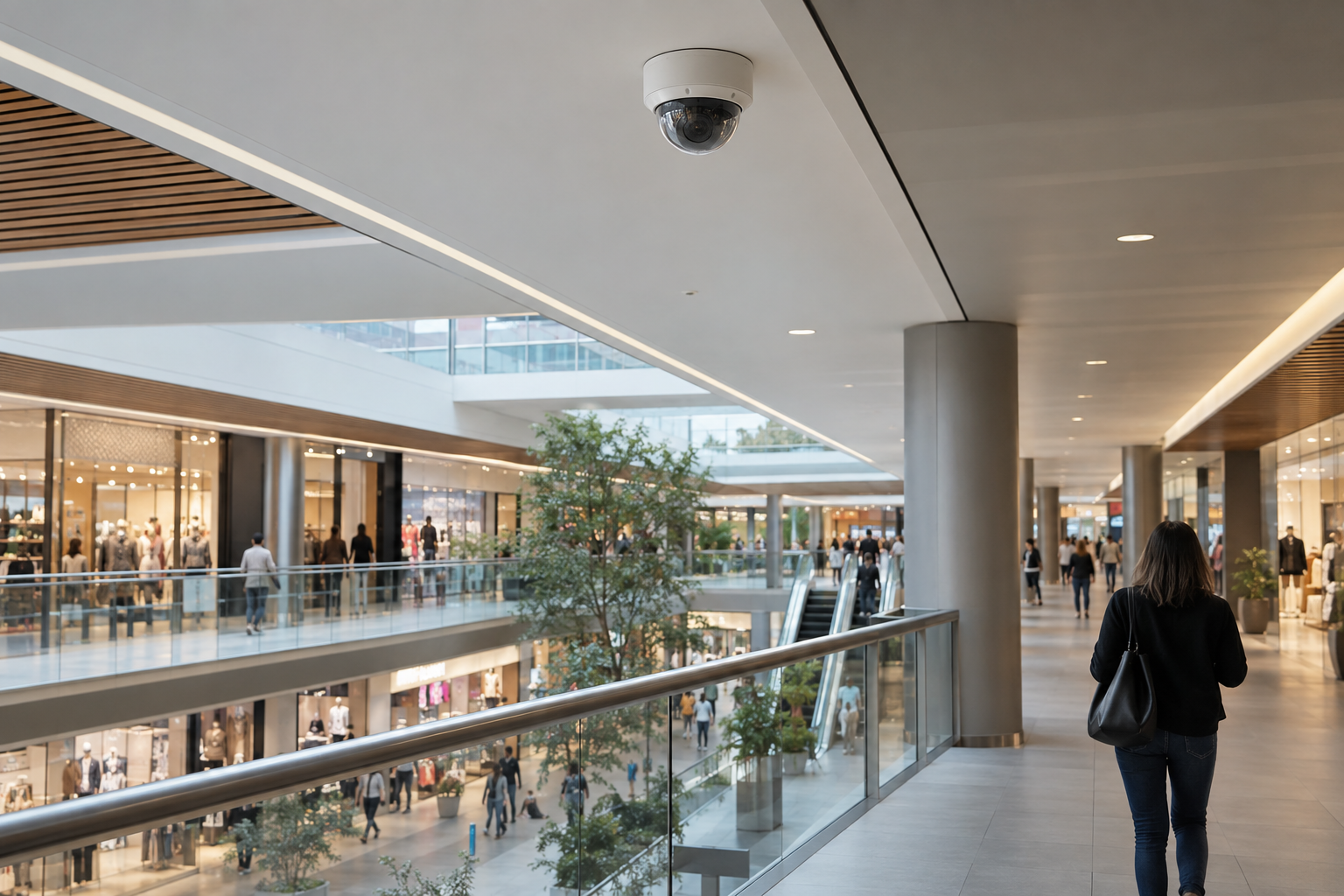
Counting can be configured around an entrance or crossing line when the selected camera and application support that task. Agree direction, opening hours and the treatment of multiple entrances before interpreting the result. Staff movement and overlapping views can complicate a site total. Use the information for the agreed operational question rather than presenting it as identification of every visitor or an exact measure of business performance.
Required basis: Suitable camera + counting application.
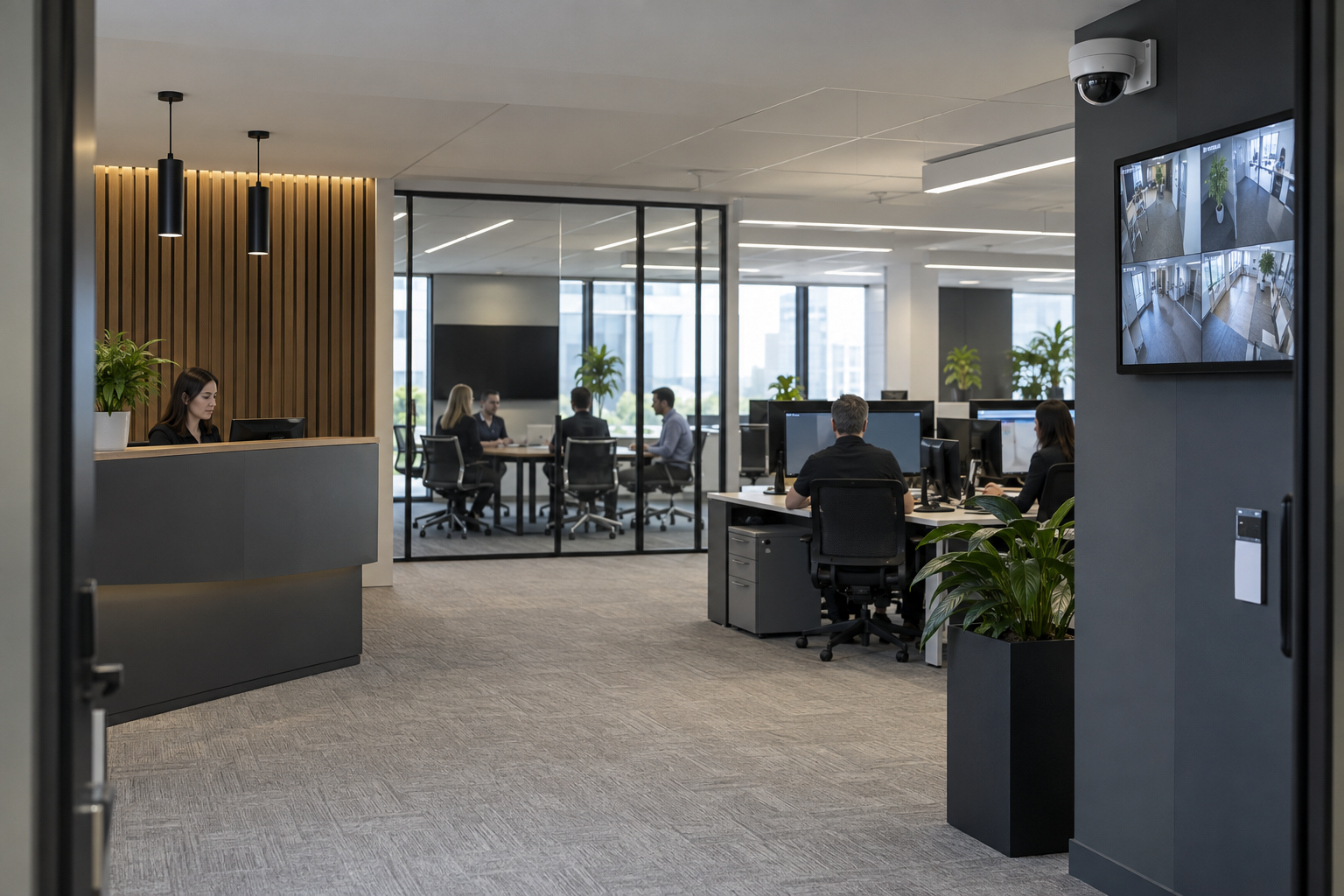
Occupancy estimation may use supported in-area analytics or an entry-and-exit counting arrangement, depending on the platform. Define the area and how counts are reset or reconciled. Occlusion and unobserved entrances can affect the result. Treat the display as information with known limitations, not a certified life-safety occupancy measure. Agree who uses the data and what decision it supports before adding a dashboard.
Required basis: Compatible analytics + agreed counting method.
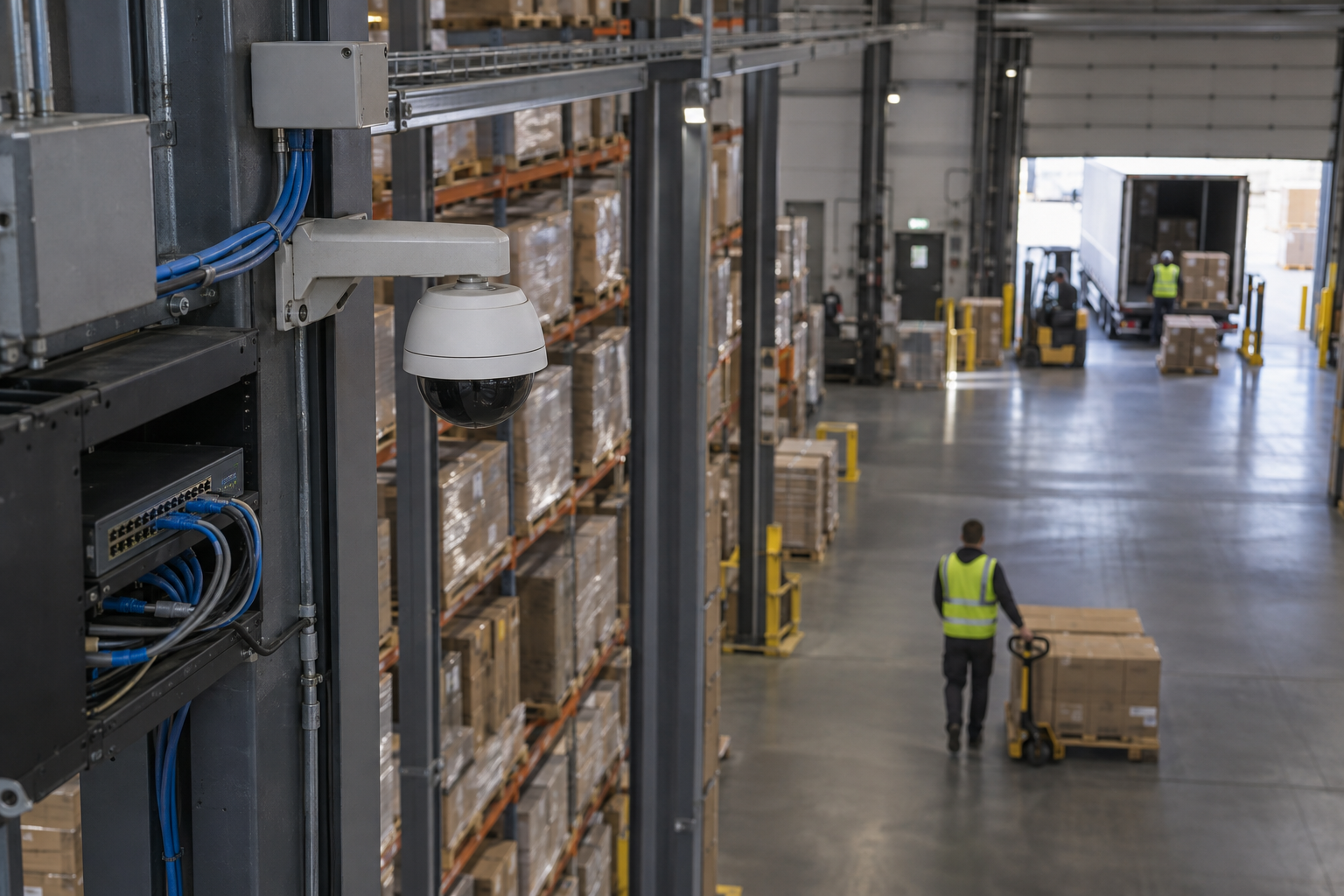
Vehicle detection can support review of a defined approach, loading area or restricted lane. Agree the object classes and event rules supported by the chosen system. Detection of a vehicle is distinct from registration-plate recognition, which requires suitable equipment and a separate scope. Test the view with representative traffic and lighting. Connect the resulting event to an authorised reviewer rather than assuming the system can control traffic safely on its own.
Required basis: Camera + supported vehicle classification.
Specialist video-based fire indication may identify visible flame patterns under its supported conditions. This is a separate equipment and design question from ordinary object analytics. The example illustrates a possible event-to-review workflow, not a guarantee of early detection. Required fire protection, approvals and emergency procedures remain the responsibility of the relevant specialists and site team. Do not replace a required fire-alarm system with a generic camera analytic.
Required basis: Specialist video fire equipment, where suitable.
Some specialist video fire products support smoke indication within defined installation and scene requirements. Lighting, airflow, obstructions and the product’s limitations must be assessed by the responsible specialists. This illustration is not a live camera output or a certified detection design. Agree how an indication reaches a reviewer and how it relates to the site’s established fire arrangements. A general CCTV installation does not automatically include this capability.
Required basis: Specialist supported smoke-indication product.
A water-leak workflow will often begin with a dedicated compatible sensor rather than a standard camera. The sensor or controller can provide an event to a supported management system; a relevant camera view may add context where available. Confirm the sensing technology, interface and notification path before promising integration. Assign the facilities contact and test the agreed event delivery. A picture of a puddle does not establish that a camera can reliably detect every leak.
Required basis: Dedicated sensor + supported event interface.
A specialised compatible analytic may flag a posture or inactivity pattern for review. Availability and limitations depend on the product and scene; ordinary CCTV does not automatically provide this feature. Assess privacy, occlusion, work practices and the response process with the client. The illustration shows a possible review pathway, not medical diagnosis, reliable injury detection or a substitute for established lone-worker arrangements. A trained responsible person must assess the event and follow the agreed procedure.
Required basis: Specialised supported analytic + response plan.
These references explain relevant concepts. They do not imply a partnership, a supplied product or that every listed capability is included in a project.
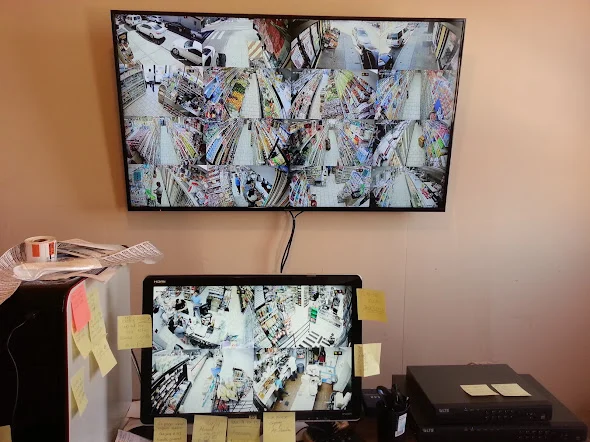
For each proposed analytic event, record the camera location, the intended subject and the action expected from the operator. A loading-bay vehicle event needs a different scene from a retail entrance count. Photograph the proposed viewpoint and identify obstructions that appear during normal activity. Camera positioning, scene conditions and supported analytics affect results, so a feature demonstrated elsewhere should not be assumed to work unchanged at this site. Confirm the selected camera and platform requirements before installation.
A commissioning session should include normal movements that should not create an alert, alongside agreed examples of the event being detected. Review how light, parked vehicles, delivery cages or changing displays affect the scene. Record the rule settings and the conditions under which testing took place. Where an event cannot be reproduced during attendance, mark it as awaiting customer acceptance. Avoid presenting a short demonstration as proof of performance in every operating condition.
A useful alert needs a recipient, a review method and an agreed next step. Confirm that the operator can find the associated recording and understand the location being reported. Handover should include the event schedule, camera references and any limitations found during testing. Changes to a scene can justify another review: moving a retail entrance display or changing a warehouse aisle may affect the original configuration. Keep those maintenance responsibilities explicit when agreeing the installation scope.
Equipment-specific reference: Axis: analytics scene and camera requirements.
Explore installation requirements, interfaces and the information needed before work begins.
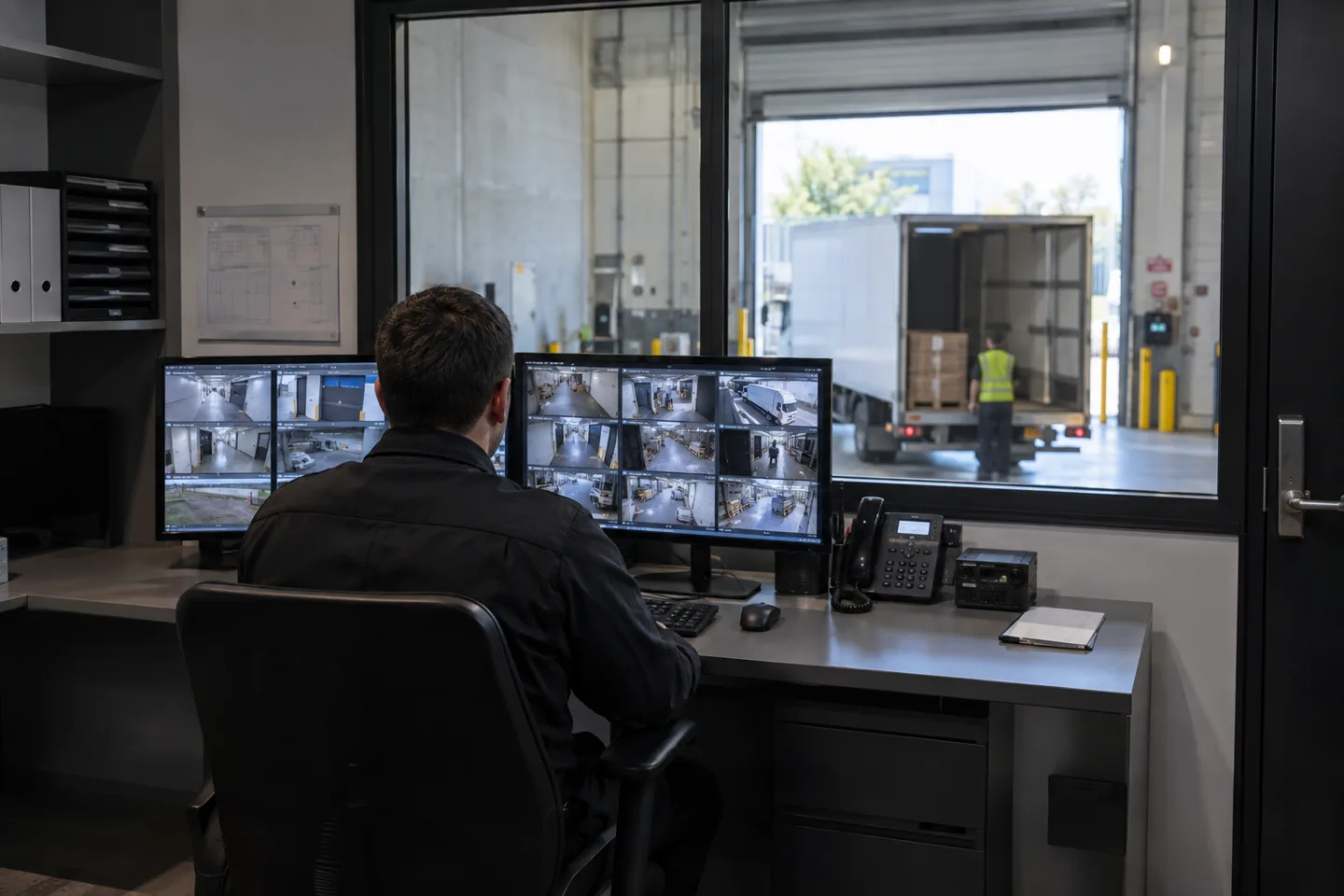
For a perimeter, define which boundary matters, when access is expected and who should receive an alert. A person entering a restricted area after closing calls for a different rule from a vehicle approaching an authorised loading bay. Classification and schedules can reduce irrelevant alerts, but settings need review against actual activity.
For investigations, agree which events operators need to search and how footage will be retained and exported. Faster event search is useful only when camera views, time settings and recordings let the operator understand the event.
People counting CCTV can provide entrance and exit counts. Occupancy measurement, customer-flow analysis, queue monitoring, dwell time and heatmaps require the appropriate analytics and camera layout; they are not automatic features of every surveillance camera. Agree the entrance boundaries, reporting periods and how staff will interpret the resulting information.
For a shopping centre, separate shared-area monitoring from tenant requirements. A retailer may need queue insight near a service counter while centre management needs entrance counts. Discuss each use case and the handling of video and analytics data during planning.
Warehouse CCTV analytics can focus on restricted zones, loading areas and movement around defined operational spaces. Person/vehicle separation alerts, PPE detection and other safety-related video analytics are considered only where the selected platform supports them and the scene can be tested.
These tools support human review and operational awareness; they do not replace physical safeguards or the site’s safety procedures. Agree representative operating conditions, alert recipients and how unexpected or missed events will be reviewed.
Vessel video analytics can support deck-area monitoring, restricted-area alerts and intelligent event search across an onboard CCTV system. Select person, vehicle or object detection only where it fits the viewing area and chosen equipment. Review the proposed camera scenes with the vessel team during scoping.
Remote-site monitoring can use event-driven notifications and secure remote access to reduce reliance on constant manual observation. Define which events can be reviewed remotely, what happens when connectivity is unavailable and whether recordings remain available locally.
Abandoned-object detection, removed-object detection and unusual-activity detection need specific platform support and carefully defined scenarios. Facial recognition or biometric analytics are considered only where legally appropriate and supported by the selected system. Availability is not a claim that a particular deployment is legally compliant.
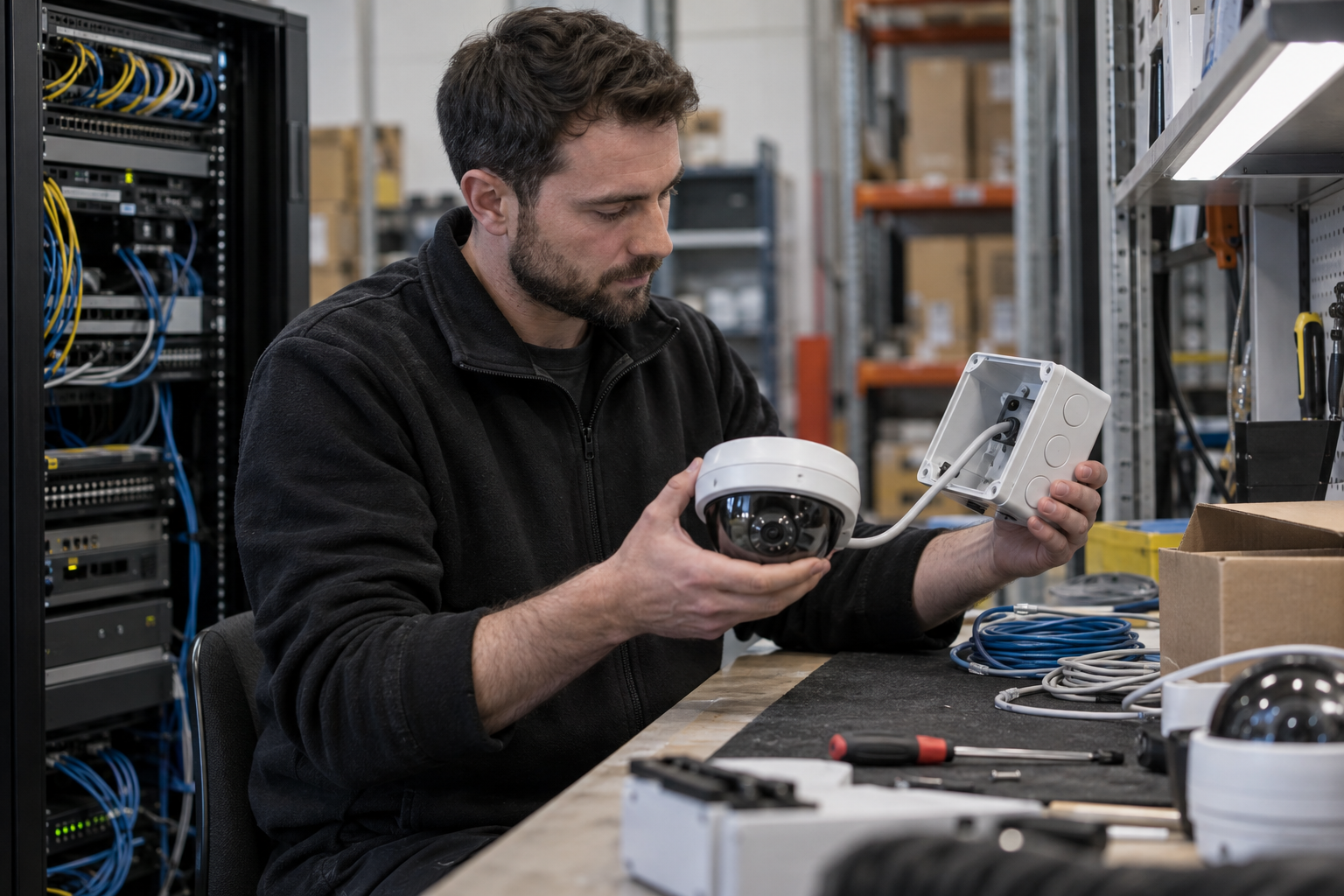
Before quoting, provide camera and recorder models, a site plan, sample views where available, the events you want to detect and who will respond. We review compatibility, propose any replacement equipment, configure agreed rules and demonstrate event capture, notifications and search. Existing CCTV may be upgraded selectively when compatible components can be retained.
Handover should identify the enabled analytics, licences, rule settings, user access and maintenance responsibilities. No system guarantees detection or eliminates false alerts. Multi-site deployments can use a common event brief, followed by configuration and acceptance checks for each site.
An intelligent video programme can use a shared event brief across stores, warehouses or other locations while allowing each scene to be commissioned individually. Retail teams may need occupancy or queue insight; warehouse teams may need loading-area monitoring; security operators may prioritise intrusion events and intelligent search.
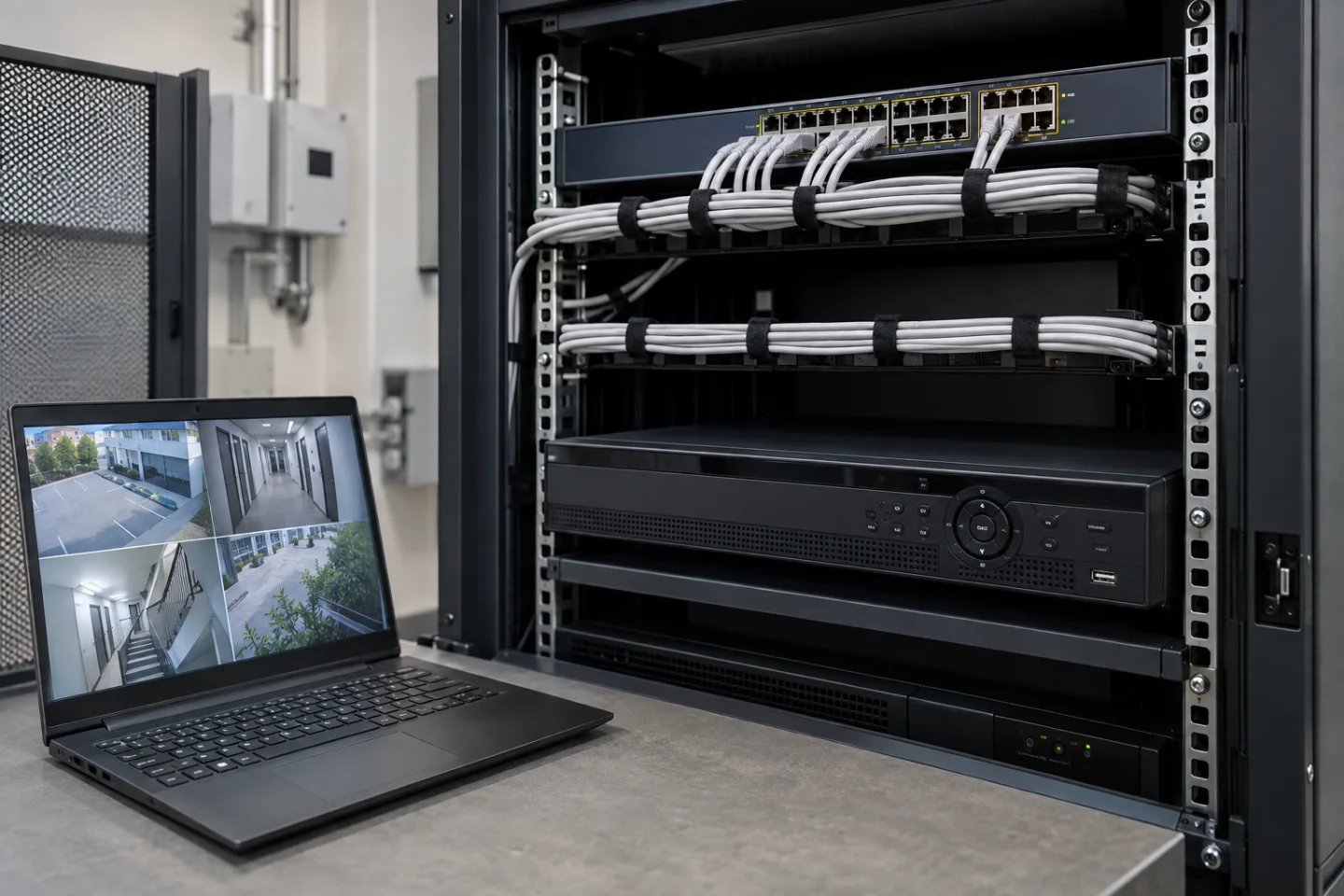
The supported cameras, recorder/VMS and analytics platform determine which features can be deployed. Agree reporting, alert handling and acceptance tests for the chosen systems, then document site-specific settings and limitations. Physical cabling, PoE, network capacity and secure access remain part of the installation plan.
No. Available features depend on the camera, recorder, software and configuration. We assess compatibility and the intended use before recommending a scope.
No. Performance depends on factors such as the scene, lighting, camera placement and configuration. Features should be checked against the intended use and appropriate human review.
Commercial sites. International programmes. Onboard systems.
Installations across all of the US, Europe, the Caribbean, the UK and South Africa, with deployment support in Canada and Panama.
Regional resources · Fly teams · International project support
Explore regions & deployment hubs → DEPLOYMENT NETWORK / ILLUSTRATIVE CONNECTIONS