
Queue & Occupancy Monitoring
Queue and occupancy monitoring helps a business understand how a defined space is being used and when a service area may need attention. Supported cameras, counting sensors and analytics platforms can estimate people in an area, observe movement through entrances or apply a configured dwell or threshold rule.
The useful outcome is an operational prompt or trend that a manager can interpret in context.
Video unavailable. Follow the illustrated workflow below.
THE EVENT JOURNEY
Service zone → dwell threshold → staffing review
Watch a defined area
People gather or wait within a selected entrance, queue or service zone.
Assess counts and dwell
Supported occupancy or queue analytics compares observations with configured thresholds.
Share operational awareness
A dashboard or supported alert informs service managers when an agreed condition is met.
Adjust the operation
Staff review the situation and decide whether to open another service point or manage access.
Illustrative sequence, not a detection-speed demonstration. Capabilities and notification channels depend on the selected equipment, platform and agreed response workflow.
Separate the questions behind the numbers
Footfall describes movement through a boundary. Occupancy describes an estimate of people currently within a space. Queue monitoring concerns a waiting area, its extent or the time people remain there. These measurements may be combined in a supported platform, but one should not be used as an automatic substitute for another.
A busy entrance does not necessarily mean a queue is long, and a quiet doorway does not prove a room is empty.
For an entry-minus-exit estimate, all relevant access points and reset arrangements need to be considered. A directly observed area count depends on the camera view and its supported analytics. The site team should agree what the displayed value represents, how often it is updated and what conditions can cause uncertainty or drift.
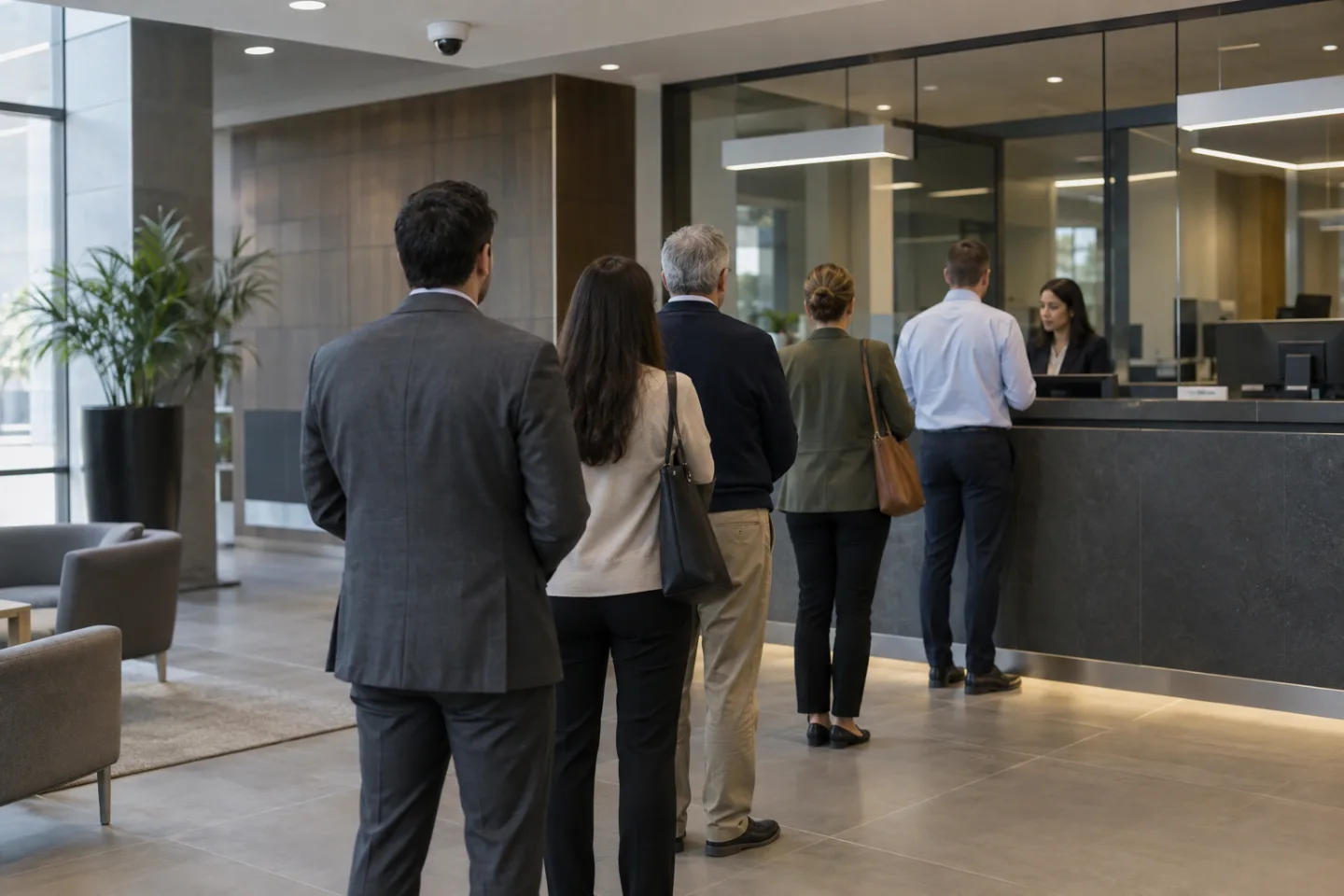
Map the actual waiting and circulation areas
A retail service desk, office reception and commercial building entrance may each have different queue patterns. The view should distinguish people waiting from people passing through, sitting nearby or using another service point. Furniture, barriers, temporary displays and changes in the layout can alter that distinction.
Camera placement and configured areas should follow the physical arrangement rather than an idealised floor plan.
The selected application must support the intended rule. Some systems provide an area estimate, while others may offer dwell-time or queue-specific functions. Close groups, occlusion, reflections and changes in lighting can affect the information available. Define any excluded areas and record whether staff, visitors and passers-by may be included in the measurement.
Do not imply that the system identifies individual customers unless a separate, appropriate capability has actually been specified.
Use awareness to support service decisions
A store manager may use a threshold notification to review demand and open another service point. An office reception team may use arrival patterns to plan cover at busy periods. Commercial facilities may review usage trends when arranging cleaning, seating or circulation changes.
Event spaces may find an agreed occupancy estimate useful for operational awareness alongside their established management arrangements.
These applications do not turn a camera count into a certified capacity assessment or emergency evacuation register. Required occupancy controls, staffing and safety procedures remain separate. The operator should understand the uncertainty in the estimate and use other available information when making a decision.
A dashboard number is most useful when its definition and limitations are visible to the people relying on it.
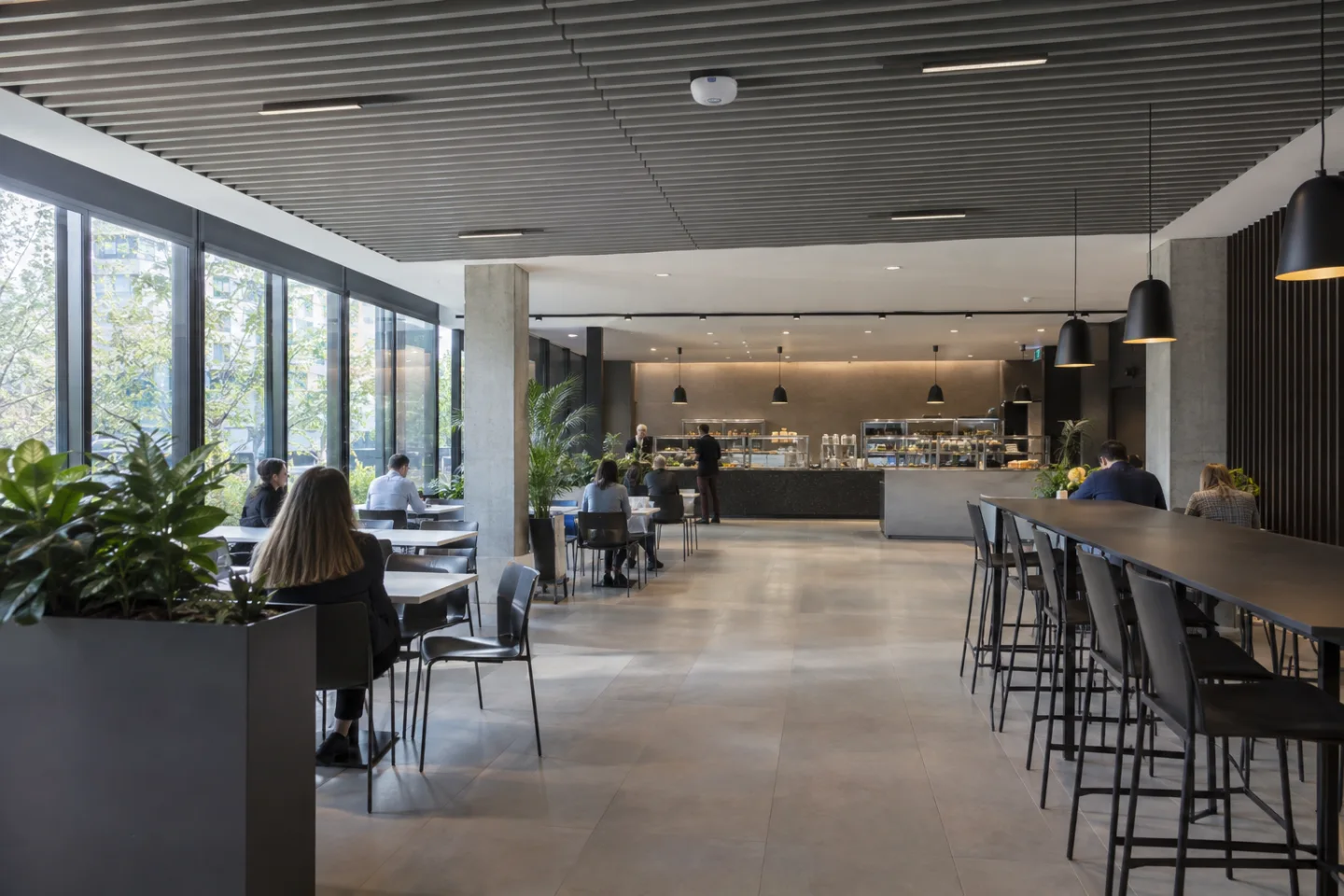
Set thresholds that lead to action
A threshold should correspond to a practical response rather than simply demonstrate that an alert can be generated. Agree how long a condition must persist, when the rule operates and how it resets. Without suitable grouping or suppression, a value repeatedly moving above and below a threshold can create an unnecessary stream of notifications.
A periodic report may be more appropriate than an immediate alert for some questions.
Where supported, an event can reach a monitoring dashboard, supervisor's app, email or text/SMS service through the agreed network and platform integration. A control room or central operations team may receive events from several sites with consistent labels. The message should identify the location, rule and measurement type so the recipient knows whether to review a queue, an area estimate or a cumulative count.
Validate the view and reporting method
Commissioning should compare the system's output with representative observed activity. Include quiet periods, groups, people crossing in both directions and normal layout variations. Test notification delivery and the way unavailable cameras or network connections are reported. Record reset schedules and time zones, especially where several locations contribute to central reports.
Agree access permissions, retention and the minimum evidence needed to check a result. Review the configuration after changes to service counters, entrances, furniture or camera mounting. IS Security can scope the cameras or sensors, supporting cabling and network, and the event or reporting integration around a clear operational question.
The aim is usable information for staff, with realistic expectations about what a supported analytics platform can establish.
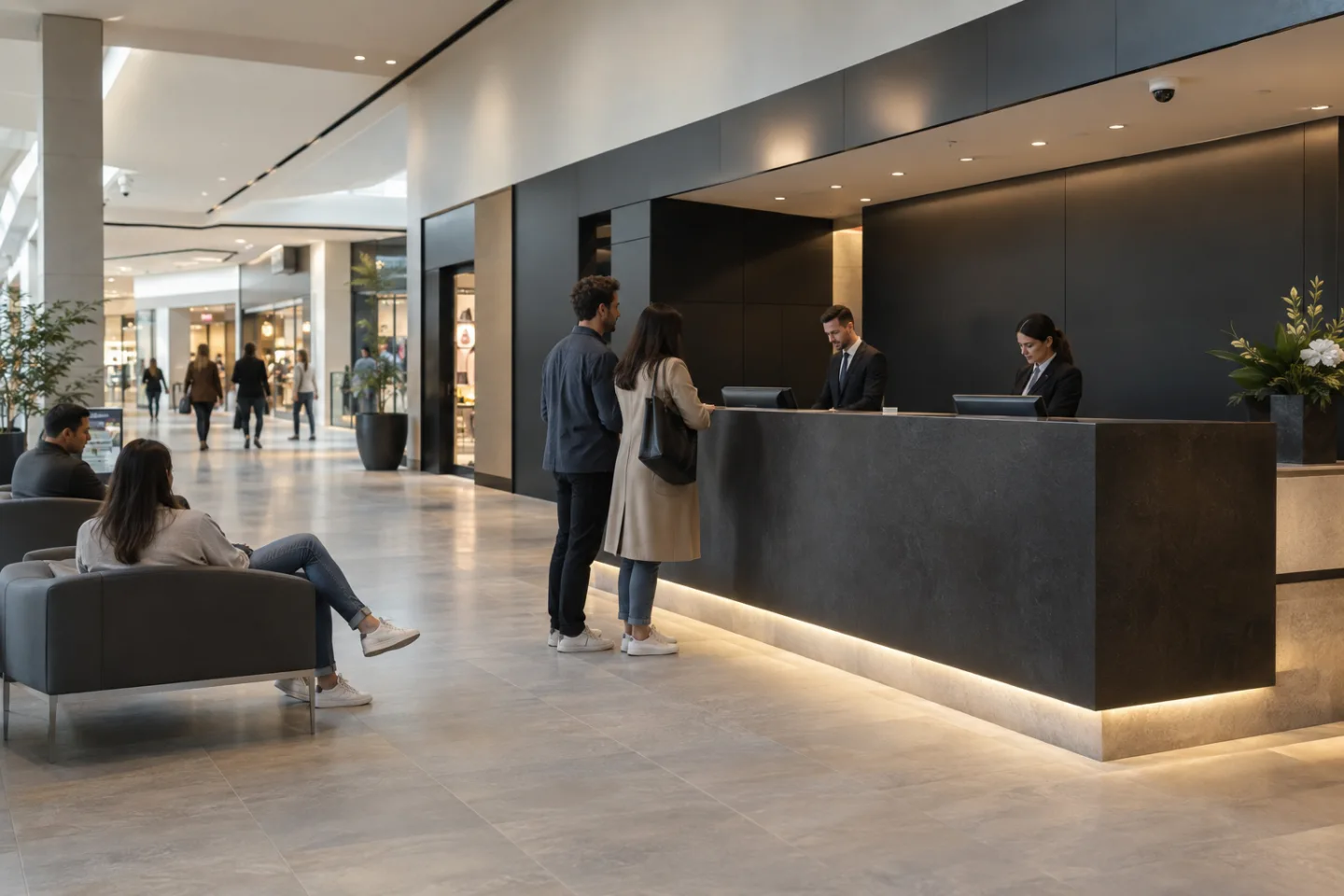
From a possible event to a useful response.
Service zone → dwell threshold → staffing review. Open each stage to explore its role. This is an illustrative workflow; it does not analyse live footage or send notifications.
01 / OBSERVECounting / queue-view camera
The monitored condition is: people present or waiting in an area. Select the device, field of view and installation position for this specific task. Record obstructions, lighting, power and maintenance requirements before relying on the event stream.
02 / INTERPRETArea occupancy + dwell analytics
Apply queue duration and occupancy threshold. The selected platform must support the intended event and expose a usable interface. Test representative events and unwanted triggers; an analytics output is a candidate for review, not proof of what happened.
03 / CONNECTLAN → firewall → secure platform
Carry authorised event data through the local switch or sensor gateway and an approved network path. Size bandwidth for any accompanying clip. Protect accounts and interfaces, supervise connection loss and agree retry behaviour where the platform supports it.
04 / RESPONDService manager / building operator
Deliver the location, event type and time to the agreed recipient. A person verifies the available context, follows the site response procedure and records the outcome. Delivery, acknowledgement and resolution are different states and should be reviewed separately.
Where supported by the selected camera, sensor, VMS or analytics platform. Safety-related analytics provide supplementary operational awareness and do not replace dedicated certified fire or life-safety systems where required. The final design must define the equipment, event interfaces and responsible response team.
Reach the people who can act.
Available outputs depend on the selected platform, licences and agreed integrations. Open a channel for practical delivery considerations.
Send event context and a secure review link to an authorised mailbox where supported. Agree recipients and inbox monitoring; acceptance by a mail server does not confirm that a person has read or acted on the message.
Text / SMS
Use a supported gateway or monitoring integration for concise location and priority messages. Confirm service availability, costs and delivery reporting. Sensitive footage should stay within the authorised platform rather than an unrestricted text message.
Mobile apps
A supported application can present event details and acknowledgement controls to authorised users. Test notification permissions, connectivity and out-of-hours coverage. A silenced or offline handset needs a planned alternative recipient or escalation route.
Alarm outputs
A compatible interface may trigger an approved operational sounder, relay or indicator. Define supervision, reset behaviour and responsibility. Do not connect analytics directly to hazardous equipment or alter certified safety functions without the appropriate engineered design.
Control room / monitoring platform
Route supported events into the operator workflow with a consistent site identifier and priority. Give reviewers enough context to distinguish an actionable event from an unwanted trigger, with access restricted to their responsibilities.
Escalation & event review
Define who receives an unacknowledged event, how long the initial team has to respond and how closure is recorded. Review failed deliveries, recurring unwanted alerts and staffing gaps alongside the detection rules.
Plan the complete monitoring chain.
Start with the event, the operating environment and the person responsible for responding. Share existing equipment details, site plans and integration requirements with the technical team.
