01
Network cabinets
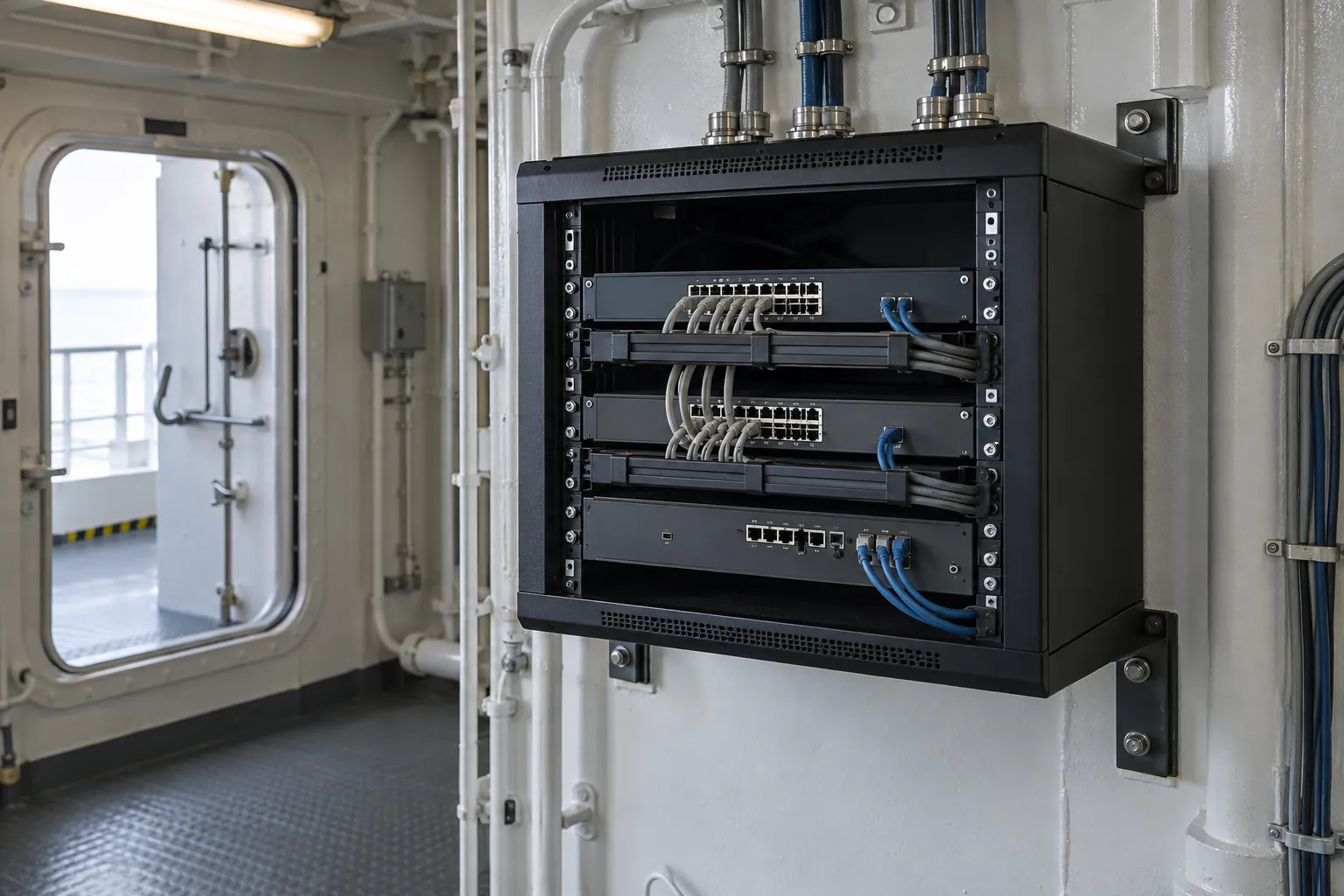
Cabinet installation and equipment layouts arranged around the vessel’s available spaces and maintenance access.


Network cabinets, switching, PoE and equipment connectivity aboard commercial and cargo vessels.
A vessel network connects multiple equipment locations and operational systems. IS Security installs cabinets, switches and physical connections, bringing the active network together with its copper and fibre infrastructure. We coordinate equipment interfaces and changeover arrangements with your technical team.
Physical infrastructure, connected equipment and a clearly agreed installation scope.
Cabinet installation and equipment layouts arranged around the vessel’s available spaces and maintenance access.
Install switching equipment and connect the required onboard devices within the agreed network design.
Coordinate compatible switches, cable connections and device requirements for powered network equipment.
Bring local copper connections and fibre backbone links together across network equipment locations.
Scope network configuration and separation requirements with the team responsible for the vessel’s existing systems.
Replace equipment, identify connections and agree testing and handover steps before the installation window.
Vessel location, cable access, interfaces and attendance windows shape the agreed installation. The diagram illustrates system relationships, not a completed vessel project.
Plan onboard switching, Wi-Fi and network separation. Explore the decisions that shape the installation, interfaces and handover.
Crew devices, office equipment, CCTV and specialist vessel systems should not be treated as one undifferentiated network. Establish who owns each system and which connections are actually required. A new switch can provide physical capacity without resolving the routing or access policy. Identify approved interfaces and keep changes to operational systems within the responsible team’s authority. Where an existing network is undocumented, investigation and configuration review may need to precede installation. This prevents assumptions about spare ports from becoming unintended connections between systems.
Steel structures, compartment layouts and equipment spaces affect how wireless coverage can be delivered. Access-point positions need to be considered with their cable routes, power arrangements and management requirements. Do not infer whole-vessel coverage from a signal observed in one space. Agree the areas and user activities to be checked, including the conditions under which those checks will be performed. Where satellite or another external connection is used, distinguish local Wi-Fi coverage from internet availability so commissioning can identify which part of the service needs attention.
Network changes may affect several onboard services at once. List the representative endpoints and applications that the vessel team will check after installation. Confirm configuration ownership, access arrangements and any required supplier involvement before attendance. Retain the information needed for an agreed rollback until the replacement path is accepted. Handover should identify cabinet and switch locations, relevant port assignments, network boundaries and remaining actions. Fleet standardisation can help organise those records, but should not conceal differences in vessel layout or supported equipment.
Separate system responsibilities and approve required communication paths.
Plan access points, PoE and representative onboard wireless checks.
Verify affected services and document vessel-specific network changes.
Use these checkpoints to discuss the scope. The final test method, responsibilities and acceptance evidence depend on the selected system and agreed work.
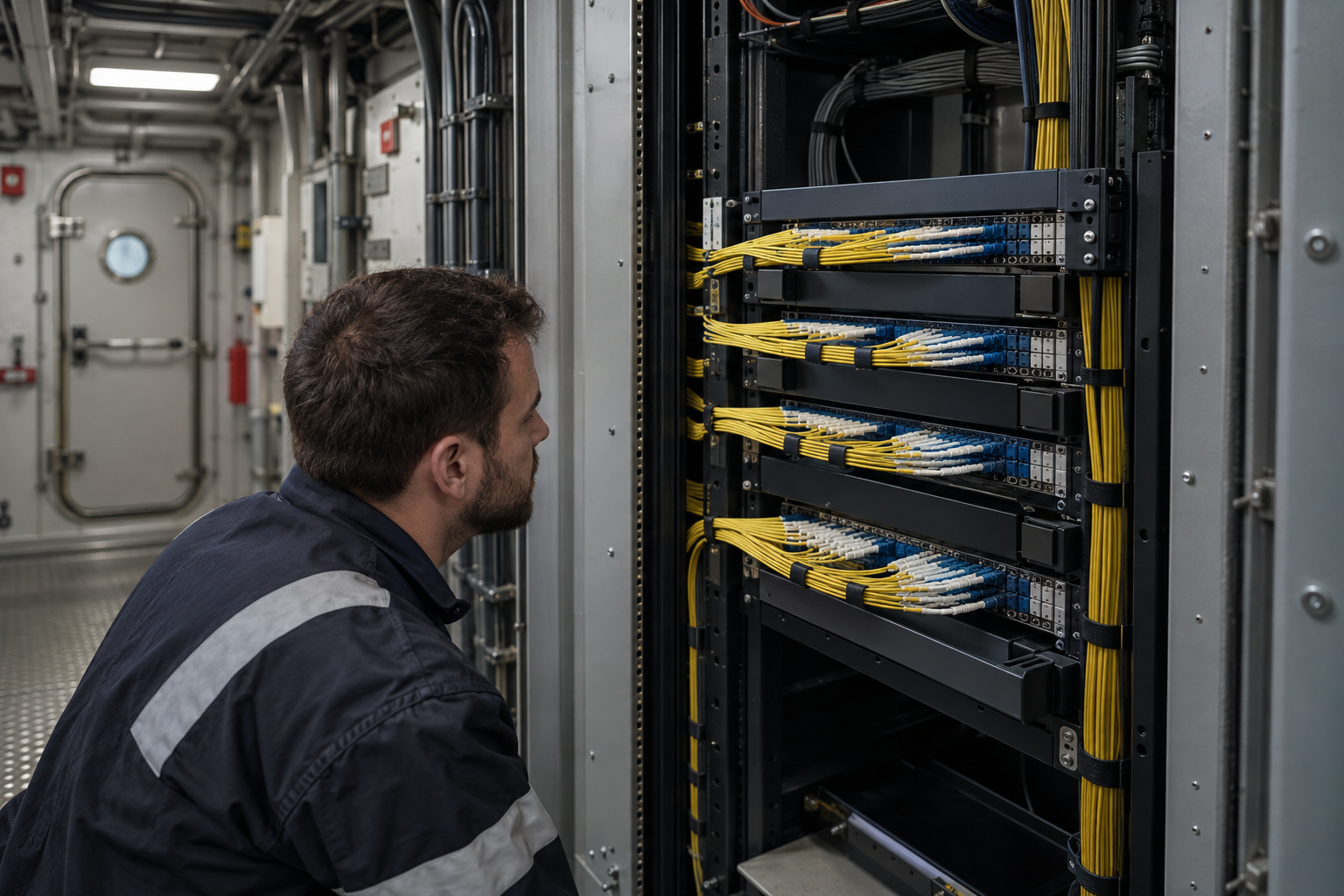
Vessel network installation requires a shared view of equipment locations, uplinks and the devices served by each cabinet. Include offices, access points, cameras and other systems in the brief. Identify specialist networks whose interfaces need separate approval. The physical schedule should show copper and fibre connections and the equipment requiring power. This helps the vessel team assess the change before equipment is disconnected or moved.
Installing a switch does not define which users or systems should communicate. Name the configuration owner and obtain approved connection requirements before commissioning. Where business, crew and video traffic use different arrangements, preserve those distinctions in the port schedule. Record the external connectivity handoff separately. Assess changes for their effect on retained equipment and remote administration, with an agreed restoration approach for a replacement that cannot be accepted.
Include representative endpoint checks as well as checks at the communications rack. Confirm who demonstrates business services or specialist equipment that the installation team does not administer. Document final connections and outstanding customer configuration. If vessel movements shorten attendance, record completed checks and those requiring another session. A precise handover helps shore support distinguish a physical installation issue from a provider outage or an unavailable application.
Explore installation requirements, interfaces and the information needed before work begins.
Vessel network infrastructure connects cabinets, backbone links and the devices used in each area. Inventory existing switches, available ports, compatible fibre interfaces and PoE requirements before adding cameras or access points. A new device connection may require a cabinet or backbone upgrade as well as a local cable.
Ship Wi-Fi and network infrastructure should be planned around the areas to be served and the vessel layout. Agree access-point locations and cable routes, then check the intended coverage as part of acceptance. A satellite internet terminal provides an upstream connection; it does not replace the onboard distribution network.
Identify business IT, crew access, CCTV and operational-system boundaries with the technical team. Where supported and authorised, implement VLANs and firewall rules around the required connections. Remote access should have named responsibility and controlled permissions.
For a quote, share network diagrams, switch models, device quantities, location and attendance window. Agree a changeover sequence, required connectivity checks and configuration records. Repairs and phased upgrades can retain suitable equipment; multi-vessel and international work is assessed per deployment.
A new Starlink connection may change how traffic reaches the internet without replacing the vessel LAN. Review router interfaces, firewall configuration, switching and Wi-Fi distribution before the connection is introduced. Equipment racks, cable routing and power need to support the proposed network arrangement.
Agree the treatment of business users, crew connectivity, cameras and remote support with the vessel technical team. Commissioning should check the required paths and the restrictions around them. A consistent network brief and centralised documentation can support several vessels while retaining a separate record of each installation.
Yes. We review the available cabinet space, cabling, switch connections and PoE requirements to scope the additional infrastructure.
Existing system interfaces and responsibilities are reviewed first. Changes are agreed with the technical team, including the affected equipment and the planned changeover sequence.
Commercial sites. International programmes. Onboard systems.
Installations across all of the US, Europe, the Caribbean, the UK and South Africa, with deployment support in Canada and Panama.
Regional resources · Fly teams · International project support
Explore regions & deployment hubs → DEPLOYMENT NETWORK / ILLUSTRATIVE CONNECTIONS