
AI-Assisted Smoke Detection
AI-assisted visual smoke detection uses a supported camera and analytics platform to look for patterns that may indicate smoke within a configured view. It can help surface a possible event for operator review, especially where an organisation wants additional visual awareness of an operational area.
It is supplementary monitoring: it does not replace legally required fire detection, certified alarm systems or the site's emergency procedures.
Video unavailable. Follow the illustrated workflow below.
THE EVENT JOURNEY
Visible plume → candidate event → operator review
Observe the scene
A possible visual smoke pattern appears within the camera view.
Surface a candidate
Supported analytics may flag the pattern. This is supplementary awareness, not a certified fire alarm.
Notify the team
The approved operational workflow routes the location and event context without delaying required alarm procedures.
Follow site procedures
The responsible team reviews and escalates under established fire and emergency arrangements.
Illustrative sequence, not a detection-speed demonstration. Capabilities and notification channels depend on the selected equipment, platform and agreed response workflow.
Separate a visual indication from a fire alarm
A visual analytics event and an alarm from a dedicated fire detection system have different origins and assurance requirements. A camera may flag a pattern in an image. A dedicated smoke detector responds through its specified sensing and alarm arrangements.
The project must identify which system is responsible for each function, how the event is described and who receives it.
Messages should not blur those distinctions. An operational notification can say that a possible visual smoke event requires review, with a location and camera reference. It should not be presented as a certified fire alarm unless it comes through an appropriately designed and approved safety-system interface.
Required fire and life-safety arrangements remain the responsibility of the relevant qualified parties and site procedures.
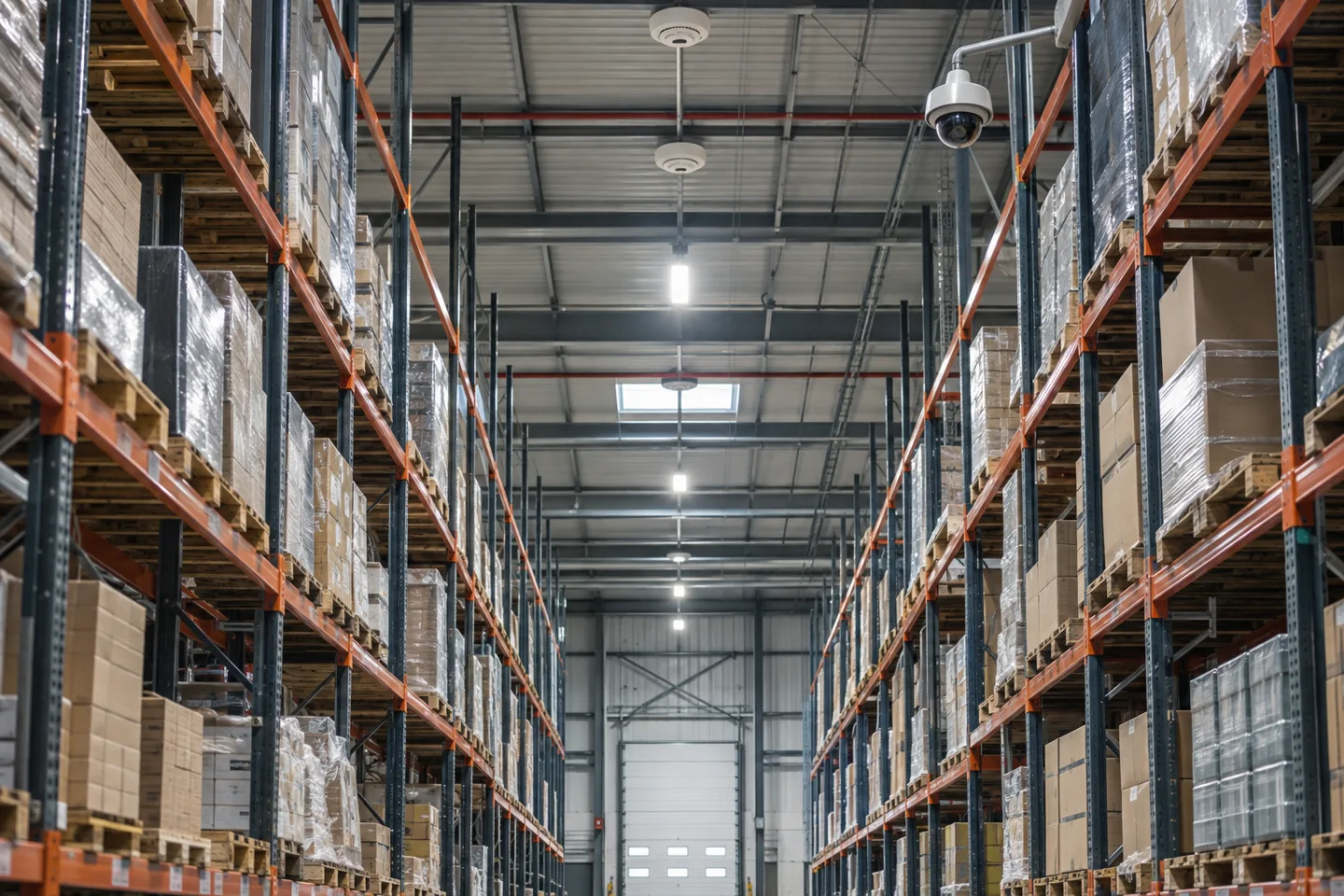
Assess the actual scene
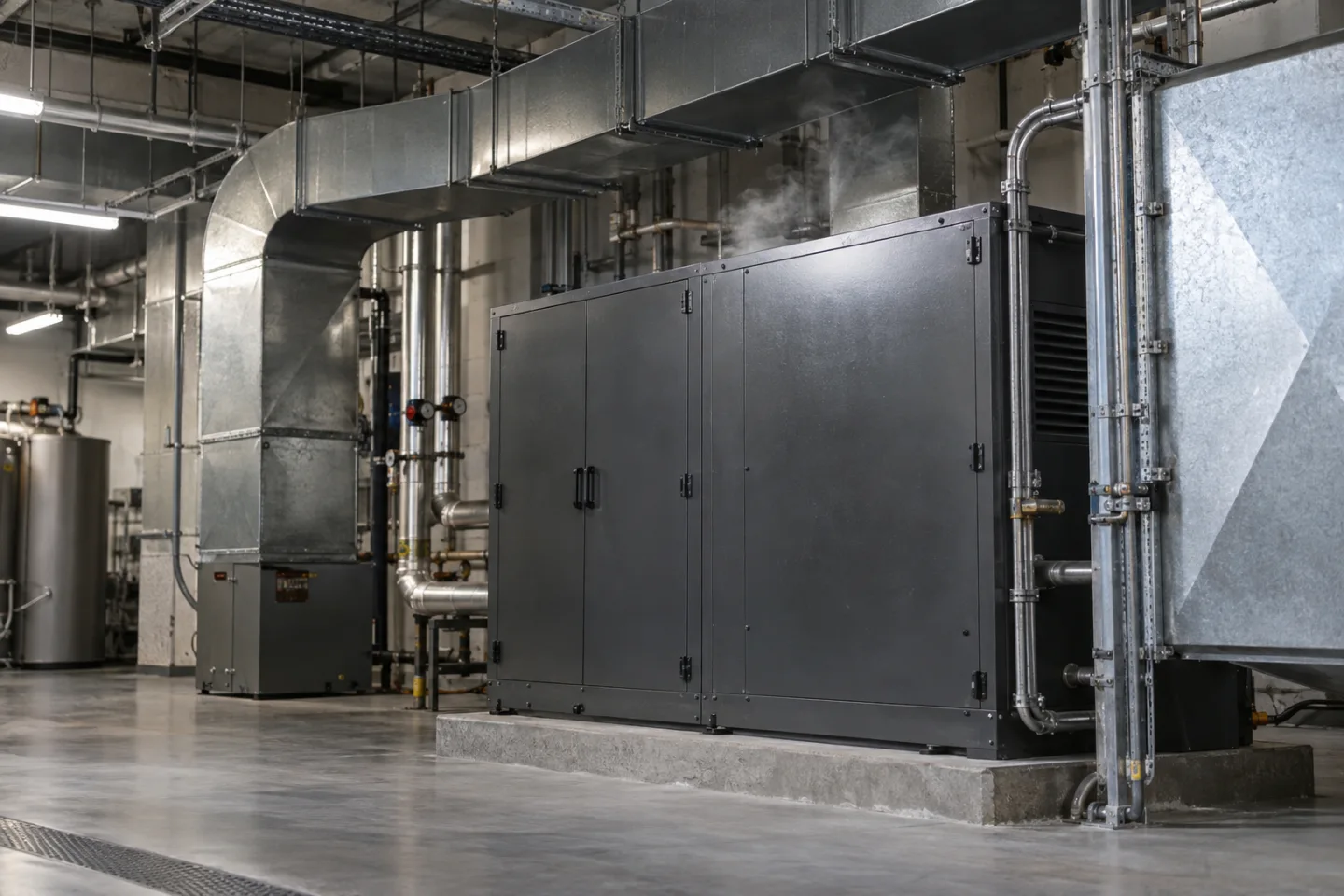
A suitable camera needs a useful view of the monitored space and lighting that supports the selected application. Distance, image contrast, ventilation, obstructions and the likely appearance of a plume can affect what is visible. Steam, dust, exhaust, fog or changing lighting may resemble conditions of interest.
Equipment and analytics suitability must be checked for the environment rather than assumed from a product category.
A warehouse may contain high-level spaces, moving stock and intermittent vehicle exhaust. A plant or technical room may have machinery, ventilation and authorised maintenance activity. In each case, the design should describe what the camera can observe and what it cannot.
Hidden areas, small or obscured events and unavailable video are important limitations, not details to leave until handover.
Use supplementary awareness in practical settings
A facilities team may want additional visibility of a technical area between routine visits. A warehouse operator may want a monitoring team to review unusual visual conditions within an agreed camera view. Industrial or remote-site teams may use compatible camera and sensor information to improve the context available when an operational event arrives.
The value depends on a useful response arrangement. If an alert reaches an unattended mailbox or a phone with no nominated cover, the analytics has not created a reliable operational process. The responsible team should decide how notifications are handled during staffed hours, overnight and during planned shutdowns.
A configured 24/7 schedule does not itself provide a staffed monitoring service or guaranteed detection.
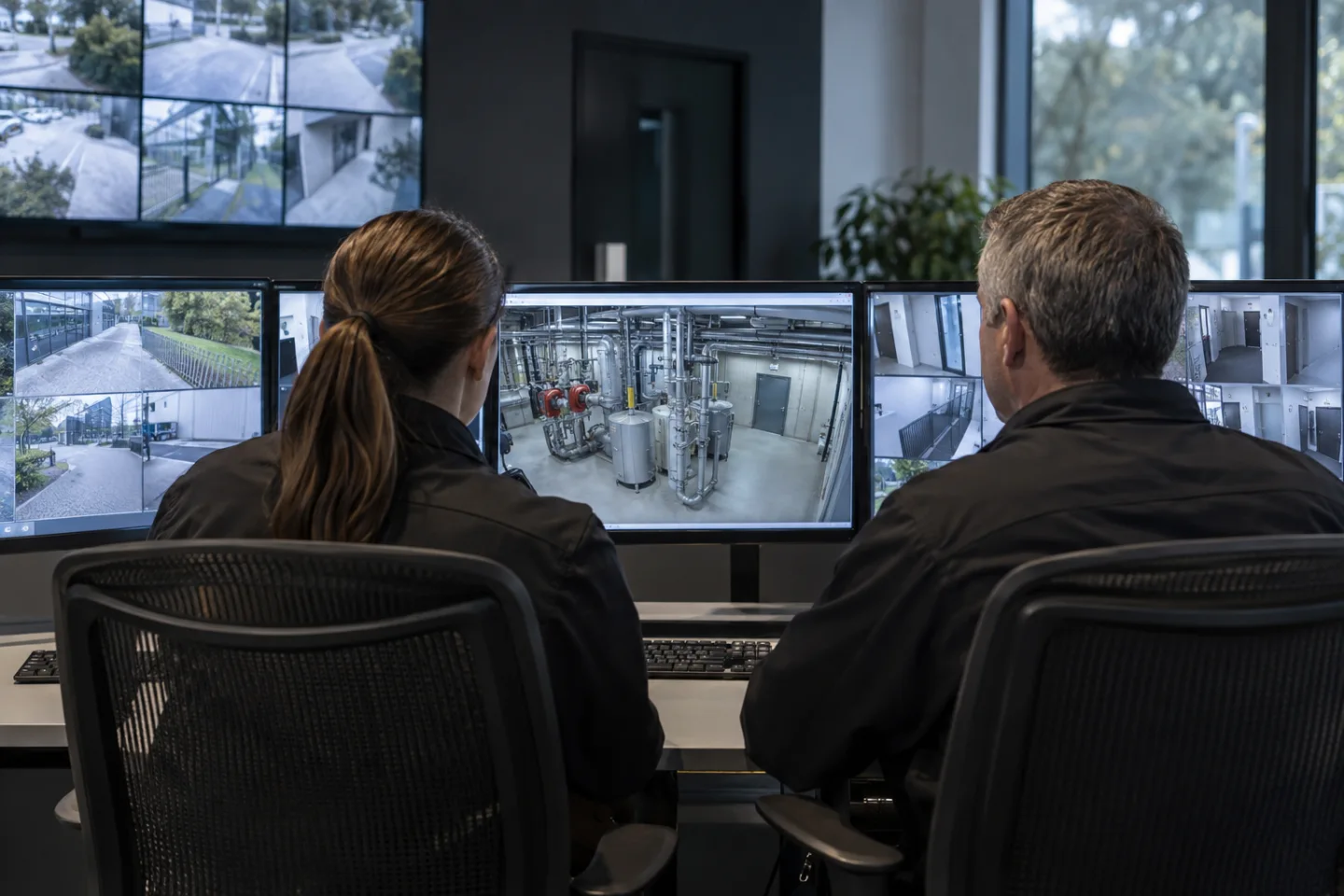
Build a clear review and escalation path
Where supported, the camera or analytics platform creates an event with the monitored location, time, rule and associated image or clip. The network carries that information to the agreed VMS or secure platform. A control room event, app notification, email or SMS integration can then reach the nominated recipient.
Alarm outputs require a compatible interface and a separately agreed purpose.
The receiving operator follows the site's established procedure for checking and escalating the event. The analytics workflow must not delay or override a required alarm response. Acknowledgement, unresolved-event escalation and records of the action taken help the organisation review whether supplementary notifications are being handled as intended.
Delivery failures should be visible as technical faults rather than silently interpreted as an absence of events.
Test without creating an uncontrolled hazard
Acceptance testing should use the selected manufacturer's approved methods and an agreed site test plan. Do not create smoke, interfere with detectors or isolate required protection simply to demonstrate a camera feature without the appropriate authorisation and competent supervision. The test should cover event presentation, recipient routing, acknowledgement and communication failure behaviour as well as the analytics condition itself.
Document the camera view, supported feature, exclusions, maintenance arrangements and responsible recipients. Review the configuration when lighting, storage, ventilation or equipment positions change. Retain only the video and event information needed for the agreed purpose, with controlled access and a clear retention policy.
IS Security can scope the supporting cameras, cabling, networking and event integration while keeping supplementary analytics clearly separate from required certified fire and life-safety systems.
From a possible event to a useful response.
Visible plume → candidate event → operator review. Open each stage to explore its role. This is an illustrative workflow; it does not analyse live footage or send notifications.
01 / OBSERVESupported camera / separate detector
The monitored condition is: possible visible smoke pattern. Select the device, field of view and installation position for this specific task. Record obstructions, lighting, power and maintenance requirements before relying on the event stream.
02 / INTERPRETVisual analytics / approved interface
Apply scene validation and escalation policy. The selected platform must support the intended event and expose a usable interface. Test representative events and unwanted triggers; an analytics output is a candidate for review, not proof of what happened.
03 / CONNECTLAN → firewall → secure platform
Carry authorised event data through the local switch or sensor gateway and an approved network path. Size bandwidth for any accompanying clip. Protect accounts and interfaces, supervise connection loss and agree retry behaviour where the platform supports it.
04 / RESPONDOperator / responsible site team
Deliver the location, event type and time to the agreed recipient. A person verifies the available context, follows the site response procedure and records the outcome. Delivery, acknowledgement and resolution are different states and should be reviewed separately.
Where supported by the selected camera, sensor, VMS or analytics platform. Safety-related analytics provide supplementary operational awareness and do not replace dedicated certified fire or life-safety systems where required. The final design must define the equipment, event interfaces and responsible response team.
Reach the people who can act.
Available outputs depend on the selected platform, licences and agreed integrations. Open a channel for practical delivery considerations.
Send event context and a secure review link to an authorised mailbox where supported. Agree recipients and inbox monitoring; acceptance by a mail server does not confirm that a person has read or acted on the message.
Text / SMS
Use a supported gateway or monitoring integration for concise location and priority messages. Confirm service availability, costs and delivery reporting. Sensitive footage should stay within the authorised platform rather than an unrestricted text message.
Mobile apps
A supported application can present event details and acknowledgement controls to authorised users. Test notification permissions, connectivity and out-of-hours coverage. A silenced or offline handset needs a planned alternative recipient or escalation route.
Alarm outputs
A compatible interface may trigger an approved operational sounder, relay or indicator. Define supervision, reset behaviour and responsibility. Do not connect analytics directly to hazardous equipment or alter certified safety functions without the appropriate engineered design.
Control room / monitoring platform
Route supported events into the operator workflow with a consistent site identifier and priority. Give reviewers enough context to distinguish an actionable event from an unwanted trigger, with access restricted to their responsibilities.
Escalation & event review
Define who receives an unacknowledged event, how long the initial team has to respond and how closure is recorded. Review failed deliveries, recurring unwanted alerts and staffing gaps alongside the detection rules.
Plan the complete monitoring chain.
Start with the event, the operating environment and the person responsible for responding. Share existing equipment details, site plans and integration requirements with the technical team.
