Equipment installation
Agree terminal location, mounting, cable routes and power.


Starlink installation and integration as part of a vessel’s wider IT infrastructure, onboard LAN and secure connectivity.
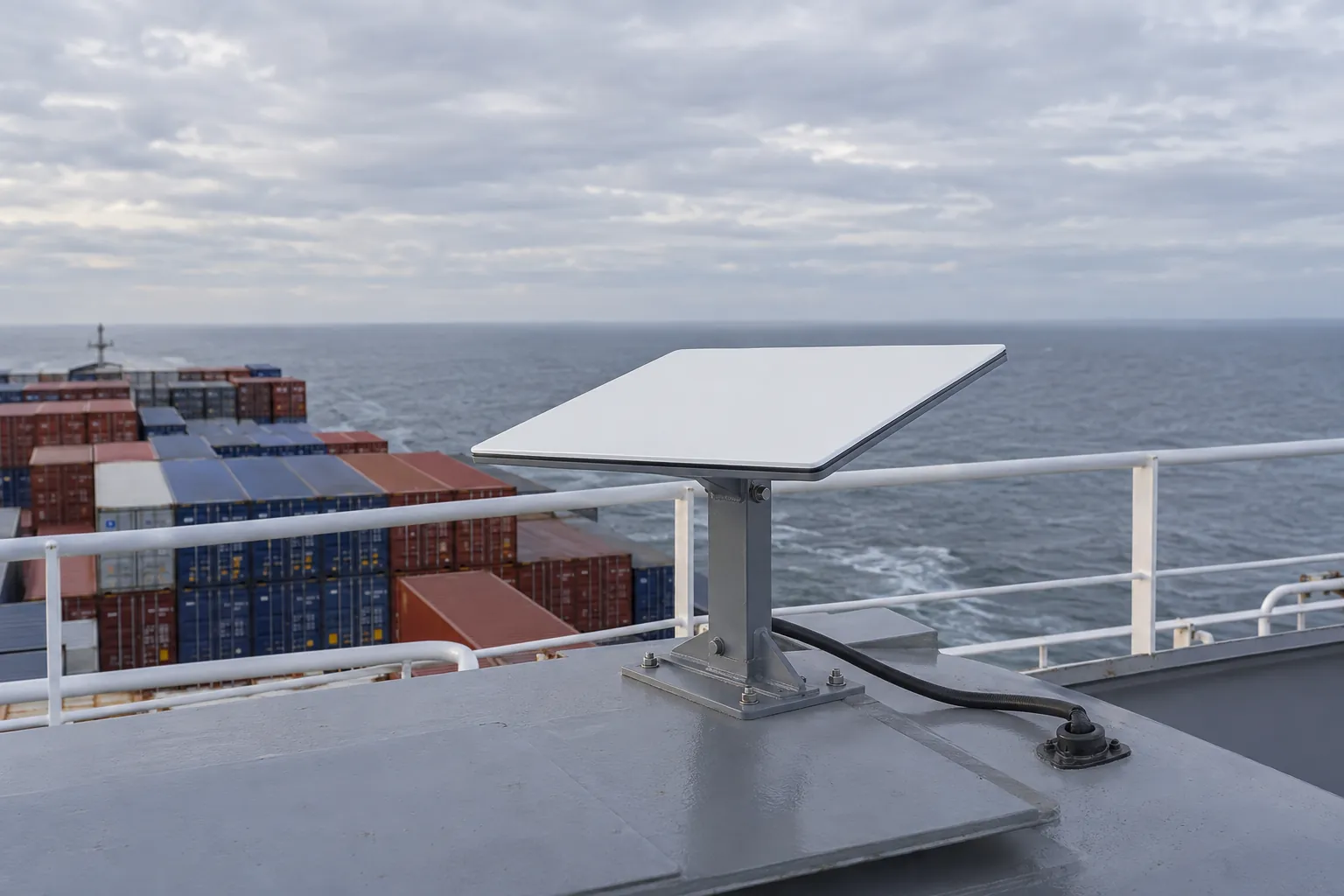
IS Security installs and integrates Starlink for commercial vessels and maritime environments. Satellite connectivity is the upstream link; onboard routers, switches, Wi-Fi, equipment racks and structured cabling distribute that connection to the agreed systems. We plan terminal positioning, mounting, power, cable routing and network integration with the vessel team before attendance.
Terminal position is one decision. Power, cable entry, routing, LAN connectivity and acceptance checks belong in the same plan.
Agree terminal location, mounting, cable routes and power.
Connect routing, firewall equipment, LAN and Wi-Fi.
Check service activation and the agreed local network connections.
Review symptoms, equipment compatibility and existing routes before a change.
Installation is scoped around supported hardware, provider requirements and the agreed local network configuration.
Physical infrastructure, connected equipment and a clearly agreed installation scope.
Review the proposed mounting position, nearby structures, available access and route to protected equipment locations with the vessel team.
Check that the selected terminal, mount and current service plan support the vessel’s location and intended stationary or in-motion use.
Coordinate mounting, cable penetrations and power responsibilities before work. Vessel-approved routes and installation methods must be agreed.
Connect the satellite service to suitable firewall and network equipment, with business, crew and camera access requirements defined.
Review access-point links and coverage requirements across agreed areas; a working terminal alone does not provide coverage throughout the vessel.
Plan installation, service activation checks and documentation around the available port or maintenance window.
Plan satellite terminal installation and integration with a vessel network. Explore the decisions that shape the installation, interfaces and handover.
The vessel operator should confirm provider eligibility, service arrangements and supported hardware for the intended locations and operating pattern. Installation planning then addresses mounting, power, protected cable routing and the onboard network interface. Generic illustrative terminal photographs are not model-specific mounting instructions. Review the actual equipment documentation and vessel requirements before specifying the installation. Identify who controls the account and activation, because physical installation alone does not establish that the service is ready or suitable for the proposed voyage and operational use.
Crew access, administrative systems and approved remote support can place different demands on the external connection. Agree which users and systems should use satellite connectivity and how they remain separated where required. If another external link is retained, define the supported routing or changeover behaviour with the vessel’s IT owner. Local Wi-Fi coverage is a separate part of the experience and must also be assessed. Acceptance should distinguish terminal service, vessel-network connectivity and representative user applications rather than reducing the whole installation to a single speed measurement.
Confirm service, account and actual hardware suitability.
Approve mounting, power, cable entry and network boundaries.
Check intended user access and supported external-link behaviour.
Use these checkpoints to discuss the scope. The final test method, responsibilities and acceptance evidence depend on the selected system and agreed work.
Vessel Starlink installation needs a position assessed for obstructions, access and the selected hardware’s current requirements. Confirm mounting responsibility and the route to protected power and network equipment. The chosen hardware and service must support the intended location and use. Check provider terms for the actual deployment; fixed-site equipment and arrangements should not be assumed suitable for a moving commercial vessel.
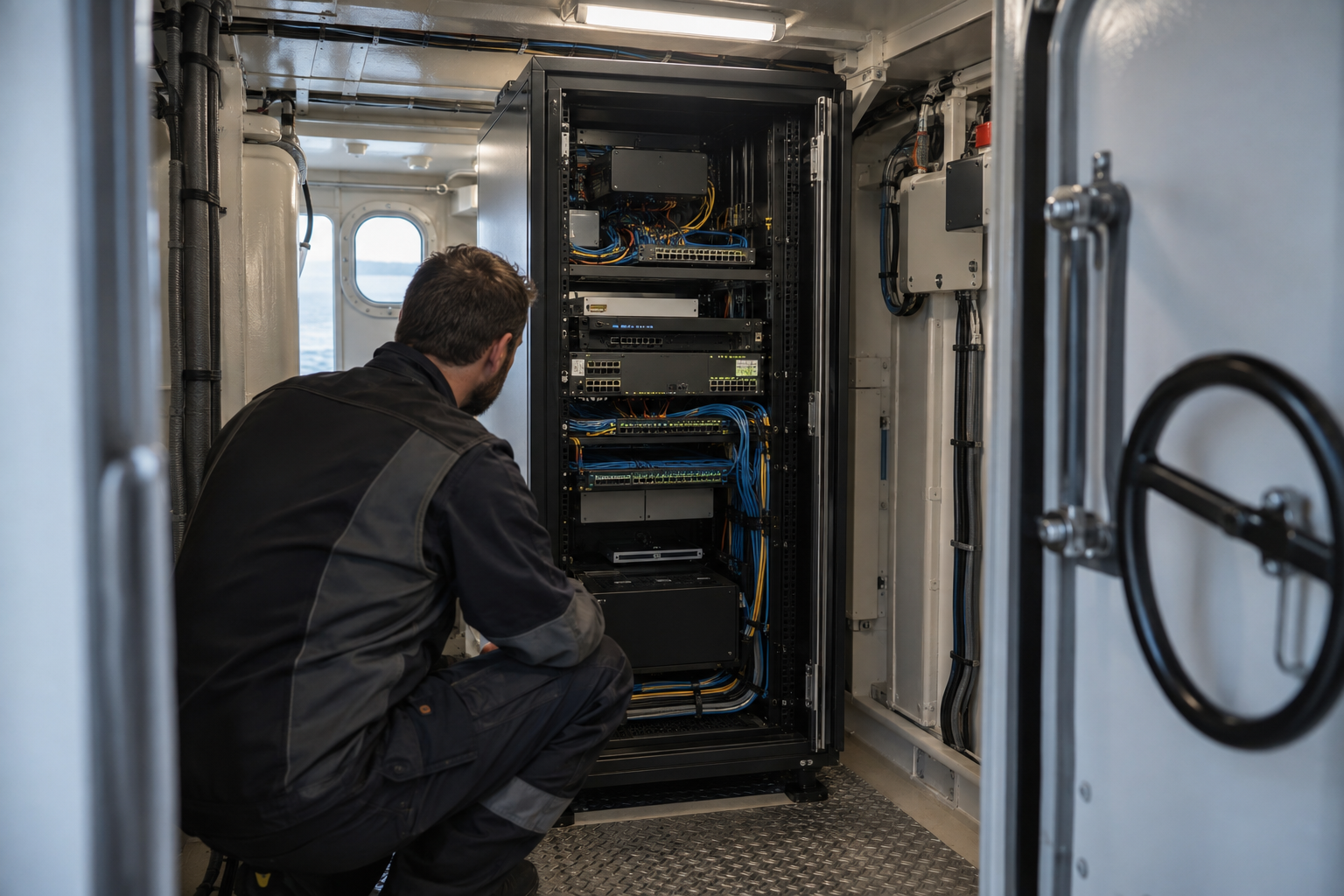
Record where satellite connectivity enters the network and who owns router or firewall configuration. Business users, crew connectivity and camera access may have different requirements. Discuss these boundaries with the operator. Existing wireless distribution may need separate investigation if coverage is expected in additional spaces. Agree distinct acceptance checks for the terminal and local network so an external connection is not mistaken for complete onboard coverage.
Document terminal position, cable route, equipment connections and observed checks. Record remaining obstructions and work deferred because access was unavailable. Where another connection remains, describe its role and agreed transition tests. Identify subscription ownership and subsequent configuration responsibility. These records help crew and shore support describe a future issue without confusing satellite service, vessel firewall behaviour and local wireless coverage.
Equipment-specific reference: Starlink: boat installation guidance.
Explore installation requirements, interfaces and the information needed before work begins.
A vessel internet installation needs an onboard distribution and access plan. Identify which users require internet access, whether camera viewing is local or remote and how management interfaces are protected. Suitable switches, firewall policies and supported VLAN separation can keep these requirements distinct.
Review the terminal’s connection to existing ship network cabinets, copper and fibre links. Coordinate cable routing through the vessel and the responsibility for any penetrations with the technical team. Installation and equipment replacement must fit the agreed attendance window.
Send the vessel’s operating locations, proposed mounting area, equipment details, network diagram and port window. Confirm the intended use with the current provider hardware and service requirements before installation is agreed. Existing terminals or network components may be reused only after compatibility review.
Handover covers the installed equipment and routes, network integration, activation checks and supported authorised access. Agree who administers the subscription and who supports the onboard LAN. Multi-vessel and international port attendance is assessed per project; a working connection alongside does not establish performance throughout every voyage.
Identify the route from the terminal to the onboard network cabinet and the router or firewall that will manage the connection. Agree LAN interfaces, routing responsibilities and the access needed by business systems, crew Wi-Fi and supported remote users. Review equipment racks, cable entry and power alongside the network configuration.
Network segmentation and firewall integration can separate these uses where supported and agreed. Remote-support connectivity should be limited to authorised people and relevant systems, with a clear way to revoke access. Existing operational networks are not included in a general internet installation without explicit technical agreement.
Commissioning covers the equipment connection, onboard LAN access, agreed Wi-Fi connectivity and supported authorised remote access. The vessel team should receive equipment and connection records, configuration responsibilities and any follow-up actions. Provider coverage, hardware and service-plan suitability must be checked for the intended operating locations and use.
For troubleshooting, share the symptoms, terminal and router models, affected onboard areas and recent changes. We can scope cable or equipment replacement and network upgrades during an agreed attendance window. European technical resources and mobile fly teams support planned maritime deployments, with access, logistics and the port programme confirmed for each project.
Yes. We can coordinate the relevant cabling, network equipment and connected security systems within an agreed scope.
Tell us the site location, the required work, existing equipment and any access or timing constraints. Plans and equipment information can be discussed with the technical team.
Commercial sites. International programmes. Onboard systems.
Installations across all of the US, Europe, the Caribbean, the UK and South Africa, with deployment support in Canada and Panama.
Regional resources · Fly teams · International project support
Explore regions & deployment hubs → DEPLOYMENT NETWORK / ILLUSTRATIVE CONNECTIONS