01
Fault finding
Investigate cable runs, outlets, patching and termination points to narrow down physical connection problems.


Find connection faults, replace damaged cabling and adapt your infrastructure as the site changes.
Intermittent connections and poorly documented outlets take time away from day-to-day operations. We investigate the physical cabling and termination points, identify the work needed and agree a repair or upgrade approach.
Physical infrastructure, connected equipment and a clearly agreed installation scope.
Investigate cable runs, outlets, patching and termination points to narrow down physical connection problems.
Check the cabling within the agreed scope and record findings that inform the next step.
Replace damaged or unsuitable runs using coordinated access and routing.
Add data outlets, relocate connections and support changing equipment layouts.
Organise existing patching, replace terminations and improve identification.
Plan replacement and changeover around the operational areas affected.
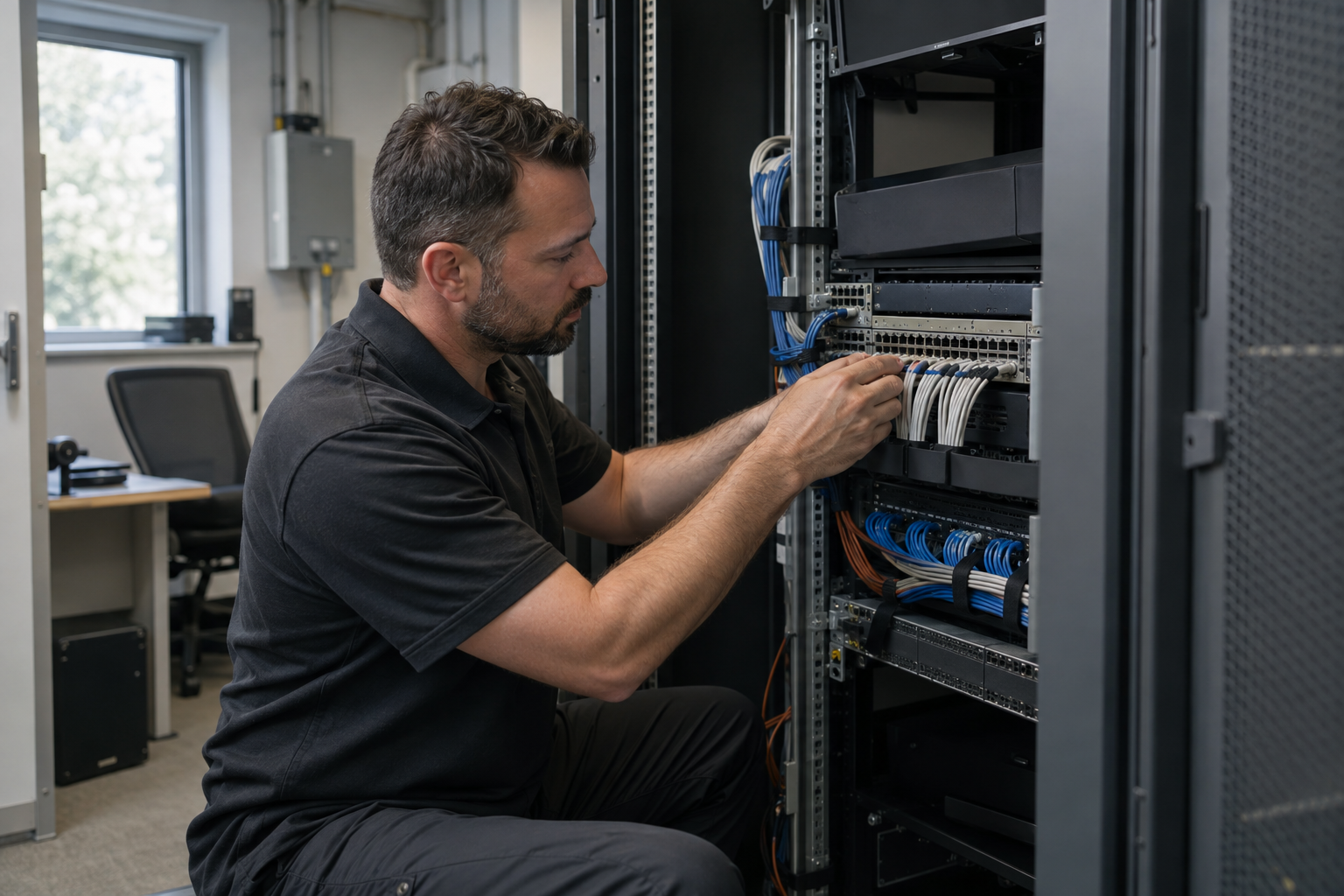
Start with symptoms and affected equipment. Agree investigation, testing and the repair scope.
Investigate faulty cabling and choose targeted repair or replacement. Explore the decisions that shape the installation, interfaces and handover.
An intermittent camera, slow workstation or disconnected access point does not automatically mean the permanent cable needs replacement. Tell us which device is affected, when the problem occurs and whether neighbouring equipment behaves differently. Recent desk moves, cabinet changes, water exposure or building works can help narrow the investigation. Distinguish a single endpoint from an entire switch or area losing service. The agreed investigation can then examine the physical connection alongside the relevant equipment, instead of replacing an arbitrary part of the network.
A cable run includes terminations and patching as well as the cable itself. The investigation may need access to both ends and permission to disconnect the affected service. Agree whether the scope includes active network checks or is limited to cabling. A damaged connector, incorrect patch lead or unsuitable equipment interface can produce symptoms that resemble a permanent-link fault. Record what was tested, what was disconnected and what remains outside the investigation. This gives the client a useful basis for authorising the next step.
A targeted repair can be appropriate when the affected section is accessible and the remaining installation is suitable for the intended application. Replacement may be more sensible when damage extends along the route, identification is missing or the required application has changed. Existing Cat5e, Cat6 or fibre links should be assessed against the agreed requirement rather than their age alone. Consider route access and disruption alongside component cost. Where findings are uncertain, separate investigation from remedial work so the decision is based on evidence.
Repair work can affect systems beyond the reported endpoint, especially where cabinets or shared routes are involved. Identify critical cameras, doors and business connections before attendance. Agree an outage window, a person authorised to accept the interruption and a fallback if the repair cannot be completed within that window. Keep the old connection details until the new or repaired link is checked. For phased upgrades, label temporary arrangements clearly and define when they will be removed rather than allowing them to become undocumented permanent patching.
At completion, repeat the checks that relate to the original symptom and the agreed acceptance standard. A device reconnecting briefly is not the same as completing every specified cabling test. Record the repair location, replacement components, test results and any remaining limitations. If a problem points to network configuration or equipment outside the scope, make that boundary explicit in the findings. Include affected outlet identifiers and the time the service was restored. These details help the client distinguish a resolved cable fault from a separate issue requiring further attention.
Agree access and distinguish endpoint symptoms from a shared network problem.
Authorise the targeted change after findings establish the likely fault location.
Repeat relevant physical and service checks and document any remaining limitation.
Use these checkpoints to discuss the scope. The final test method, responsibilities and acceptance evidence depend on the selected system and agreed work.
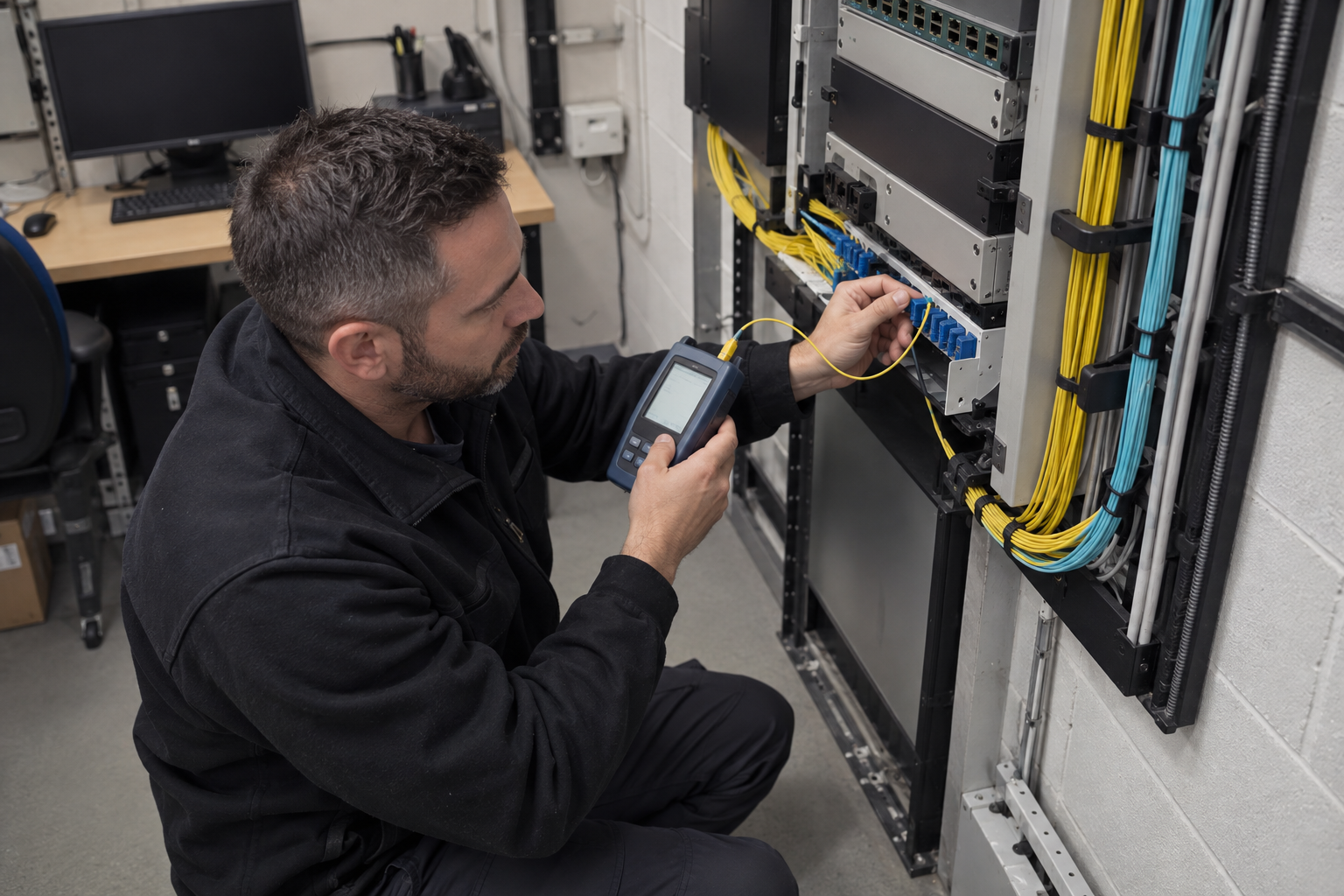
Tell us whether the fault is permanent or intermittent, which outlet is affected and whether other devices on the same route have symptoms. Record recent desk moves, building work or cabinet changes. A device losing connectivity does not by itself establish a fixed cable fault. The investigation should distinguish the endpoint, patch lead, outlet, permanent link and active network equipment. Access to both ends of the connection helps avoid replacing a run that was not responsible for the problem.
A damaged faceplate may need a local repair, while a crushed run may require a new route. Agree which components can be retained and how the repaired connection will be checked. Where records are missing, allow time to trace the cable and identify its cabinet termination. For an occupied commercial building, group repairs by accessible area and reserve an interruption window for connections that cannot be taken out of service during normal operations.
Restoring a failed outlet and reorganising an entire cabinet are different jobs. Record the immediate repair, test outcome and any broader weaknesses discovered during attendance. A later upgrade can then address additional outlets, category changes, containment or fibre capacity with a clear scope. Keep old and new identifiers cross-referenced where labels change. This gives the customer a usable maintenance history and helps a future contractor understand why a connection or route was replaced.
Explore installation requirements, interfaces and the information needed before work begins.
Describe which device or outlet is affected, whether the fault is intermittent and what changed before it appeared. Existing labels, patch-panel schedules and test reports help identify the link. An agreed investigation can separate cable or termination issues from equipment and patching problems before replacement is proposed.
Structured cabling testing should match the purpose of the visit. Basic connectivity checks and specified certification tests answer different questions, so agree the required records in advance. Repairs, replacement, new outlets and moves, adds and changes should update the same connection schedule. For a wider network upgrade, identify retained links and any access or outage constraints before work starts.
Yes. We can coordinate the relevant cabling, network equipment and connected security systems within an agreed scope.
Tell us the site location, the required work, existing equipment and any access or timing constraints. Plans and equipment information can be discussed with the technical team.
Commercial sites. International programmes. Onboard systems.
Installations across all of the US, Europe, the Caribbean, the UK and South Africa, with deployment support in Canada and Panama.
Regional resources · Fly teams · International project support
Explore regions & deployment hubs → DEPLOYMENT NETWORK / ILLUSTRATIVE CONNECTIONS