01
LAN installation
Install network equipment and connect the required areas of the site.


Switching, routing, cabinets and connectivity built on properly installed copper and fibre.
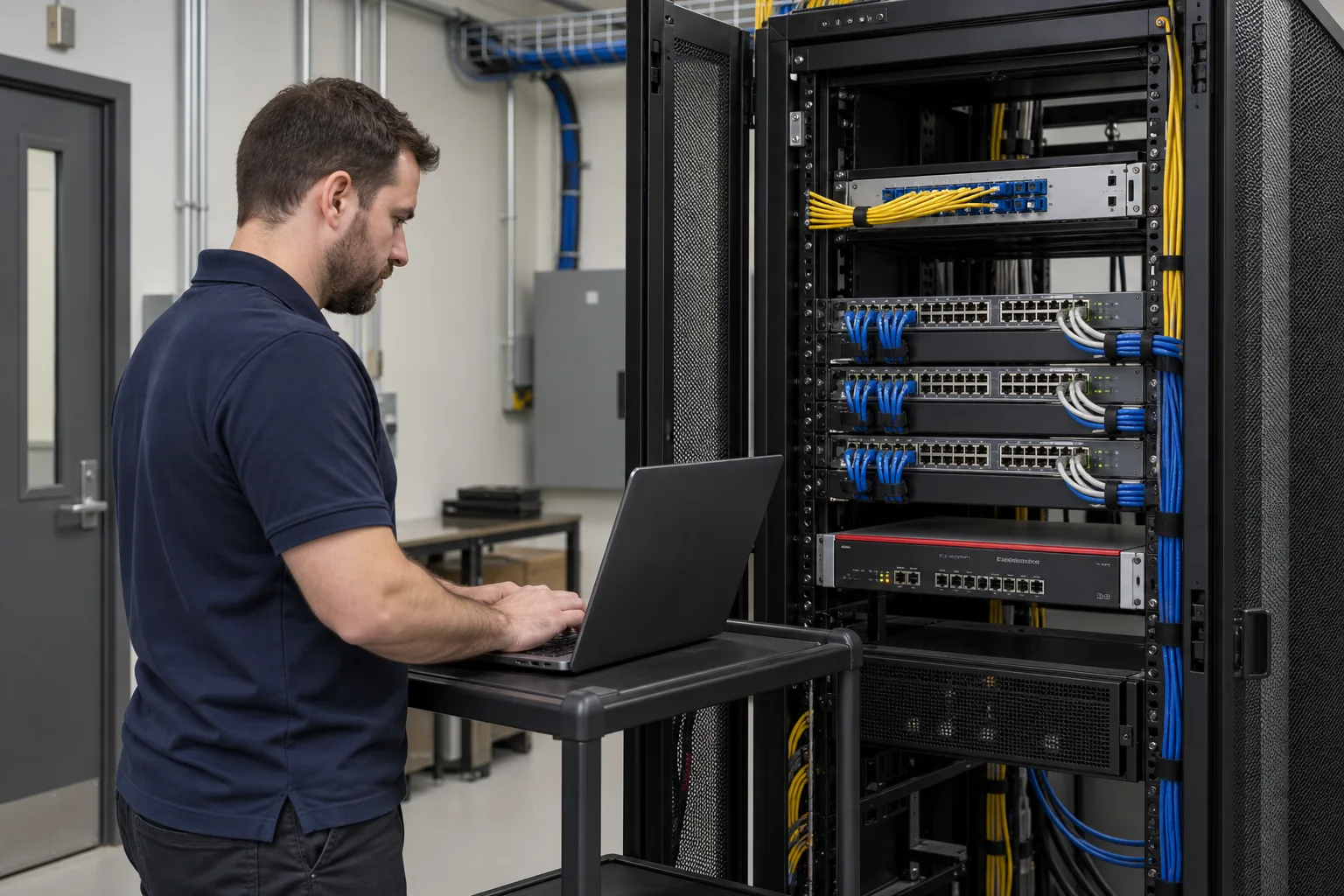
IS Security installs network equipment and the physical connections beneath it. We bring switches, routers, wireless access points and cabinets together with data cabling so the network can serve the devices and systems your premises rely on.
Physical infrastructure, connected equipment and a clearly agreed installation scope.
Install network equipment and connect the required areas of the site.
Deploy switches and routers within the agreed network layout and configuration scope.
Coordinate compatible powered devices, switch capacity and cabling requirements.
Install access points and their data connections at agreed locations.
Bring rack layouts, patch panels, copper and fibre into the network plan.
Replace equipment, extend connections and coordinate changeover with your technical contacts.
Plan the cable routes, equipment interfaces and acceptance requirements together, with clear responsibilities at handover.
Plan switching, routing and physical connectivity for a business site. Explore the decisions that shape the installation, interfaces and handover.
A network serving office users, wireless devices, cameras and access systems should be planned around those different workloads. Identify where devices connect, which systems communicate and which services must continue during an upgrade. Port availability is only one consideration. Uplinks, PoE requirements, addressing, equipment compatibility and management access also affect the installation. Map the existing network before choosing additional switches. A new device may need a cable and power allocation, but it may also need an agreed policy before it can reach its recorder, application or remote support service.
Network separation should reflect an operational reason: for example, keeping guest access distinct from business applications or limiting which systems can administer cameras. A VLAN alone does not describe the complete security policy. Establish where traffic is routed and which firewall or access controls govern permitted connections. Agree who owns addressing and configuration changes, especially where an external IT provider already supports the site. The practical deliverable is an understandable connection plan, with allowed interfaces identified and management responsibility recorded, rather than a diagram full of unexplained network zones.
Physical connectivity and application availability need separate checks. A switch showing a link does not demonstrate that an access point can reach its management service or that a recorder can receive the required camera streams. Build acceptance around representative endpoints and agreed use cases. During replacement work, retain configuration information and a realistic rollback arrangement until the new path is verified. Handover should include equipment identification, port allocation, relevant network boundaries and unresolved exceptions. Tell us the existing equipment, planned additions and outage constraints so the scope can cover the necessary interfaces.
Identify endpoint ports, uplinks, PoE needs and equipment dependencies.
Agree which zones communicate and who controls routing and administration.
Verify representative applications after physical connectivity is established.
Use these checkpoints to discuss the scope. The final test method, responsibilities and acceptance evidence depend on the selected system and agreed work.
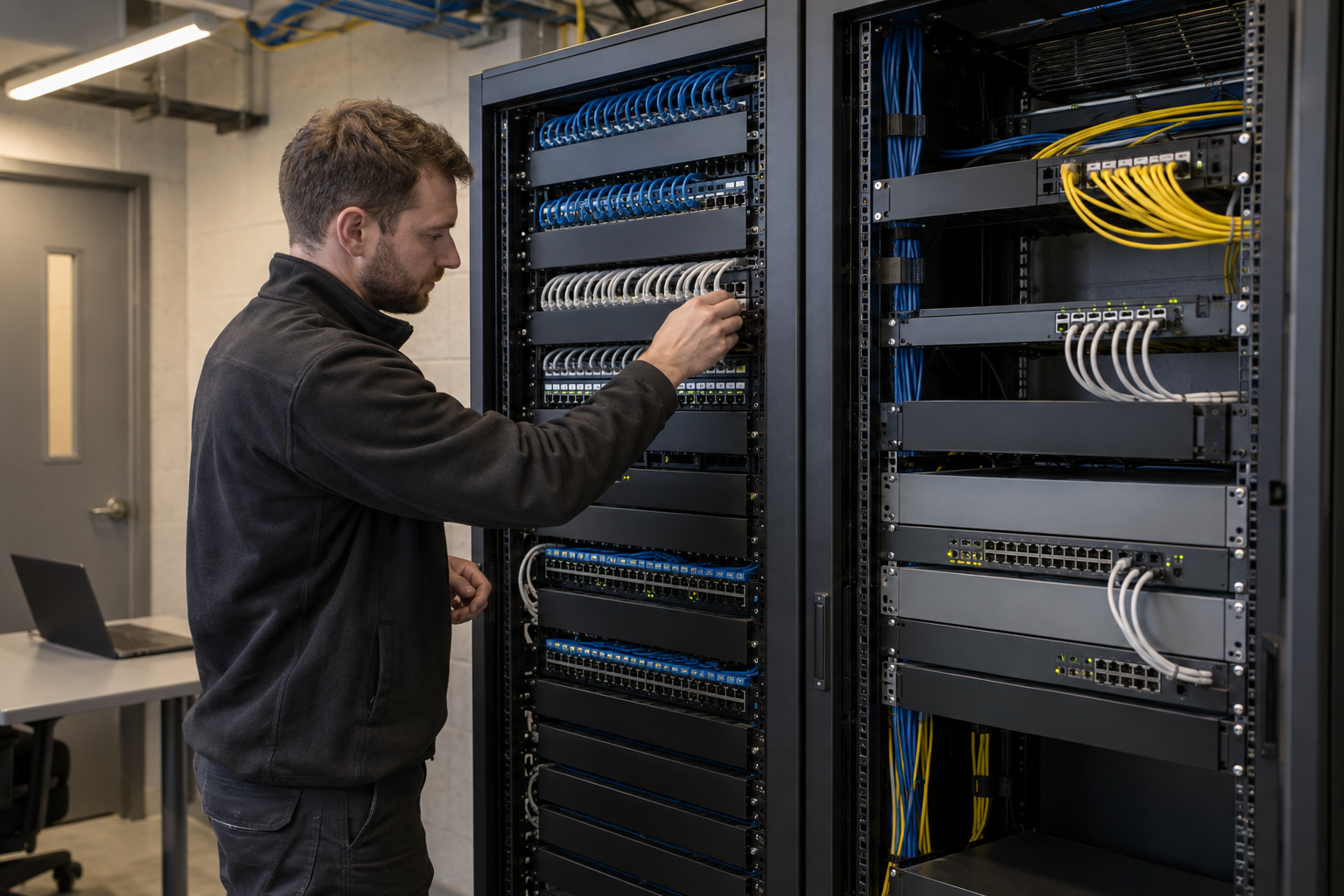
A switch schedule should identify the devices that connect locally, the links between cabinets and the interfaces to routers or firewalls. Include ceiling access points and cameras as well as desk outlets. A warehouse may need distributed cabinets, while a small office can use a single communications space. Review available ports and the power needs of connected devices together. PoE capacity depends on the switch and powered equipment; confirm both the per-port requirement and the total available budget against the selected equipment documentation.
Record which cabinet each uplink reaches and whether it uses copper or fibre. A physical connection drawing should agree with the outlet labels and equipment schedule. Where an existing network is being expanded, identify the live uplinks before repatching. Discuss any requested segmentation with the customer network administrator so the installed ports support the intended device groups. The cabling contractor and configuration owner need the same view of the final topology.
Start with physical connections and equipment availability, then verify the agreed network services from representative endpoints. Test camera, business and guest connections according to their intended access, rather than treating all ports as interchangeable. Record outstanding dependencies, such as a provider circuit or customer configuration that was unavailable during attendance. Handover should include the final cabinet and port information, changes from the original plan and the contact responsible for subsequent network administration.
Equipment-specific reference: Cisco: PoE equipment and power budgets.
Explore installation requirements, interfaces and the information needed before work begins.
Before installation, provide switch and router models, the number of connected devices, PoE requirements and available fibre interfaces. Identify which systems need to communicate and who controls the existing network configuration. This helps determine whether new devices can use existing equipment or require additional capacity.
Agree addressing, switching, routing and Wi-Fi responsibilities before cutover. Network security can include supported VLAN separation and firewall policies around CCTV, business users and guest connectivity. Test the required connections and document configuration ownership at handover. Repairs, phased equipment upgrades and repeated multi-site installations can be scoped around the same network brief.
A useful network brief identifies cabinet locations, data links, internet connections, wireless access points and the device groups that need service. Agree the switch ports, PoE requirements and routing responsibility before installation. If Starlink is being introduced, include the terminal-to-router connection and the required LAN interfaces in the same plan.
During commissioning, check the agreed device connections, Wi-Fi access and the paths controlled by firewall policies. Record switch and router identification, supported configuration details and any outstanding dependencies. For a repeatable programme, use a common record format so the central IT team can understand each site without relying on the engineer who attended.
Yes. We can coordinate the relevant cabling, network equipment and connected security systems within an agreed scope.
Tell us the site location, the required work, existing equipment and any access or timing constraints. Plans and equipment information can be discussed with the technical team.
Commercial sites. International programmes. Onboard systems.
Installations across all of the US, Europe, the Caribbean, the UK and South Africa, with deployment support in Canada and Panama.
Regional resources · Fly teams · International project support
Explore regions & deployment hubs → DEPLOYMENT NETWORK / ILLUSTRATIVE CONNECTIONS